Wales, UK
Daft question, but you have turned your iPhone on to flight mode?
You’re ignoring this member’s posts.
This topic is closed.
48 replies10.6k viewsLast reply
Daft question, but you have turned your iPhone on to flight mode?
You’re ignoring this member’s posts.

Daft question, but you have turned your iPhone on to flight mode?
Yeah, good idea. Check for flight mode. Look at all the various time waiting steps you have to wait or else you could go back into flight mode.
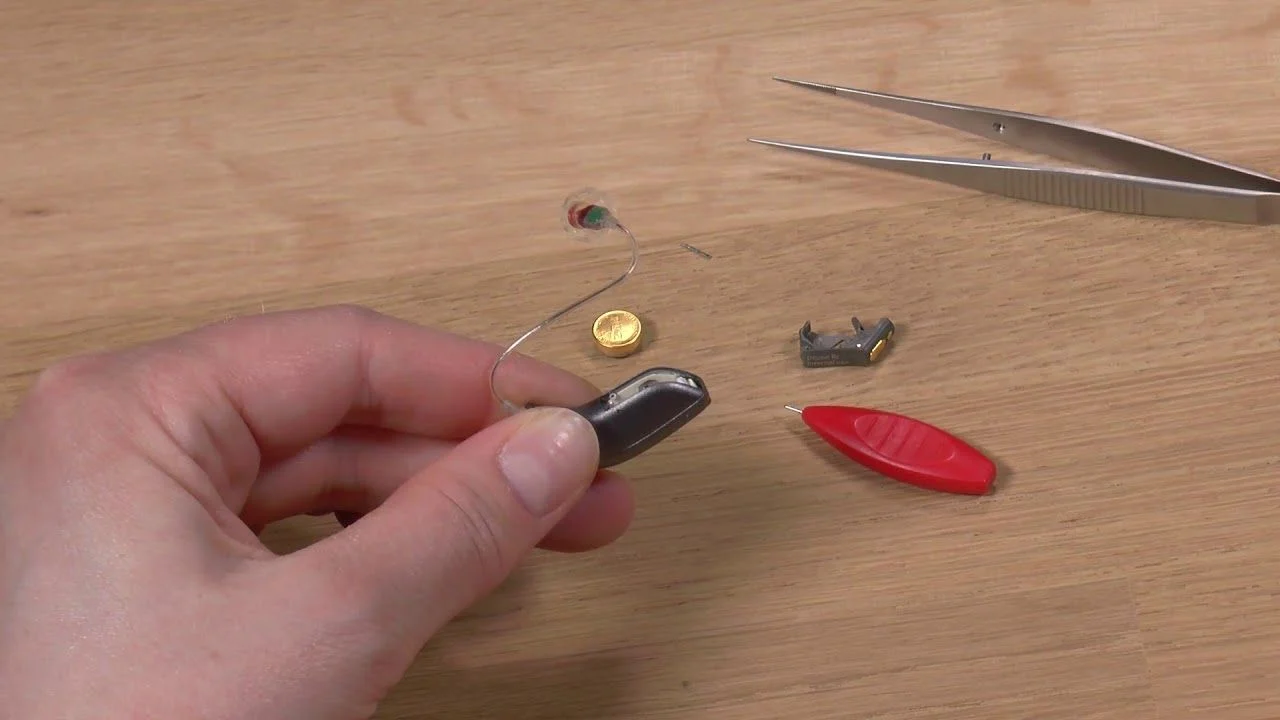
When connecting the hearing instruments to the fitting software make sure to always bring the hearing instruments into “Fitting mode” by rebooting them. This is done by opening and closing the battery door of the hearing instrument one time.
By doing so it is possible for the fitting software to discover and communicate with the hearing instruments.
Note: If a hearing instrument is accidently put into flight mode where all wireless operation is disabled, just open and close the battery door again. After 10 seconds wireless operation is resumed. Keep the battery door closed for an additional 15 seconds after wireless operation has been resumed before opening and closing the battery door again. Opening and closing the battery door within 15 seconds will put the hearing instrument into flight mode again.
For more information about Flight Mode please refer to the relevant wireless hearing instrument user guide.
After having completed the fitting make sure to open and close the battery door to reboot the instruments saving all settings
You’re ignoring this member’s posts.

Daft question, but you have turned your iPhone on to flight mode?
Of course I did 
@pvc and others:
Guys, I have a story which I hope can be useful for anybody else.
Finally, I found a person who has hipro device and bought some required cables for my Opn.
Then I was just excited for the opportunity I can do programming myself and forgot about NoahLink.
Today I decided to see how it works to give up with noahlink completely and you know what.. it works!
I’m not sure what I did exactly.
But. I think it makes sense that you need to connect your PC and with cables at first. And then wireless ones will work with their best.
Thank you everybody who tried to help!
You’re ignoring this member’s posts.
Great @rwjuok !! Oh, you need Hi-pro / cables to update the firmware on Oticon Opn, so it’s good that you have two options. With wireless you can hear the changes immediately after changing the fitting.
You’re ignoring this member’s posts.
Exactly!
Such an amazing feeling when you can manage your hearing aids settings right in your office place where lots of people talking at the same time.
You’re ignoring this member’s posts.
I don’t know about OPN as I have Signia NX. The firmware of the hearing aids and the NoahLink wireless has been upgraded to accommodate hearing aid firmware updates. I suspect OPN has as well, since some of the newer rechargeable hearing aids cannot communicate with cables. Obviously, Bluetooth is the path.
You’re ignoring this member’s posts.
I don’t know about OPN as I have Signia NX. The firmware of the hearing aids and the NoahLink wireless has been upgraded to accommodate hearing aid firmware updates. I suspect OPN has as well, since some of the newer rechargeable hearing aids cannot communicate with cables. Obviously, Bluetooth is the path.
No, don’t guess. Opn Firmware updates require a wired programming device.
You’re ignoring this member’s posts.
You’re ignoring this member’s posts.
You’re ignoring this member’s posts.
Hearing Aid Self-Fitting (DIY)9 replies
Hearing Aid Self-Fitting (DIY)4 replies
Hearing Aid Self-Fitting (DIY)10 replies
Fitting Software Requests1.1k replies
Uncategorized451 replies