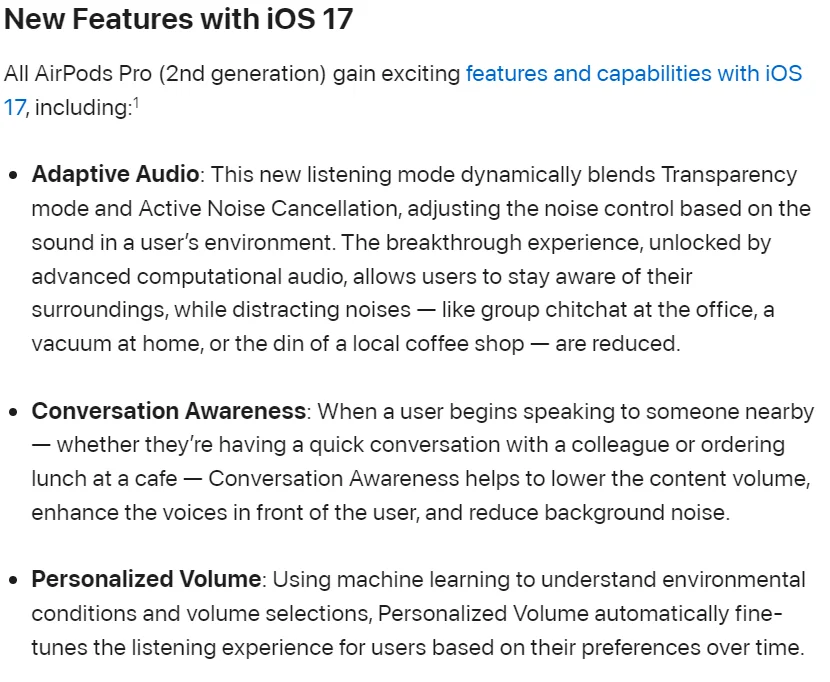
Before I got real hearing aids, I often used Airpods Pro 2 with some tweaks to transparency mode to hear conversations in noise. Those tweaks can be made via Headphone Accommodations, and include Conversation Boost. You can also adjust background noise cancellation and boost trebles or mids (speech range). The end result of all this is that my modified transparency mode sounded noticeably different from the standard, unmodified transparency mode. It worked well for my needs, though I doubt it would be enough for more severe losses. I also played with the Adaptive Audio features, but didn’t end up using them.
If you turn on Adaptive Audio in a quiet setting, it just sounds like transparency mode, because there’s no noise for it to reduce. If you’ve made modifications to transparency mode, it won’t use them - it just sounds like the standard, unmodified transparency mode. If you turn on Conversation Awareness, then when you start talking, it switches to transparency mode. But for Conversation Awareness - and only Conversation Awareness - it will use the modifications to transparency mode. If you test this out in a quiet room, it will essentially switch from unmodified to modified transparency mode whenever you start talking.
I found the frequent automatic shifts between standard and modified transparency in Conversation Awareness to be too jarring to use when conversing. It’s also sort of opposite to what I need, because it’s activated when I’m speaking, and automatically deactivates after a few seconds where I don’t speak. I don’t need to hear better when I’m speaking, I need to hear better when the other person is speaking!
It’s possible that just using Adaptive Audio without Conversation Awareness, or using Conversation Awareness but switching off my modifications to transparency mode, would have helped with conversations in noisy settings. I never tested that, but since I made those modifications to assist with hearing, I’m skeptical that switching them off would be a net improvement.

 Campbell/San Jose, CA
 Canada (Toronto) YYZ
 Stroud, Gloucestershire