
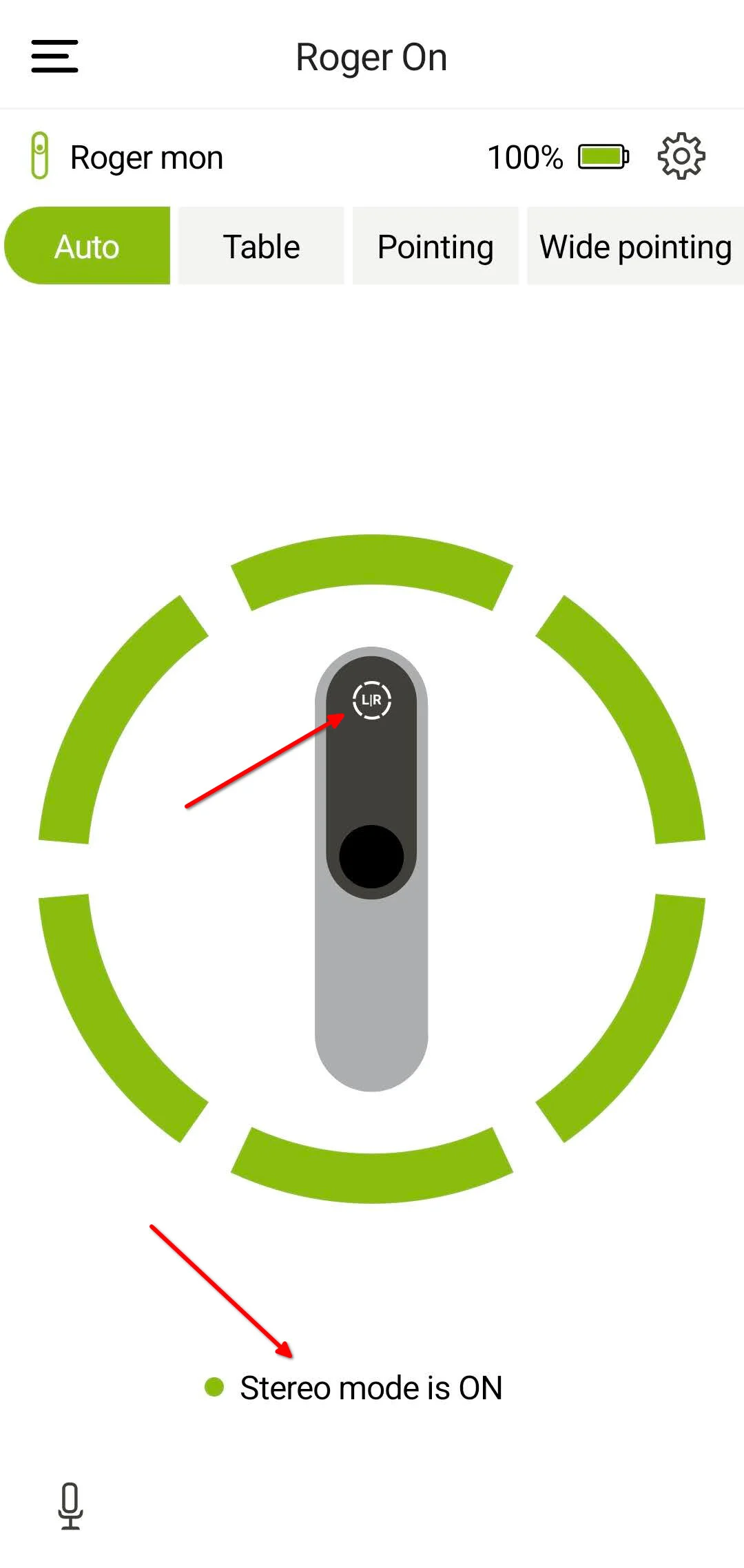
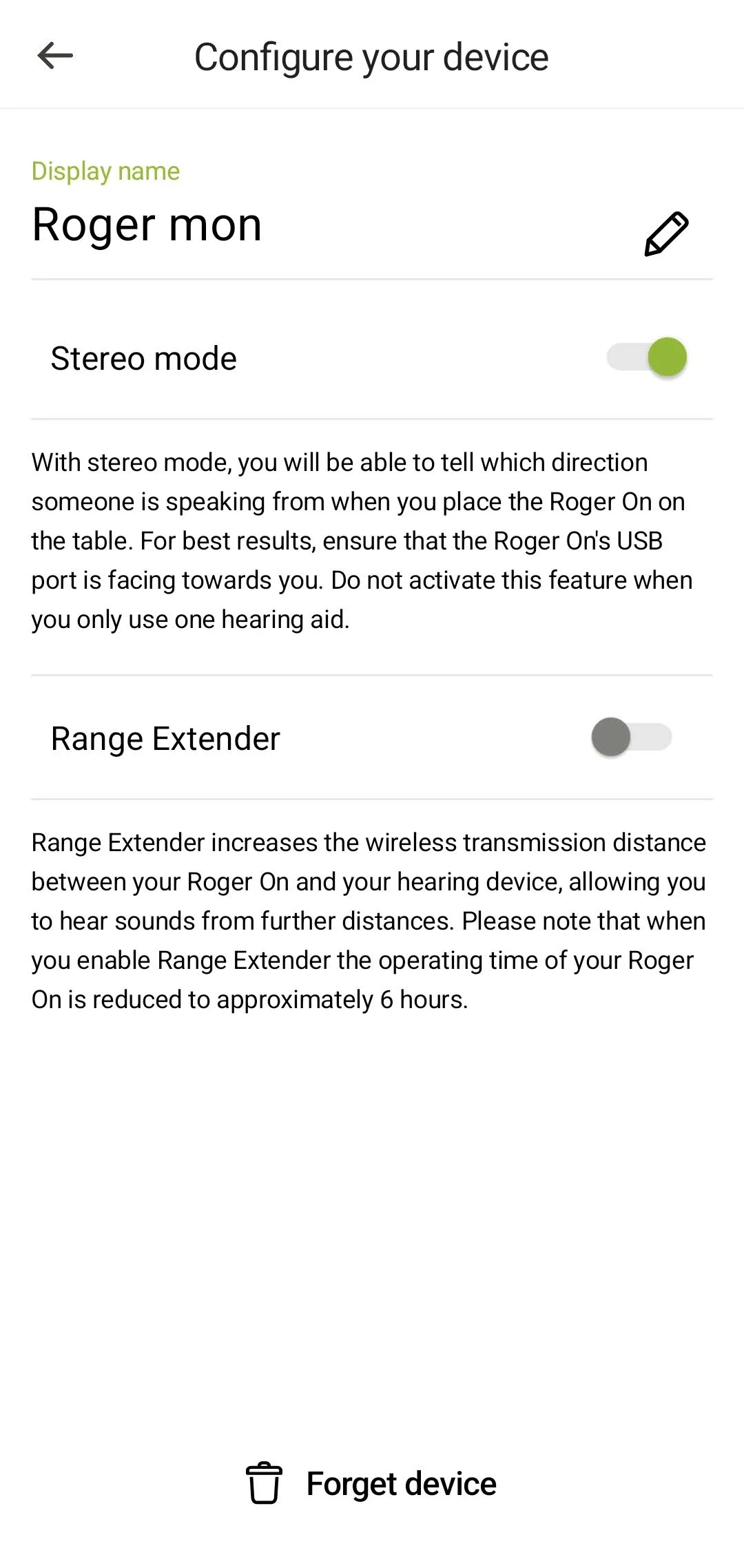
On page 38 of the user guide for my Roger On 3 mic, there is a brief reference to a stereo mode which can be implemented in table and wide pointing modes. However, there is no apparent way to enable it. My audi at sent me a digital version of the user guide for the previous RogerMic 1.1 which has detailed information for that feature. However, in the myRogerMic app which I downloaded to my iPhone, the screen which is depicted in the RogerMic 1.1 user guide does not exist; all you can do in the app for the Roger On 3 in the “Configure your device” screen within “Settings” (which is where the stereo feature is selected for the RogerMic 1.1 per its booklet) is change the device name if for some reason one wishes to do that. I called Phonak and the agent had no answer.
This is not a big deal, but since the feature is mentioned in the Roger On 3 user guide (although only in a cursory fashion, compared to the subject’s more expansive content for the RogerMic 1.1 published in its user guide), I am curious. Unfortunately, neither my audi nor the first level Phonak telephone agent had a clue. The agent escalated the question, so I am now awaiting a reply from a higher level Phonak employee.
You’re ignoring this member’s posts.


 Rural New England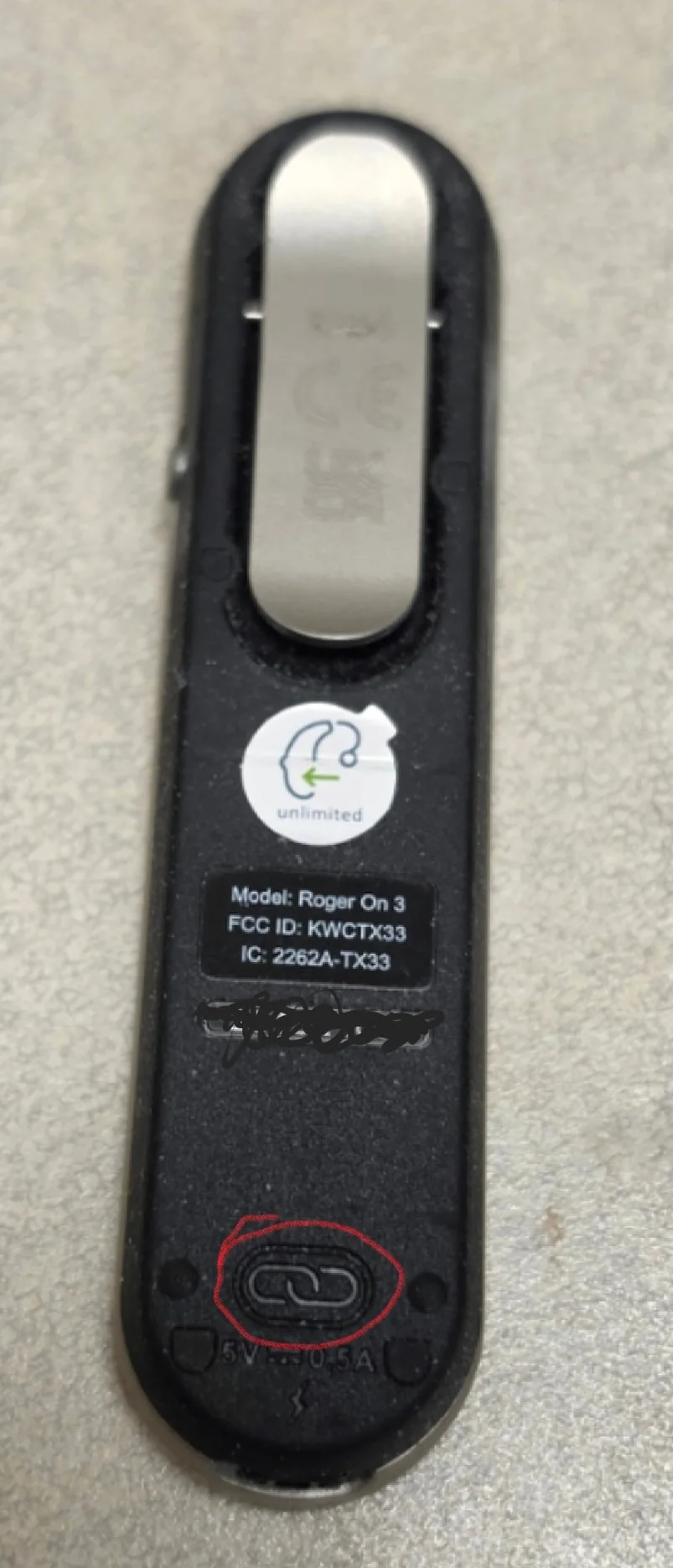
 Poland