
tenkanProvider
Welcome to the forum, great your giving a go, please be sure to research and read the user guides before starting your DIY projects as it’s very helpful for setting up the first time.
You’re ignoring this member’s posts.
892 replies36.7k viewsLast reply
Welcome to the forum, great your giving a go, please be sure to research and read the user guides before starting your DIY projects as it’s very helpful for setting up the first time.
You’re ignoring this member’s posts.
I would appreciate a link to the Smart Fit 2 software for the Jabra Enhanced Pro 20 please. I have the Noahlink 2 Wireless. Thanks
You’re ignoring this member’s posts.
Hi there, great your giving a go, be sure to do some research and read the user guides before starting as it’s very helpful for setting up the first time.
You’re ignoring this member’s posts.
I’ve been working with for past couple of weeks now. I recently visited my audiologist who tweaked my ’s a bit. Couple of questions/observations:
She added Hear in Noise program to my HAs. How do I access the feature to change the microphone setting? IE: Front Focus and Ultra Focus. I see these within the Smart Fit software as pulldown choices within Hear in Noise program. But I do not have any options to change the on the Resound 3D app. I have iPhone 15proMax on ios 18.1
Prior to seeing my audiologist, I had dabbled a bit with the HAs using Smart Fit and Noahlink. So when audiologist pulled up my HAs on her Smart Fit, it noticed a difference. Is there a way to prevent this from happening?
You’re ignoring this member’s posts.
Yeah I heard on another post how the App no longer shows the “cone” Beam forming, see if you can find them, as for the change in settings, no - there’s always a time stamp difference, but there’s not much point in if you’ll worry about this, just remember these are your and you can do what you like with them, it’s not like you need to explain anything to them.
You’re ignoring this member’s posts.

With my Omnias I changed Hear in Noise to give me the cone control in the app because I found the fully automatic setting was making the wrong decisions and I could hear much less well until it changed back, maybe 2 mins later. I forget how the different directionality settings are described, but it’s easy to find them in SmartFit.
You’re ignoring this member’s posts.
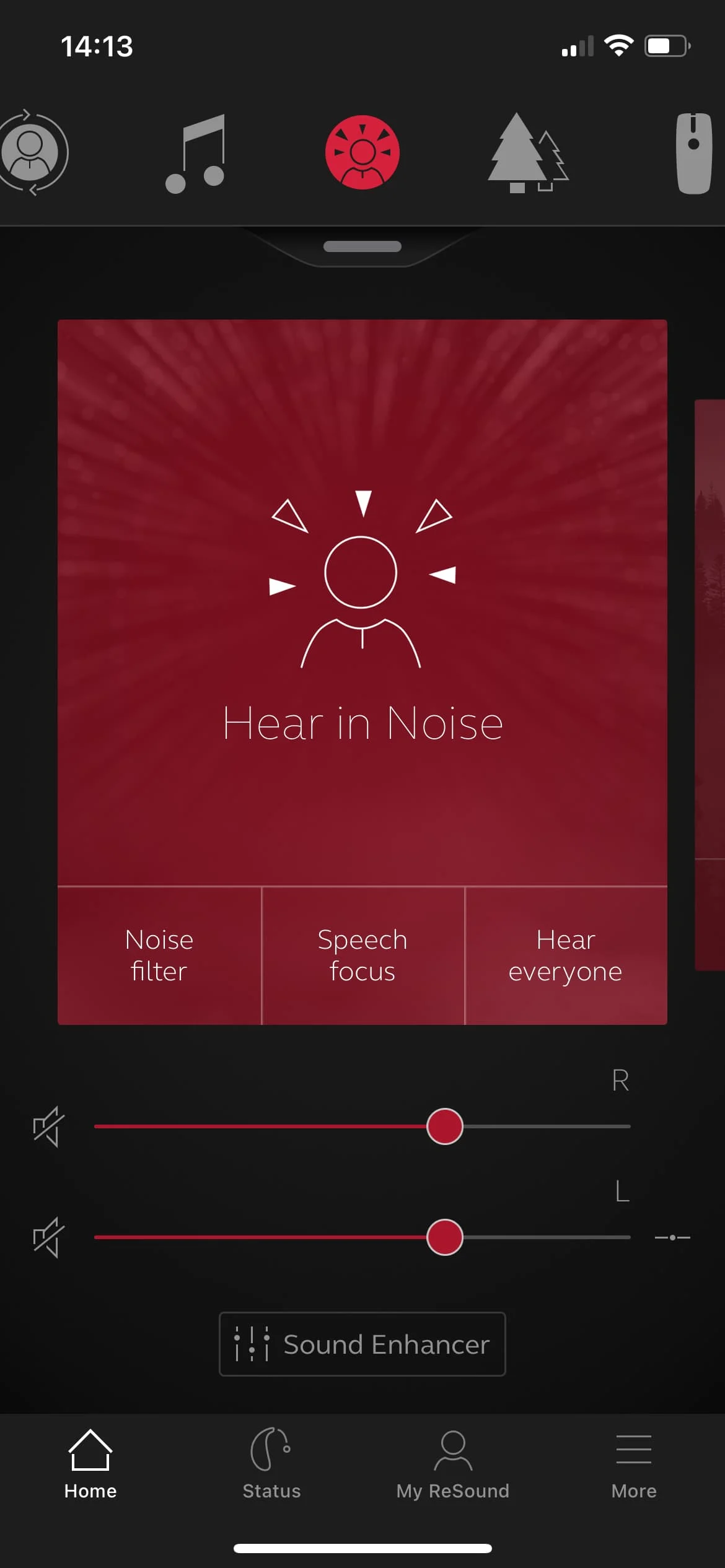
Thank you both. I did find them in Smart Fit. I changed Hear-In-Noise to Autosense with Directionality, and the Music program from Omni to Spatial Sense. Upon saving and checking in the App, I noticed that I have 3 button choices for HearInNoise at the bottom of the app (Noise Filter, Speech Focus, and Hear Everyone). Before there were just two. I guess this is how you change the “Cone” vs with a visual.
You’re ignoring this member’s posts.
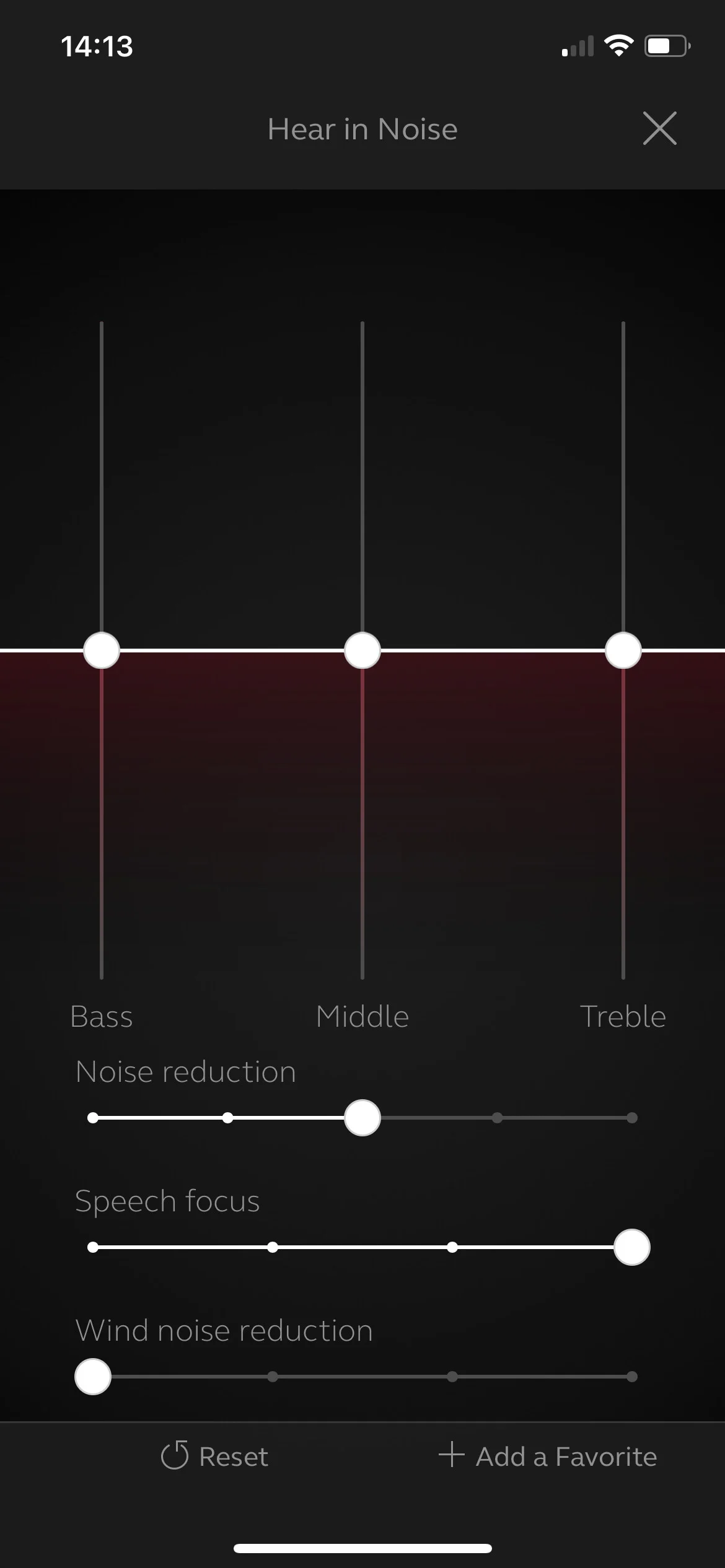
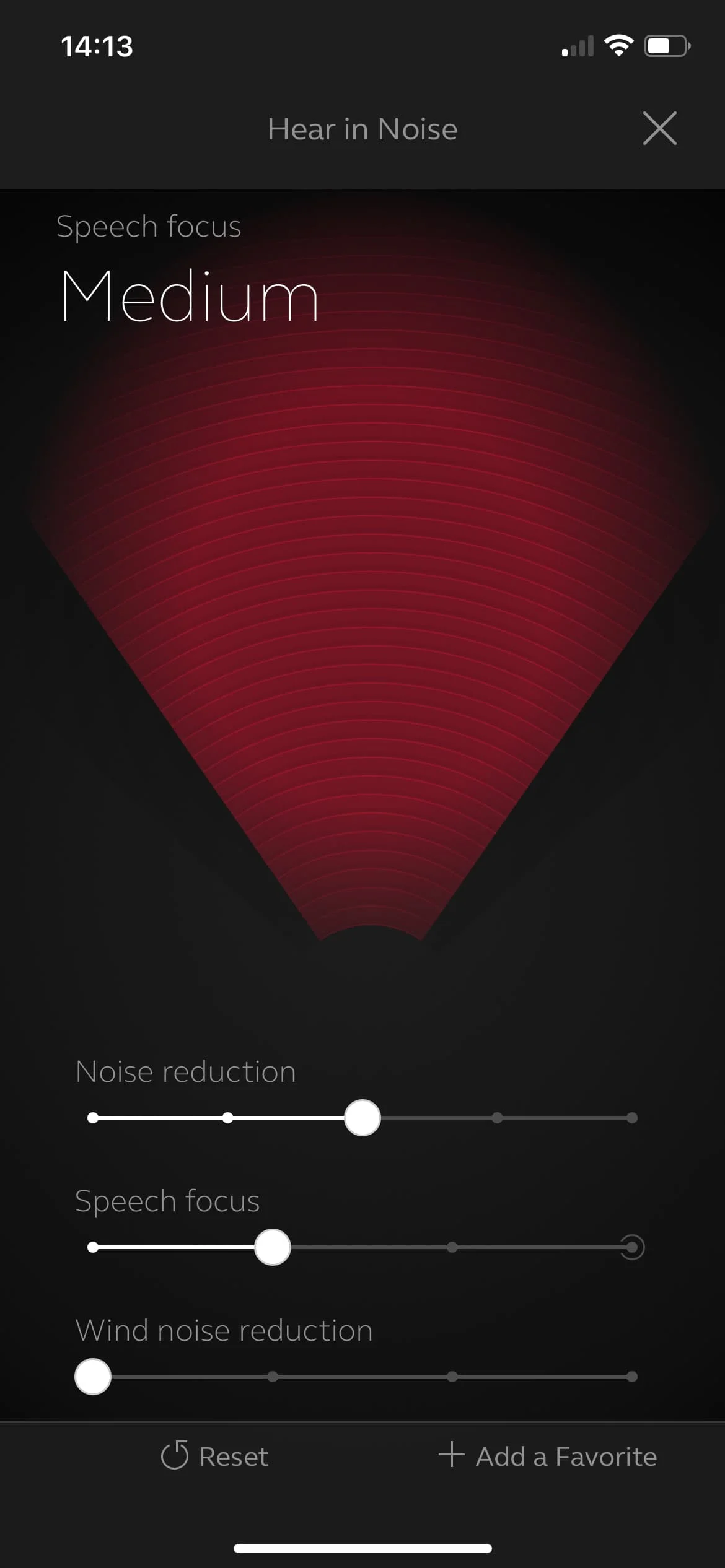
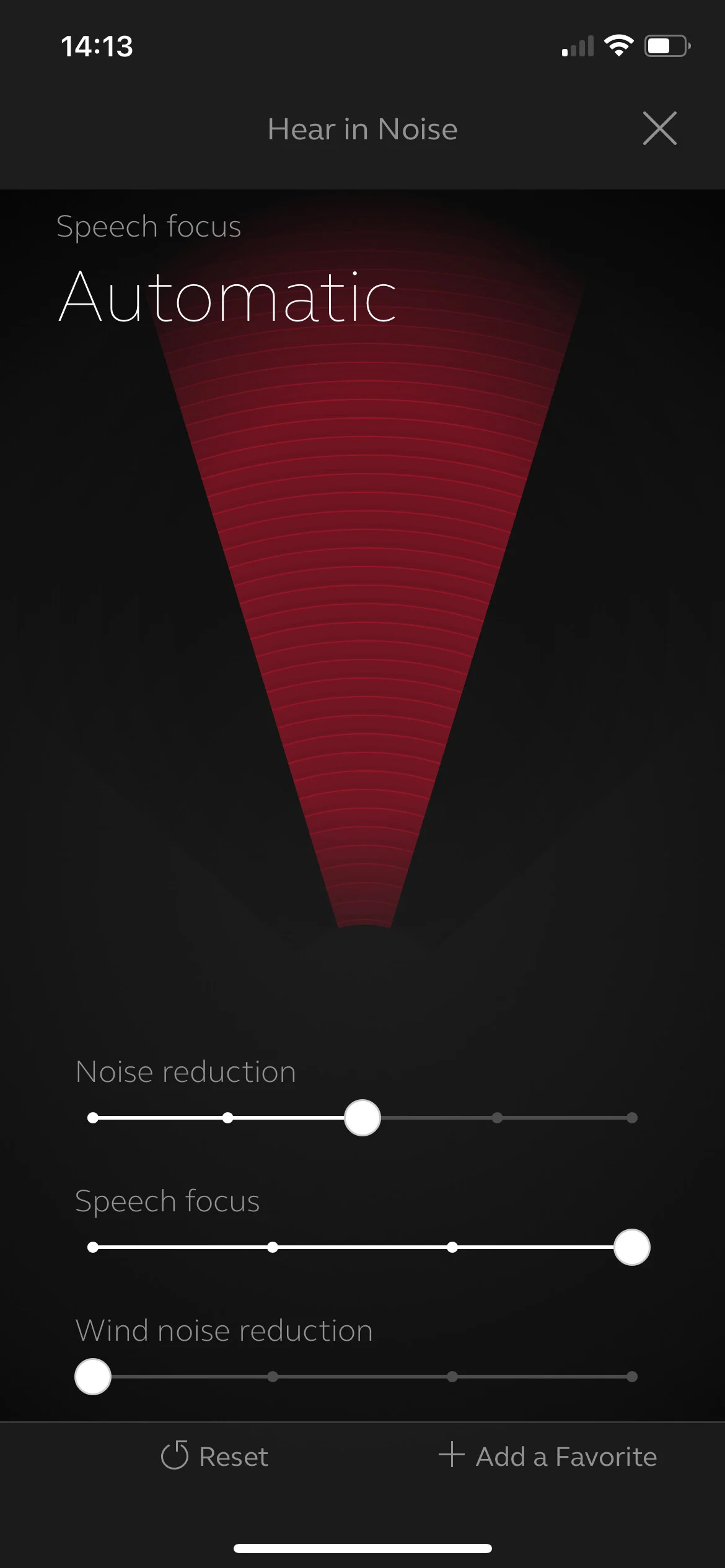
If you click on the Sound Enhancer link at the bottom of the screen in Hear in Noise, you get taken to the usual adjustment screen. If you touch the Speech Focus controller bar/line at the bottom, you can vary the cone as you like.
You’re ignoring this member’s posts.
That was hopeful, but doesn’t reflect on my app. When I click the sound enhancement in speach focus I still see the EQ settings
You’re ignoring this member’s posts.
Belay my last post… I reread your message and figured out what you were saying. Tap the speach focus bar/line and it brings up the cone. Nice!
You’re ignoring this member’s posts.
You’re ignoring this member’s posts.
good day
im a fitting hearing aids can someone kindly send me the link to download resound hearing aid fitting software.
Thanks in advance
You’re ignoring this member’s posts.
You’re ignoring this member’s posts.
Welcome to the forum, great your giving a go, please be sure to research and read the user guides before starting your DIY projects, and don’t forget you’ll need the Noahlink wireless programming device.
You’re ignoring this member’s posts.
Hi there, great your giving a go, be sure to do some research and read the user guides before starting, you’ll need the Noahlink wireless programming device as well for your DIY projects.
You’re ignoring this member’s posts.
You’re ignoring this member’s posts.
You’re ignoring this member’s posts.

WHERE is it available?
Edit: When searching for Download Resound SmartFit, there is a link for v1.18 at the official site. It is the 3rd or 4th one down. Once you have created a patient, and started a fit, the Help Menu will appear. It will allow you to update to 2.0
You’re ignoring this member’s posts.
I notice that I get much feedback in my Right ear when I put on over the hear headphones… Where would I go in Smart Fit 2.0 to help correct this?
You’re ignoring this member’s posts.
First thing is to get a correct fit for your dome or mold, you want a tight fit to stop the sounds from “leaking out” but some times it’s better to on ear headphones instead of over the ear types, using too much feedback management will cause warble and artifacts and of course a suppression of certain frequencies, no good for music.
You’re ignoring this member’s posts.
Log in to reply to this topic.
Hearing Aid Self-Fitting (DIY)3 replies
Fitting Software Requests419 replies
Hearing Aid Self-Fitting (DIY)1 reply
Hearing Aid Self-Fitting (DIY)5 replies
Hearing Aids52 replies
 Surrey, UK
 Atlanta, Ga