You’re ignoring this member’s posts.
What is latest firmware version for Oticon Opn? (Not the Opn S)
This topic is closed.
36 replies10.2k viewsLast reply

For the OPN and OPN S, I think (but not 100% sure) that you need to update their firmware via a wired interface. That’s because I have an Oticon FittingLink 3.0 wireless interface and I still had to use my miniPro for a wired update. A wireless firmware update was not allowed.
But for the More, only the Noahlink Wireless is compatible with it so a wireless firmware update is actually the only option via the Noahlink Wireless.
If you’re talking about an OPN or an OPN S and want to update its firmware using the Noahlink Wireless, you can try to see if it’d allow you to do it or not, but I doubt it. If it does, please report back and share so we all know. Thanks.
You’re ignoring this member’s posts.
Yes, just updated from the original installation.
No requirement to go to another website.Mike
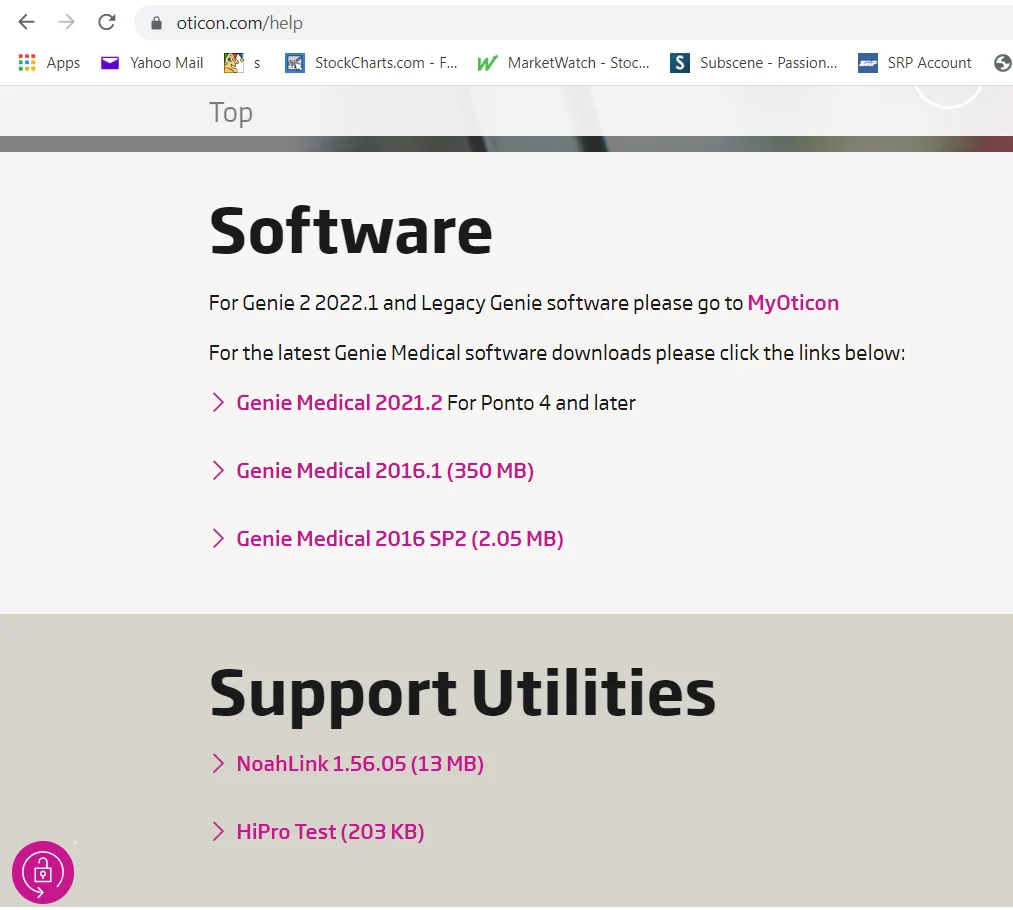
That’s interesting. Are you based in the US? If so, didn’t you get this page (as shown below) where it says to go to “MyOticon” link for Genie 2 2022.1???
You’re ignoring this member’s posts.
You’re ignoring this member’s posts.
You’re ignoring this member’s posts.
Thank you again for your quick response. I just wanted to confirm - I am on latest 6.1 also. I want to keep OPN1 up to date even though I wear Mores1 primarily.
You’re ignoring this member’s posts.
You’re ignoring this member’s posts.

 SoCal
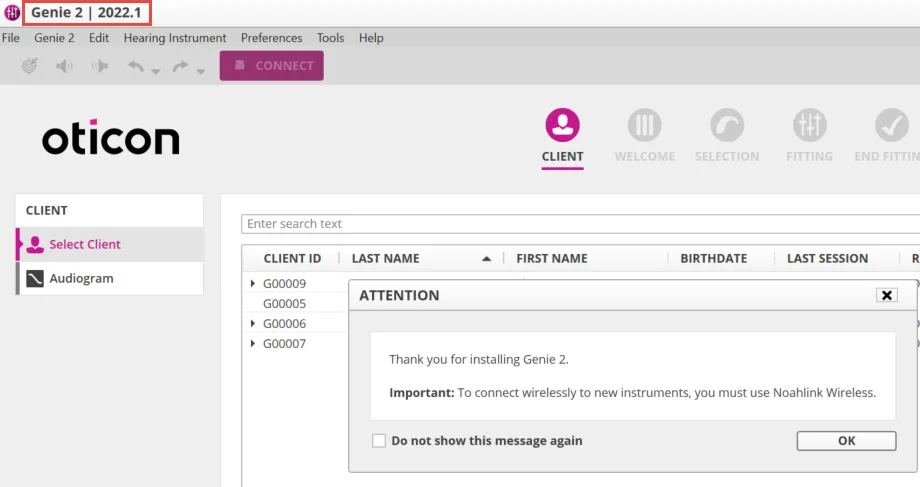
SoCalYeah, V, I got that same screen, but used the Genie Updater Tool, which for some reason would not work until I copied the Udater.exe file into Genie2 folder.
You’re ignoring this member’s posts.
Thanks for confirming, @flashb1024 . I’m able to update using the Genie Updater Tool without having to go to that new link (which requires filling out an application), too. I didn’t have to manipulate anything like you did (copied the Updater.exe file into the Genie 2 folder), however. Maybe mine is in there already for some reason.
You’re ignoring this member’s posts.

You’re ignoring this member’s posts.
Chuck,
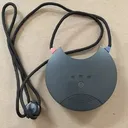
OPN, OPN-S, More could all be Mini , all have different Firmware.
I think Thou may trust your too much.
Or he was talking about something else.
Mike
You’re ignoring this member’s posts.

I haven’t seen any reason to distrust my audiologists. He has always admitted when he was wrong or didn’t know.
You’re ignoring this member’s posts.
I am on firmware 6.0 for OPN 1.
What’s the difference from 6.1?
Genie 2 keeps telling me that there is an update available. But not sure that I want to try it with Noah Wireless Link.
You’re ignoring this member’s posts.
You’re ignoring this member’s posts.
I’m note sure if you can do firmware updates on the OPN using Noahlink Wireless or not. My assumption is that only the More can use the Noahlink Wireless for firmware updates. Although the OPN and OPN S is supposed to be compatible with the Noahlink Wireless, firmware updates on these 2 models have required a wired connection before, and Oticon is not clear on whether one can use the Noahlink Wireless for OPN and OPN S firmware update or not. But if you decide to try it out and are successful at doing so (OPN firmware update with Noahlink Wireless), please share your success here on the forum so we’d all know.
You’re ignoring this member’s posts.

tenkanProvider
Genie will tell you what the update is for, but no need to update if you don’t need to, if everything is working fine I wouldn’t bother.
You’re ignoring this member’s posts.
The OPN and OPNS are not compatible with the Noahlink Wireless for firmware updates.
The Velox processor requirers a wired connection.
@pvc has a compatibilty guide in his excellent guide in the section.
You’re ignoring this member’s posts.
Related discussions
Hearing Aid Self-Fitting (DIY)5 replies
Hearing Aid Self-Fitting (DIY)6 replies
Hearing Aid Self-Fitting (DIY)16 replies
Fitting Software Requests1.1k replies
Fitting Software Requests513 replies