t’s Noahlink wireless, the NOAHlink is a different device.
You are absolutely right, the device is noahlink wireless, I don’t know why I wrote it that way. Correct is “Noahlink Wireless”
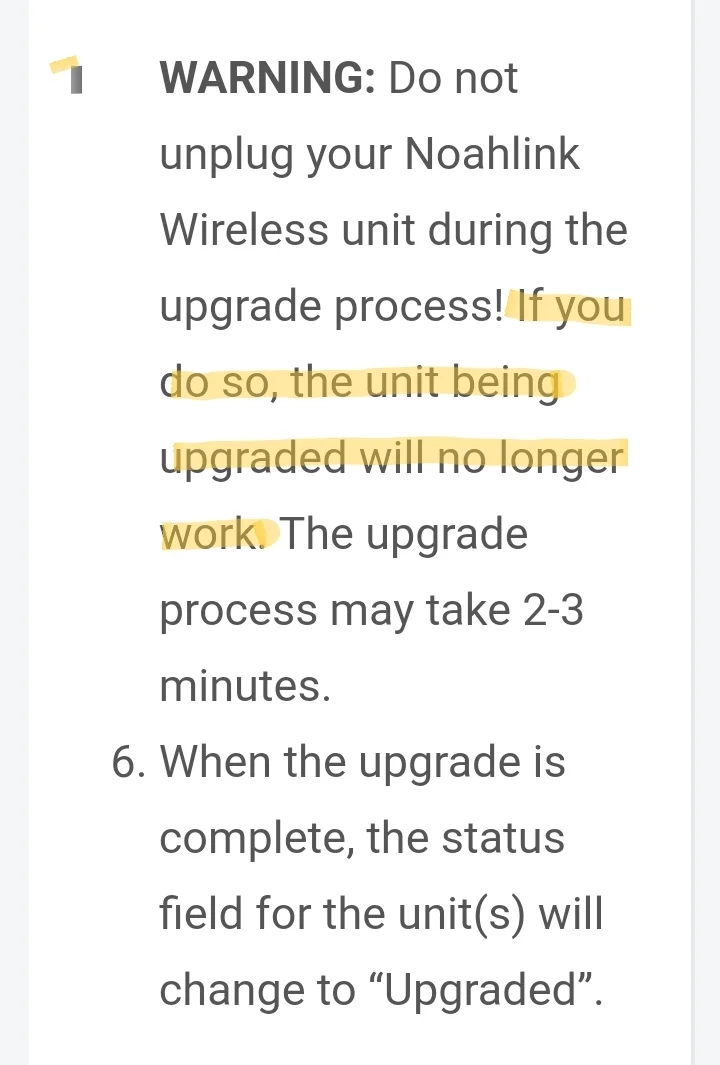
Always bad when you lose connection during a firmware update, this is for HAs or accessories, but I don’t understand the "video card"error?
The video card error consisted of a multitude of colored boxes on the screen and a blockage of the equipment that required a reset, it was not intentional, just bad luck, it had never happened.
So just to be sure here, you say windows shows the device as “Noahlink wireless” and not Airlink2, so this would mean the firmware update was successful?
When you plug the Noahlink into your PC, do you get the green light flashing?
Just to be sure, have you checked that you have chosen Noahlink wireless as the programming device from the drop down menu, from right at the top of the software you have the option of doing this.
When connecting to USB, device turns its two lights green and WIN recognizes as “Noahlink Wireless”, device is recognized as such and “works correctly” for WIN.
However, in Phonak Target 7.2.1> configuration> Adaptation devices> Noahlink Wireless selected, it appears as “connection not verified”, when checking it shows connection problem, check device connection to USB or load drivers or contact local support.
On the other hand, it is not possible to update the firmware in Phonak Target 7.2.1> trial and tools> firmware update> Noahlink Wireless> update … so it doesn’t seem to do anything.
Yes could be, but the importance of not disrupting a firmware update is of paramount importance
I’m with you, pretty brick. The risks of updating the firm were accepted, it was not sought, but there were problems

 España



 Surrey, UK
 China
China