Maybe see whether you can connect to them as a New Patient, rather than as the existing patient. If they have been reset to factory settings then you will have to choose which is left and which is right, set up which receivers they have and the dome/mould/vent settings too.
It is odd though because updating the firmware doesn’t normally reset the hearing aids.
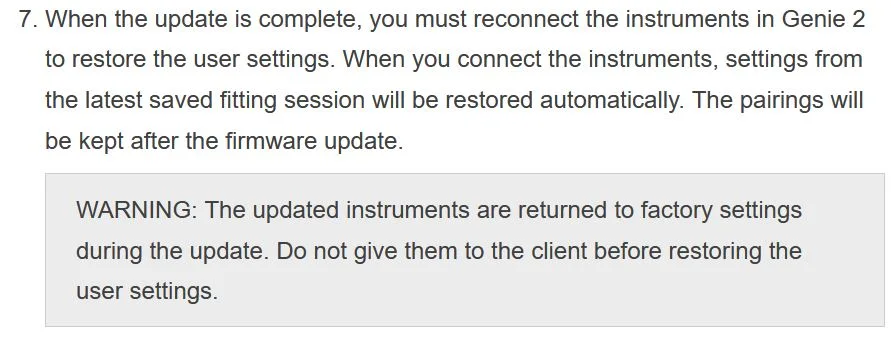
Yes, updating hearing aid/ firmware is descructive. The first part of the firmware update procedure is to save the HA settings and then restore the HA settings after the firmware update.
Though, I can’t say firmware update is descrutive for “all brands”, thus I can’t say that it’s descructive for ReSound. That’s why I asked the question about whether the hearing aid settings were the same.
I was able to do the initial fitting and saved the setting’s onto the HA before I updated the firmware on the HA’s.
Where did your HAs come from?
Your audiologist?
Other?
If they came from your your audiologist and were programmed to fit your hearing loss, then the first thing you should want to do is save those professional settings/Step5 without making any changes and save the settings to your database.
ETA; Though if you cannot connect to the HAs, then having saved settings in a database is not going to be useful.
The ’s are new from an online source - not an audiologist - they were working fine until the firmware update and I have a saved session with the aids tuned to my - tbh - I’m not bothered about the initial settings etc… just trying to get them connected and programmable.
It very strange - I can connect to then via my phone - although the settings are all wrong I suspect and when I dock them onto the charger my phone knows all about it, and tells me it’s docked and I can make the hearing aids ‘BEEP’ via SmartFit.
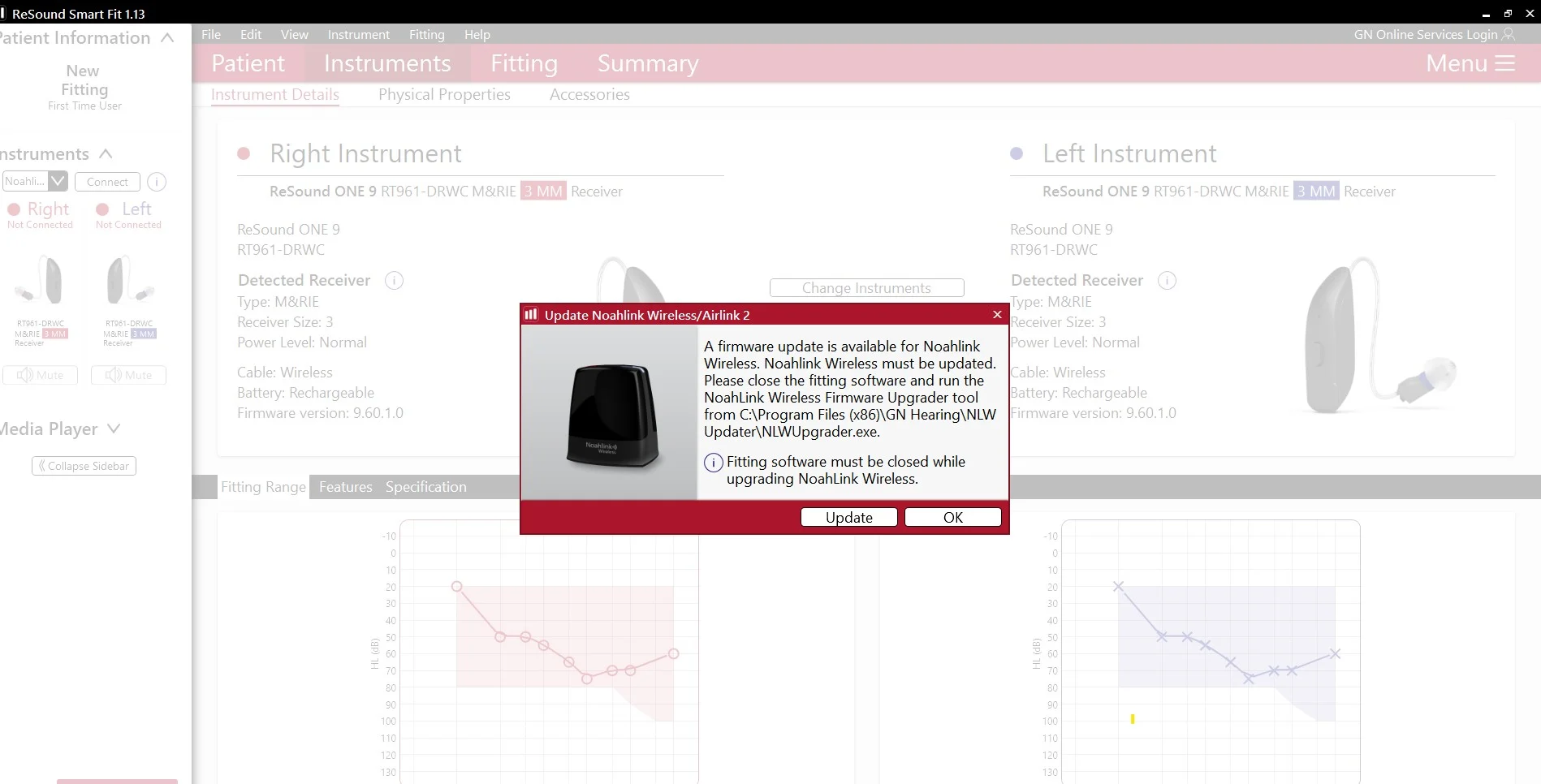
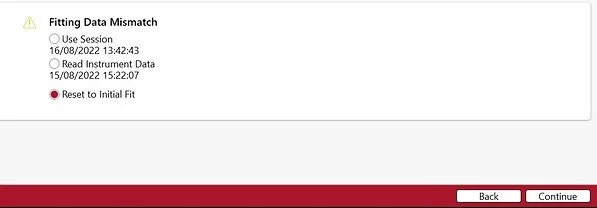
I did note however this popped up (but i’m on the latest FW of 2.23 anyhow)
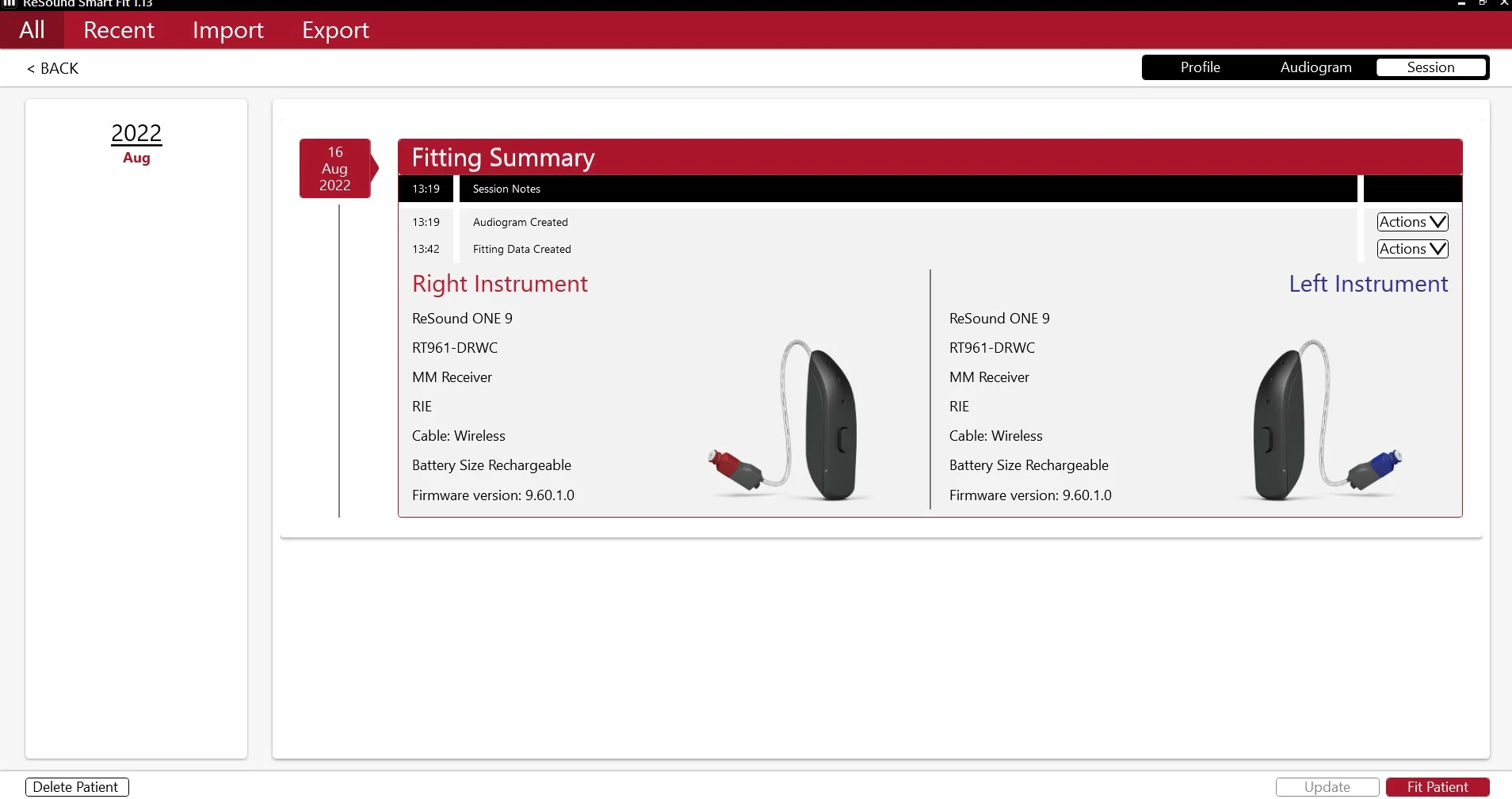
Also when I created a new patient I was able to see the new firmware level
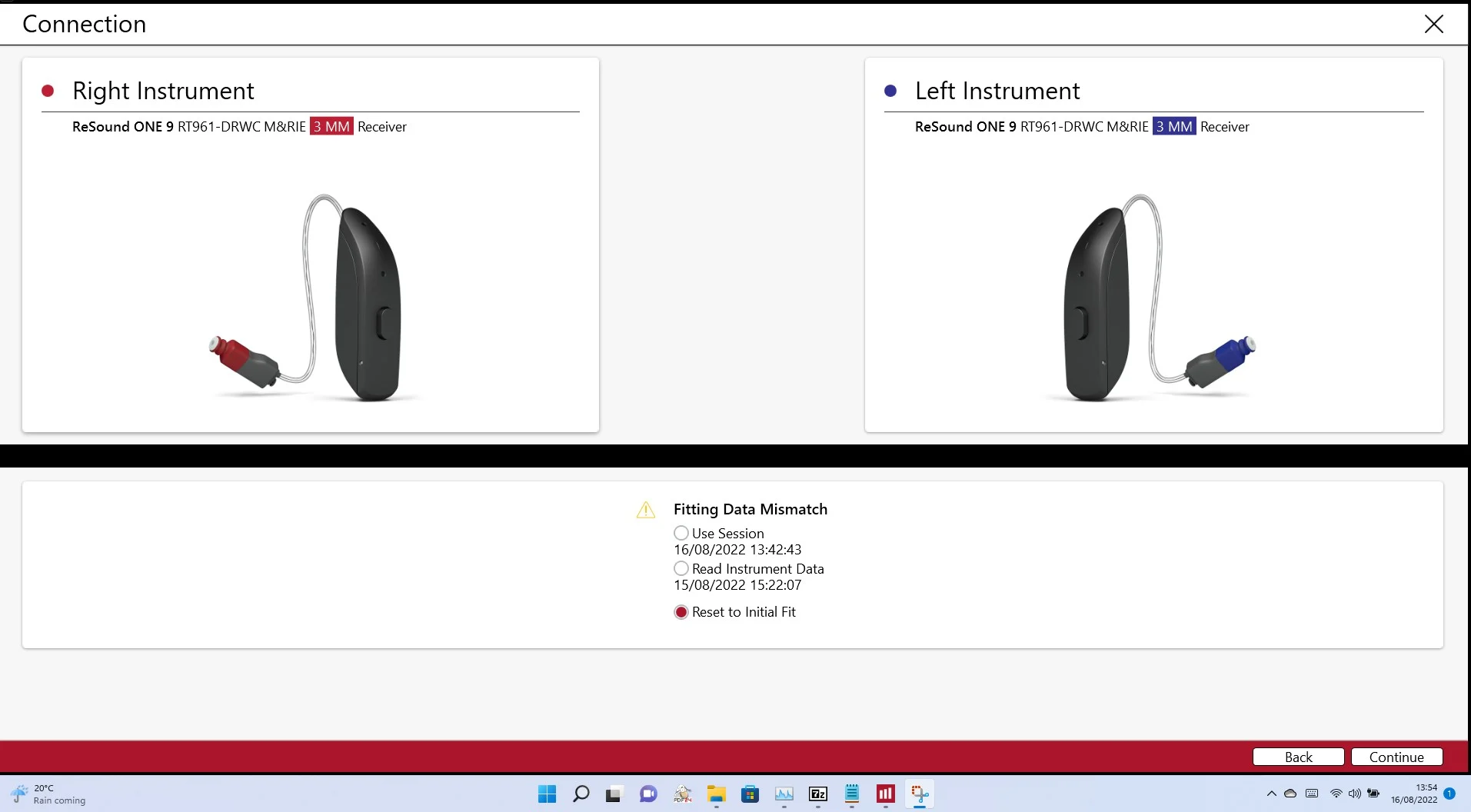
When I get the initial connecting screen it also know the the fitting data in different as well
Since you are able to connect as a new patient as suggested by @david.hendon maybe that will be your path forward using the database settings.
ETA; Wait, if you connected via a new patient how does the new patient have any database settings at all? I am confused about the settings mismatch with the option to use 16/08/2022 session?
I wish I was able to connect with the new settings - same error as before - but it seems then the initial search for the ’s is done it is able to detect the FW level of the HA’s ( as well as ‘find them’ and BEEP etc…)
I restarted my laptop and the FW for NOAHLINK was already FW2.23.
As far as the know when I created the new dummy patient it did the initial search / scan for the aids - this is prior to the full connect - where I select the found HA’s and then the screen pops up about the fitting mis-match.
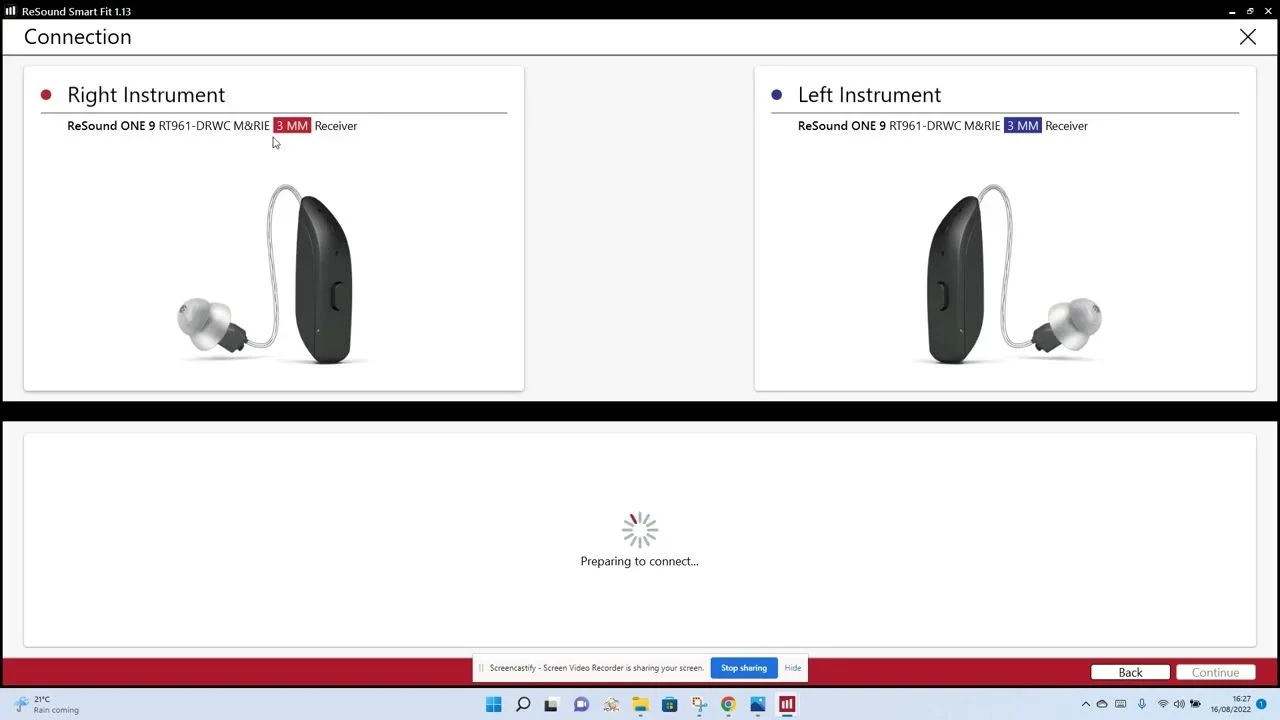
Sorry It must be me not explaining things very well - - but I’m not able to connect at all - I’m able to search for the ’s and it finds them - ie. correct model and receiver listed - but when I select them by clicking on the Select button regardless of using my original patient I created - or another newly created on.
I did note however this popped up (but i’m on the latest FW of 2.23 anyhow)
If your getting that pop up, you are “NOT” on the latest firmware,
when it pops up again do the update.
Although I’ve asked before, can you confirm you have Bluetooth turned off on all other bluetooth devices, unless you do this, you’ll never make a connection, the fact you keep mentioning how everything works fine through the App tells me your still connected!
Once you have done these things, retry connecting, but start a slightly different way, instead of going straight to clicking on “fit patient” click on that Red pop up by your name
(this is for making changes to your details) you can then click on sessions from top right or “fit patient” from the bottom right corner, the session option should take you to the SmartFit fitting page, click connect from the left-hand side bar, do your start discovery mode with your push button, and you should by all accounts if you have followed the suggestions, connect.
As been mentioned, doing firmware updates doesn’t reset your .
If you set up a new patient, you can enter an manually, then once in and connected, do in situ testing to correct it, apply the new settings and you are away. But there is something else going on here and it’s a mystery to me what exactly. I don’t think you can enter like this though.
I would do the Noahlink Wireless firmware update first. There was a recent update and I think I read somewhere that it was necessary to support the latest Resound feature of the hearing aid microphones acting as microphones for your phone when answering phone calls.
Also Yep, in-situ should work as well as the previous settings (which were from online, and not settings from an audiologist).
Also, I learned something new about ReSound requiring turning off Bluetooth on other connected-to-HA devices. Updated the School (04 Noahlink Wireless - Instructions For Use) PDF file to reflect that.
One thing I don’t get is the statement, “doing firmware updates doesn’t reset your HAs”. Sorry, I don’t understand that statement. The firmware is the brains of your HAs, and the brain is being replaced. So of course it resets your HA. Unless reset has some other meaning that I misunderstand??
One thing I don’t get is the statement, “doing firmware updates doesn’t reset your HAs”.
It means it doesn’t reset the to a initial fit or change the programming in ones HAs, as programming doesn’t have anything to do with the actual firmware.
oic; Well Oticon does destroy the client fitting settings, and then restores the settings after updating the firmware. I will see if I can find some documentation on that procedure.

 Surrey, UK


 Aberdeenshire