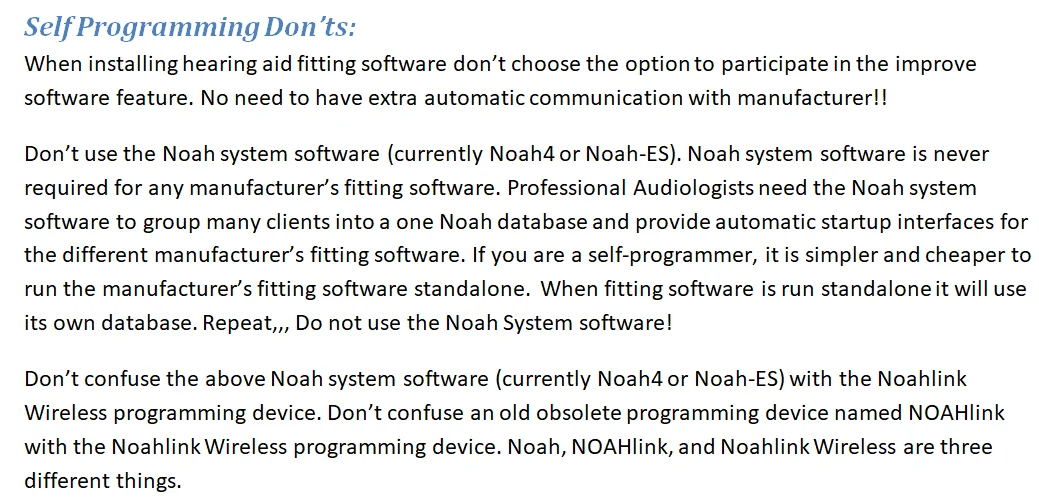
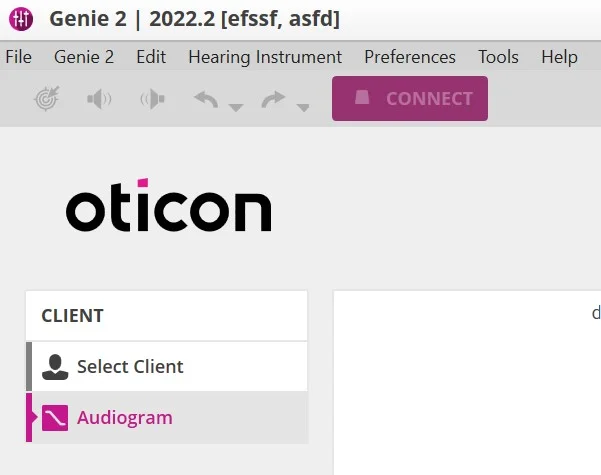
I have a written from my health care provider. I entered it into Noah4 software and saved it. My question is how do I find the saved audiogram and import it into Genie2 software?
Thanks
You’re ignoring this member’s posts.
This topic is closed.
7 replies472 viewsLast reply
I have a written from my health care provider. I entered it into Noah4 software and saved it. My question is how do I find the saved audiogram and import it into Genie2 software?
Thanks
You’re ignoring this member’s posts.
You’re ignoring this member’s posts.
Maybe it would help if I tell you I’m using a new standalone Genie2 software on my home computer. So the paper I have is not available to Genie2. I need to physically enter the audiogram data into Genie2 someway. That’s what I need to know is how to do that.
Thanks
Larry
You’re ignoring this member’s posts.
You’re ignoring this member’s posts.
Ok then but how do I physically enter the paper data into Genie2. I see the blank left right graphs but I can’t figure out how to transfer my paper data initially Genie2. Was east in Noah4.
Thanks.
You’re ignoring this member’s posts.

Click some points on the graph. Also maybe you can enter numbers below? But I don’t know for sure about entering the actual numbers. I will go check. BBL
You’re ignoring this member’s posts.
Yes you can enter your by clicking points on the chart, And you can also enter the actual numbers below.
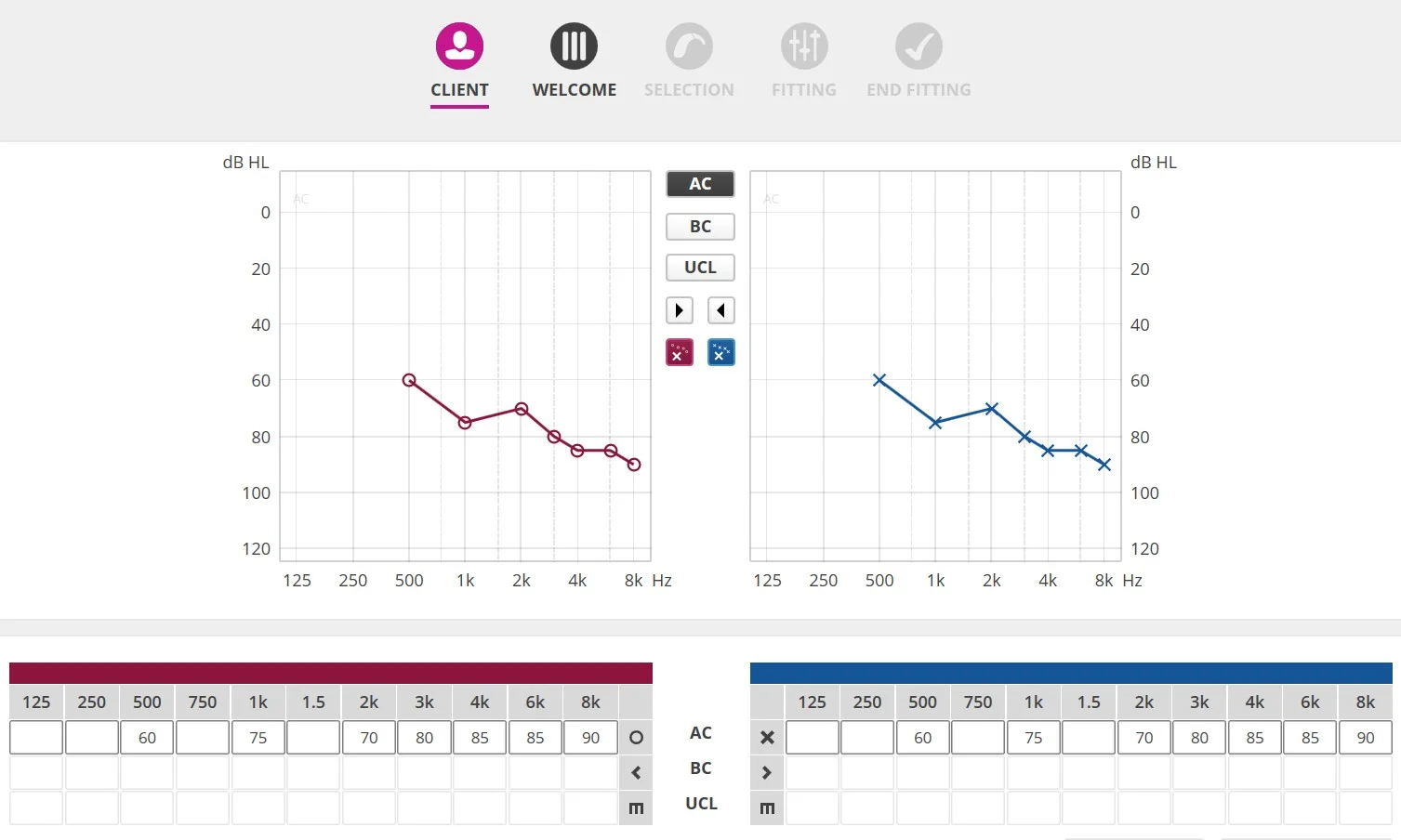
btw> The number on this test client (Joe Blow) match exactly on Left and Right only because I quickly clicked some points on the left and then copied left settings to right in order to make a dummy test client.
ETA; I omitted and settings for this test client.
You’re ignoring this member’s posts.
You’re ignoring this member’s posts.
Hearing Aid Self-Fitting (DIY)5 replies
Hearing Aid Self-Fitting (DIY)14 replies
Hearing Aid Self-Fitting (DIY)3 replies
Fitting Software Requests1.1k replies
Uncategorized453 replies