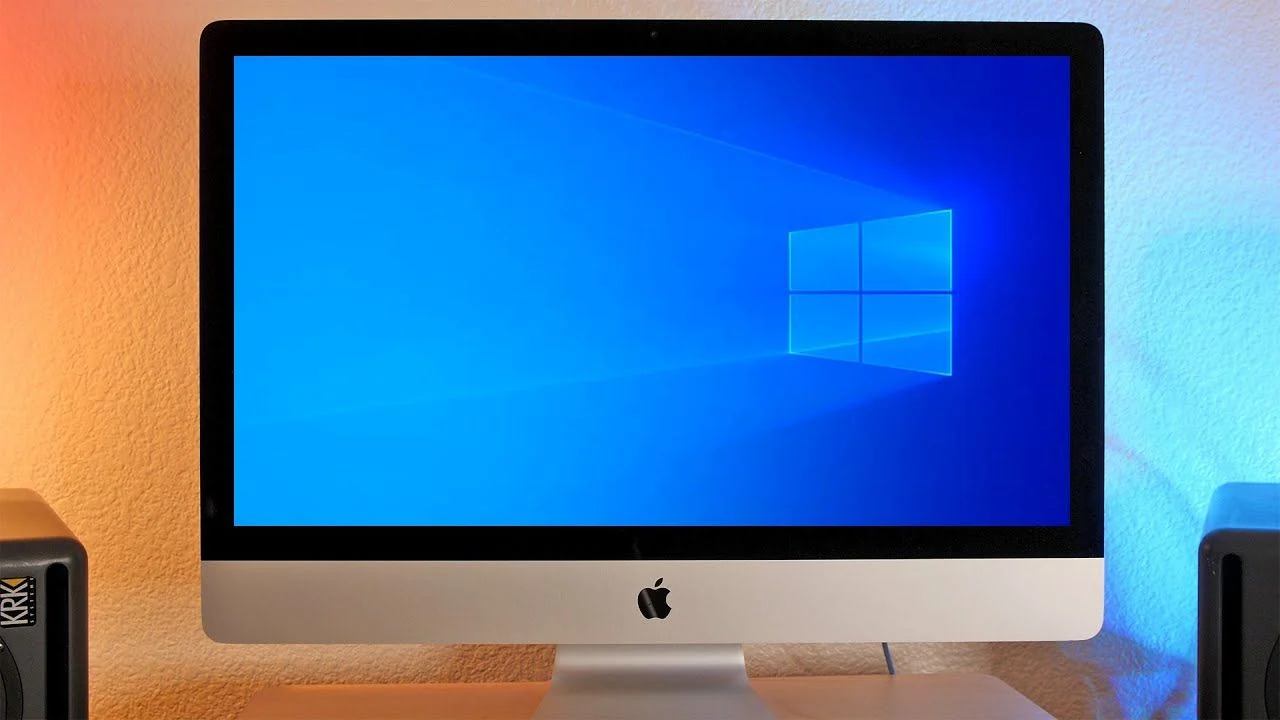
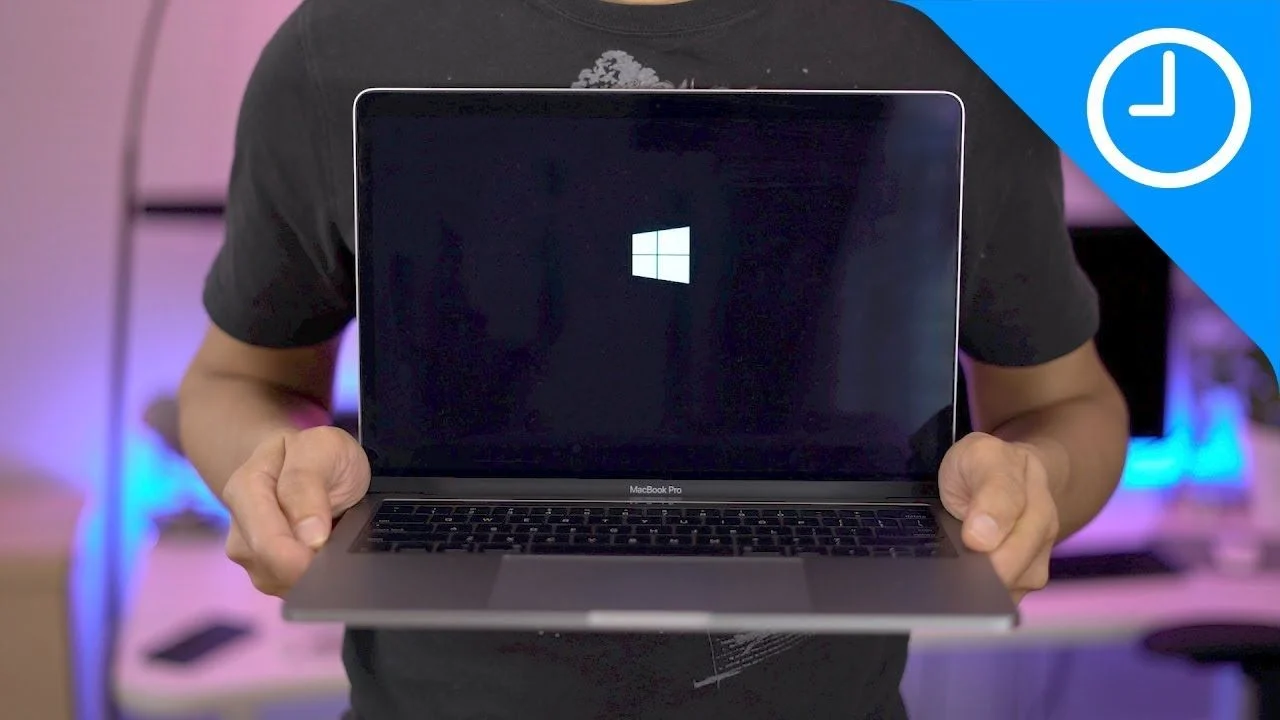
Anyone had any success running compass on a MBP with windows? I already have the MBP, so putting windows on it would make it more cost effective, but not sure if there are limitations?
You’re ignoring this member’s posts.
This topic is closed.
9 replies879 viewsLast reply
Anyone had any success running compass on a MBP with windows? I already have the MBP, so putting windows on it would make it more cost effective, but not sure if there are limitations?
You’re ignoring this member’s posts.

I believe that you can run Windows (under emulation, Parallels/Boot Camp etc). The newer non-Intel/ARM processors would still cause a problem because there is no driver for (Noahlink Wireless hearing aid programming device) for ARM processors.
But if your MacBook Pro has an Intel processor instead of M1/M2/ARM-processor I think that you are okay for running Windows under emulation, And having a driver for Noahlink Wireless.
Though, I don’t use Apple/Macs. So there’s that.
Reference;
Thanks for that. I thought I would restate the problem for Apple computer users. So I looked up the Apple M1 and M2 processors. Both are ARM architecture! So forget about emulation on these Apple system-on-chip (SoC) processors. It’s not the fault of the emulation software (Parallels/Boot Camp/VirtualBox/VMWare Fusion/Wine/etc). You can still use emulation. However, as @drcrandon and @narenkona said, there is no working driver for our industry standard wireless hearing aid programming device,…
The computers on this list use ARM processors and therefore cannot use the industry standard Noahlink Wireless programming device because there is no ARM driver for Noahlink Wireless. I don’t know if this list is complete? But at least it’s a starting point. MacBook Air (M2, 2022) MacBook Pro (13-inch, M2, 2022) Mac Studio (2022) MacBook Pro (14-inch, 2021) MacBook Pro (16-inch, 2021) iMac (24-inch, M1, 2021) Mac mini (M1, 2020) MacBook Air (M1, 2020) MacBook Pro (13-inch, M1, 2020) Lenovo Th…
You’re ignoring this member’s posts.
You’re ignoring this member’s posts.
This link to → MacBook Pro (13-inch, Mid 2012) - Technical Specifications - Apple Support1
says that Yes, it has an intel Processor
Processor
So you are good to go for finding and using a driver for Noahlink Wireless.
So now the only question is can you emulate Windows on this MacBook Pro? That answer also appears to be Yes.
Can someone help @user172 with setup of Windows emulation on a Mac?
ETA: Tip: How to change your username (and name) (member archive) because after 30 days your Usennnn generic username becomes permanent. 
You’re ignoring this member’s posts.
You’re ignoring this member’s posts.
You’re ignoring this member’s posts.
You’re ignoring this member’s posts.

install Windows first without product key. You can use Windows for a while as trial version without entering an product key. Microsoft allows anyone to download Windows 10 for free and install it without a product key. Windows will then continue to work for the foreseeable future - with a few minor cosmetic restrictions. However, you can always license the operating system fully at a later date.
Windows 10 works for 30 days without any restrictions, and even after the 30 days have expired, they are rarely noticeable.
You’re ignoring this member’s posts.
Ah, thanks @firenzel And it appears that → Boot Camp Is Free and already Built Into Macs3.
ETA: I watched the video and would recommend that you Never! create an optional MS account. It’s all PITA hassle, and no benefits.
You’re ignoring this member’s posts.
You’re ignoring this member’s posts.
Hearing Aid Self-Fitting (DIY)0 replies
Hearing Aid Self-Fitting (DIY)16 replies
Social0 replies
Fitting Software Requests1.1k replies
Uncategorized451 replies