
Haha, thanks @SpudGunner . Knowing your humorous spirit, I bet you probably love the mention of the FakeSound Booster the most, heh? 
You’re ignoring this member’s posts.
This topic is closed.
35 replies2k viewsLast reply
Haha, thanks @SpudGunner . Knowing your humorous spirit, I bet you probably love the mention of the FakeSound Booster the most, heh?
You’re ignoring this member’s posts.

For my it makes no difference with the sound booster. Everyone has different type of hearing loss. We are not able to see @samuelH for more comments.
Thanks @Volusiano for his wonderful and detail explanation. Thanks @SpudGunner (Jim) for his hilarious comments.
You’re ignoring this member’s posts.

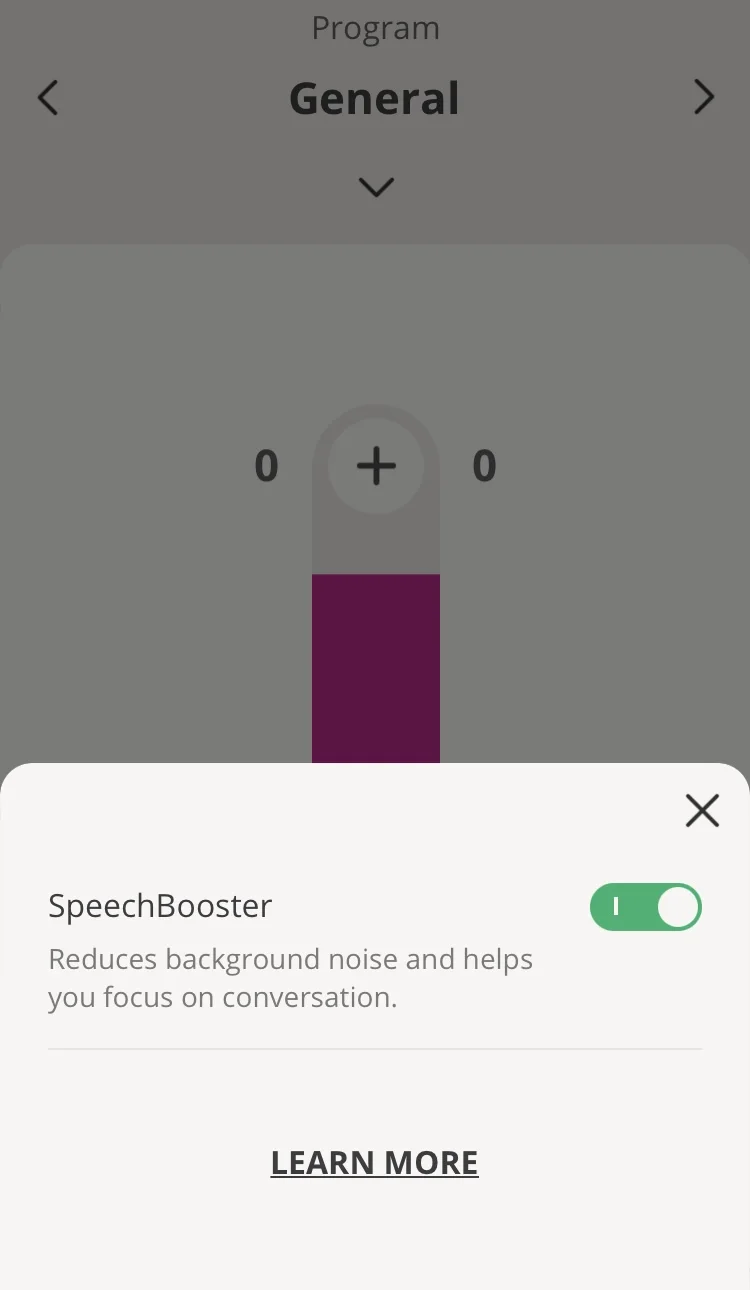
I think SpeechBooster is made for Oticon Real only, and this switch cannot turn on MoreSoundBooster or OpenSoundBooster in older Oticon models Opn(S) (and Xceed) and More.
I have the Xceed 1 UP and have turned it on or are you talking about something else?
You’re ignoring this member’s posts.
If you have both Companion and On apps - try switch on SoundBooster in Companion app, and you will see that (More)OpenSound Booster in On app will not turn on simultaneously. So I think that SoundBooster is for Real only. I tried SoundBooster in noisy situations for my Xceeds, and feel not any changes. But OpenSound Booster in On app really work for me.
You’re ignoring this member’s posts.

When it’s activated (supposedly) cars behind me still sound just as loud. I like the 360 degree experience, (and I like to hear cars coming towards me!) but there are circumstances when it would be good to be able to turn it off.
You’re ignoring this member’s posts.
@SamuelH → Was there speech in front of you when you activated the Booster? I wonder if Oticon decides to put some smart in there to only aggressively engage the Booster beam forming when there is speech going on, instead of just blindly beam form 100% all the times when activated, even without speech going on?
It’s interesting that the experience is so wildly different between people, and between different model versions of the Booster, and between different versions of the Firmware.
You’re ignoring this member’s posts.

I personally believe that that is what happens, I can forget to disable the MoreSoundBoost and go to the trails or just be home and never notice it is enabled. I can be home and my wife say something from the kitchen which is behind where I am setting and I can hear her, then if I turn around to face her I can hear even better what she is saying.
You’re ignoring this member’s posts.
A good example - in a quiet pub the other night, with two friends sitting close together around a small table. The two other people in the room were sitting about 20 feet behind me, but their talk drowned out anything my friends were saying.Turned on Moresound Booster - no effect at all, the sound from behind was just as loud. This is just the situation where I would really want it to work. Very frustrating, especially as it does seem to work for many other people.
You’re ignoring this member’s posts.
Does the MoreSoundBooster change to SpeechBooster for the Real ’s or is that an Oticon ON app change?
You’re ignoring this member’s posts.
A good example - in a quiet pub the other night, with two friends sitting close together around a small table. The two other people in the room were sitting about 20 feet behind me, but their talk drowned out anything my friends were saying.Turned on Moresound Booster - no effect at all, the sound from behind was just as loud. This is just the situation where I would really want it to work. Very frustrating, especially as it does seem to work for many other people.
This example seems to be consistent with my theory that voices in the back or sides overrides the front beam forming because Oticon wants to preserve speeches all around you. In your case, it was a quiet pub (without a lot of noise), and the voices behind you were loud. So they wouldn’t be considered babbles/noise, but distinctly clear speeches. I guess at least speech preservation is consistent with the newly name SpeechBooster, except that sometimes there are speeches not in the front that you really DON’T want to hear.
I remember reading an educational presentation from Donald Schum (when he was still a VP at Oticon) talking about how he thinks multiple speech cues can help with brain hearing because it allows users to train their brain hearing to differentiate between the different speech cues from different people talking around you. His point was that multiple speech cues help the brain discern the differences between the voices and learn to filter out what they don’t want to hear and focus on what they want to hear → good for brain hearing acuity training. So Oticon might have chosen to do this (to give priority to multiple speech cues from anywhere in the environment) because of this observation from their research that it helps “train” the brain. Unfortunately, by doing so, they would be disregarding the fact that for folks who haven’t been able to train their brain to this level yet, they will find it overwhelming.
What Oticon should really do is to offer users two options: 1) the SpeechBooster as is (with voice priority from anywhere), and 2) the FrontSpeechBooster that gives priority to FRONT speech ONLY regardless.
You’re ignoring this member’s posts.

What Oticon should really do is to offer users two options: 1) the SpeechBooster as is (with voice priority from anywhere), and 2) the FrontSpeechBooster that gives priority to FRONT speech ONLY regardless.
@Volusiano: Exactly what I was about to suggest, MrV … Exactly!
You’re ignoring this member’s posts.
I don’t know where the story came from that it boosts the sounds from the front, but yes, it’s more plausible that it boosts speech. If I want the front boosting I need to ask my audiologist. Presumably the intention is to mitigate the effect of the Oticon strategy of giving you all the sounds from 360 degrees round, which is great when walking down the street but not so great in conversation. My example is more of a speech in noise situation, where the direction of the relevant sound is crucial, and needs to be handled by the appropriate setting. Many thanks Mr V - that’s really helpful, just the kind of help I was hoping for when I opened the topic.
You’re ignoring this member’s posts.
I don’t know where the story came from that it boosts the sounds from the front, but yes, it’s more plausible that it boosts speech. If I want the front boosting I need to ask my audiologist. Presumably the intention is to mitigate the effect of the Oticon strategy of giving you all the sounds from 360 degrees round, which is great when walking down the street but not so great in conversation.
The story that the MoreSound Booster boosts the sounds from the front came from Oticon, of course.
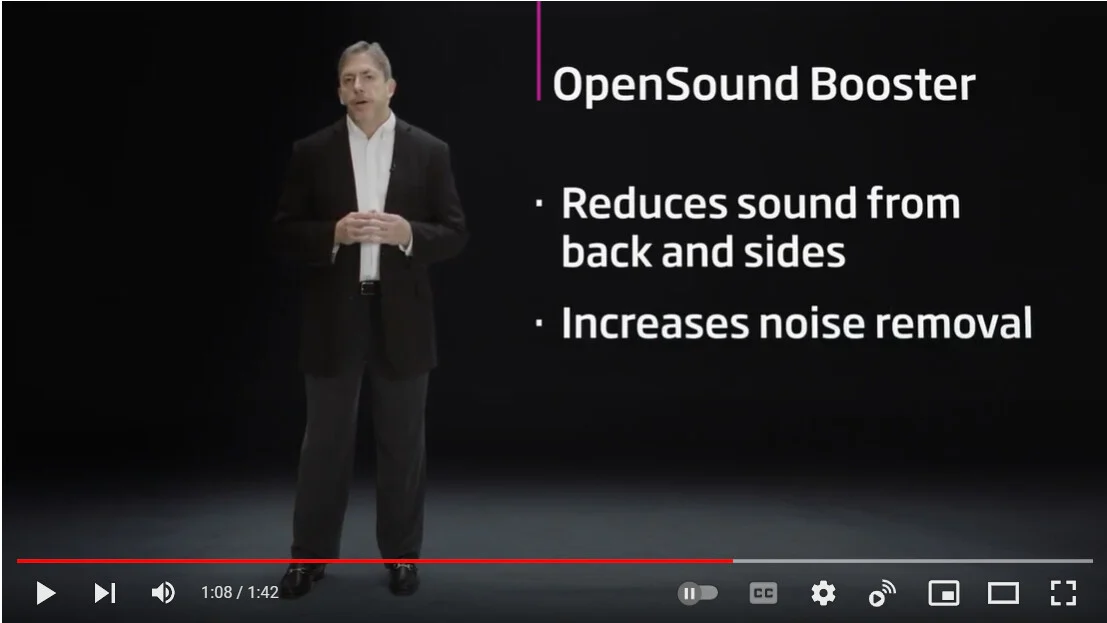
See the video on OpenSound Booster below. The second screenshot is the snapshot of that video at 1:04 minutes where they clearly say it reduces sound from the back and sides (implying that the front is not as suppressed).
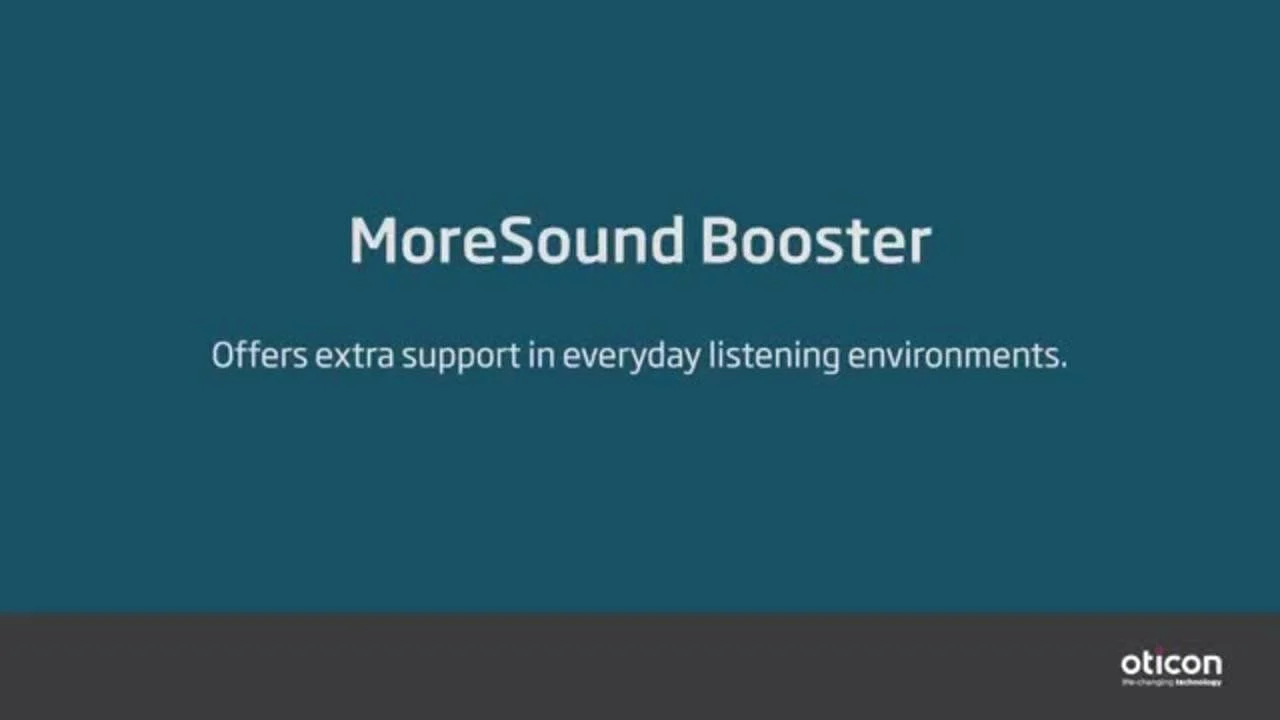
There’s also a MoreSound Booster video but it was not as explicit about “how” noise is further suppressed. But I’ve never seen Oticon say anywhere that MoreSound Booster is any different than OpenSound Booster, so the obvious assumption is that it’s simply a name change. The third link below is the video of the MoreSound Booster for reference.
If you want a customized program that should be the equivalent of the MoreSound Booster, you can ask your audi to give you the built-in Speech in Noise program, max out on the Neural Noise Suppression values and set the Directionality Setting to Full Directional. That should be the same idea, but you’d never know if Oticon does something else differently in the MoreSound Booster than what I just suggested above.

You’re ignoring this member’s posts.
Many thanks for this. Trouble is, I don’t know if Oticon’s view in these videos comes from technicians who could tell you exactly what it does, or marketing people who are looking for the most appealing way of describing it. The simulation in the second video suggests it’s more about noise suppression than speech enhancement or directionality. That would be useful in a noisier environment. But in the case I described I needed to reduce all of the sound from behind, including speech, which clearly wasn’t happening, presumably because the speech was too clear to be classified as noise. I think it will only quieten speech that’s merged into the general background babble. It’s very clever to be able to distinguish between the two, though.
You’re ignoring this member’s posts.
I don’t know if Oticon’s view in these videos comes from technicians who could tell you exactly what it does, or marketing people who are looking for the most appealing way of describing it.
My guess would be technicians likely passed through documentation writers to marketing to video.
Each layer simplifies the tech, losing details. Marketing also chooses what to emphasize to maximize profits.
You’re ignoring this member’s posts.

I turned this on when I was in an incredibly noisy environment (pub) and I was able to understand speech More with this. So it has helped me.
You’re ignoring this member’s posts.
What the forum has been talking about this week.
Fitting Software Requests902 replies
Hearing Aids139 replies
Fitting Software Requests875 replies
Hearing Aids54 replies
Hearing Aid Self-Fitting (DIY)305 replies
 Malaysia
 Hot Springs Village, Arkansas
 Oticonian/Disposablyte
 Hertfordshire, UK