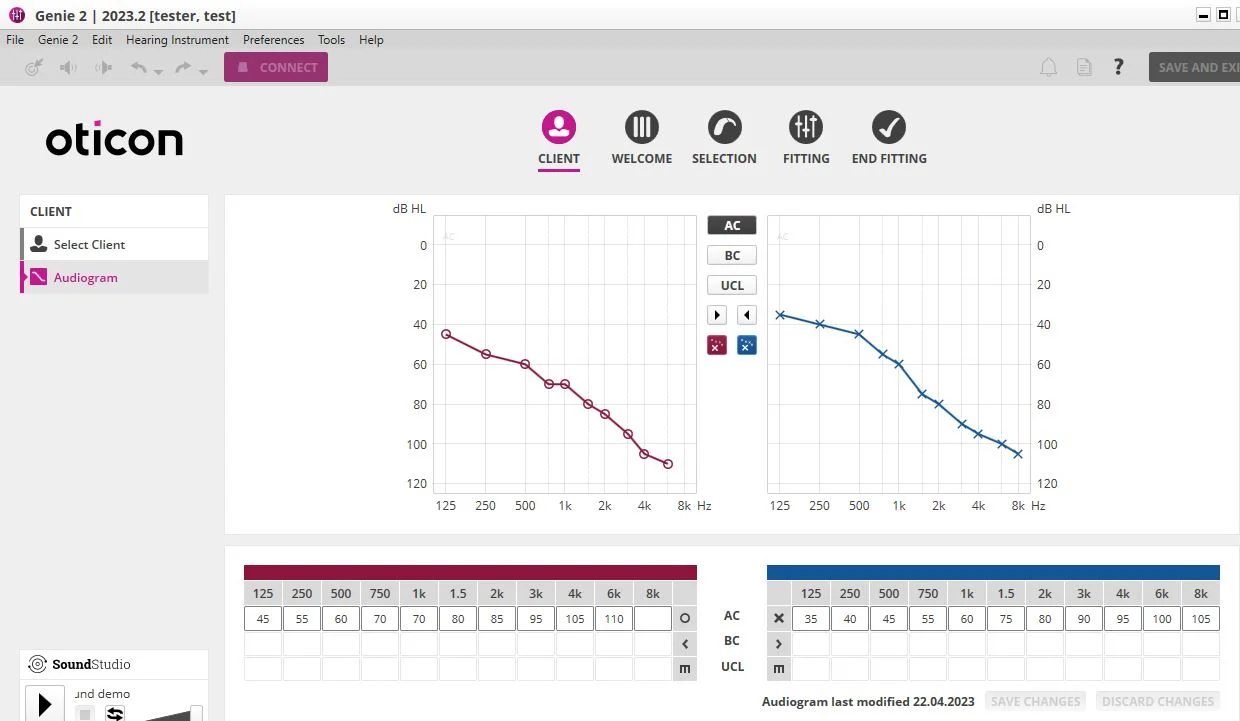
1.First view after start of Genie 2
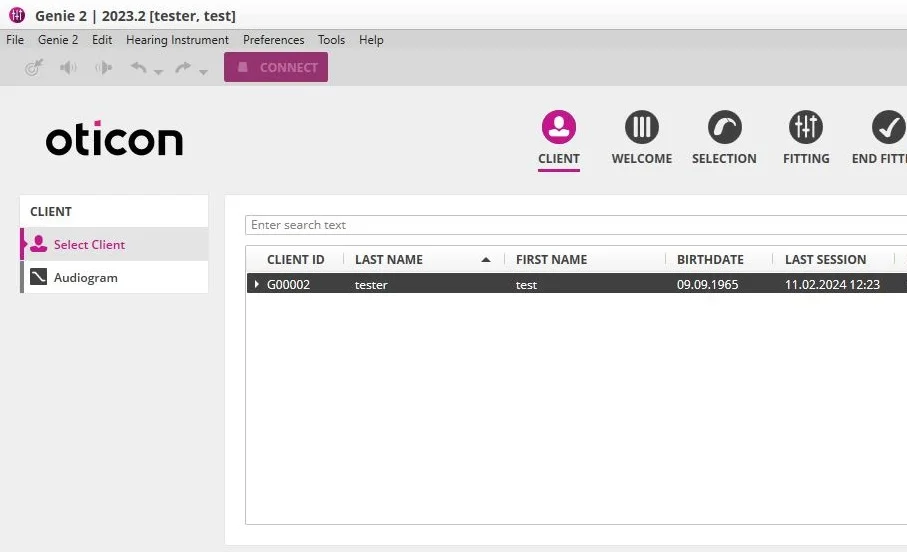
- Klick on the little arrow to expand the client to get the list of all sessions for this client
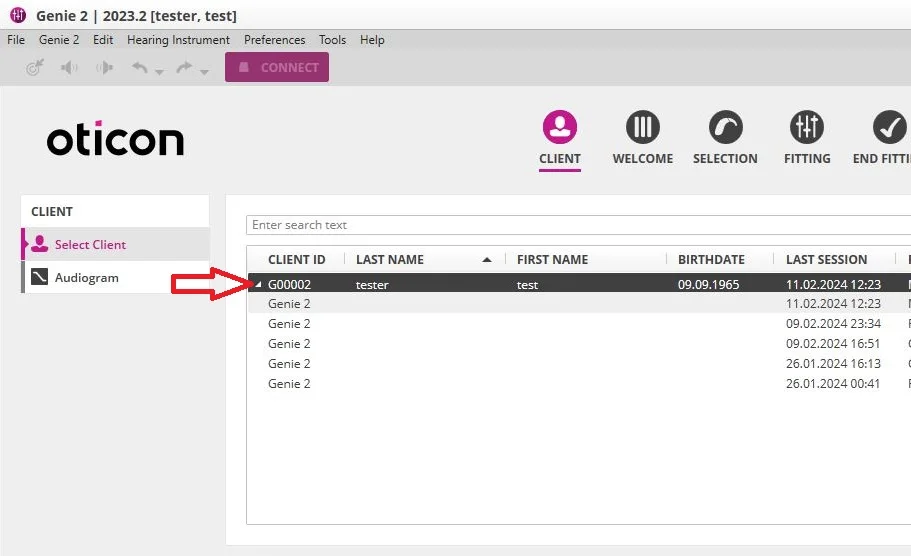
In the picture above (red arrow in picture 2) the latest session is selected , see the date and time on the right. This was your last session with the newest changes.
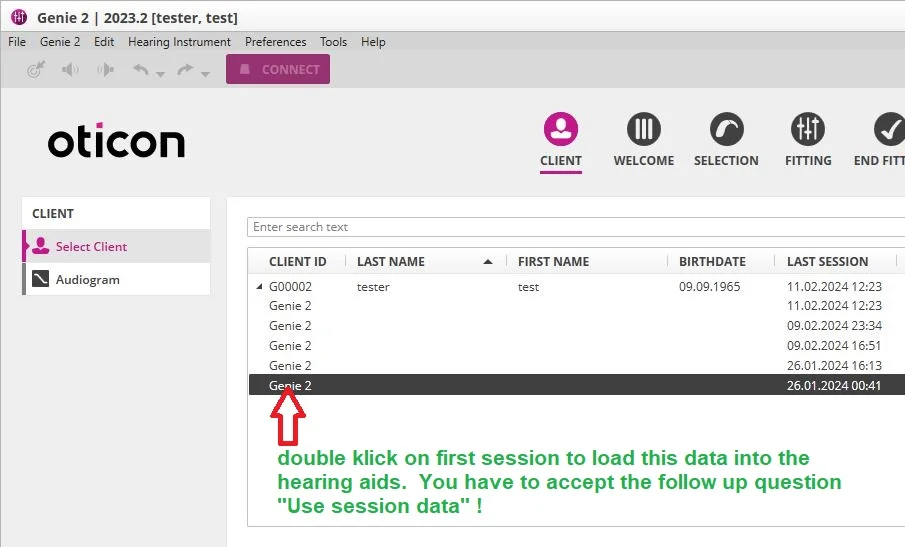
If you want to roll back to the very first initial settings of your hearing aids, then
3. you need to select the very first session and double click on this to start with this session data. and connect to the hearing aids. Then accept the question. Use session data.
The Audiogramm for the client could be changed to the left. Klick on button “Audiogramm”!
Check Audiogramm first , before you go back to “Select Client” and start with the very first session data.