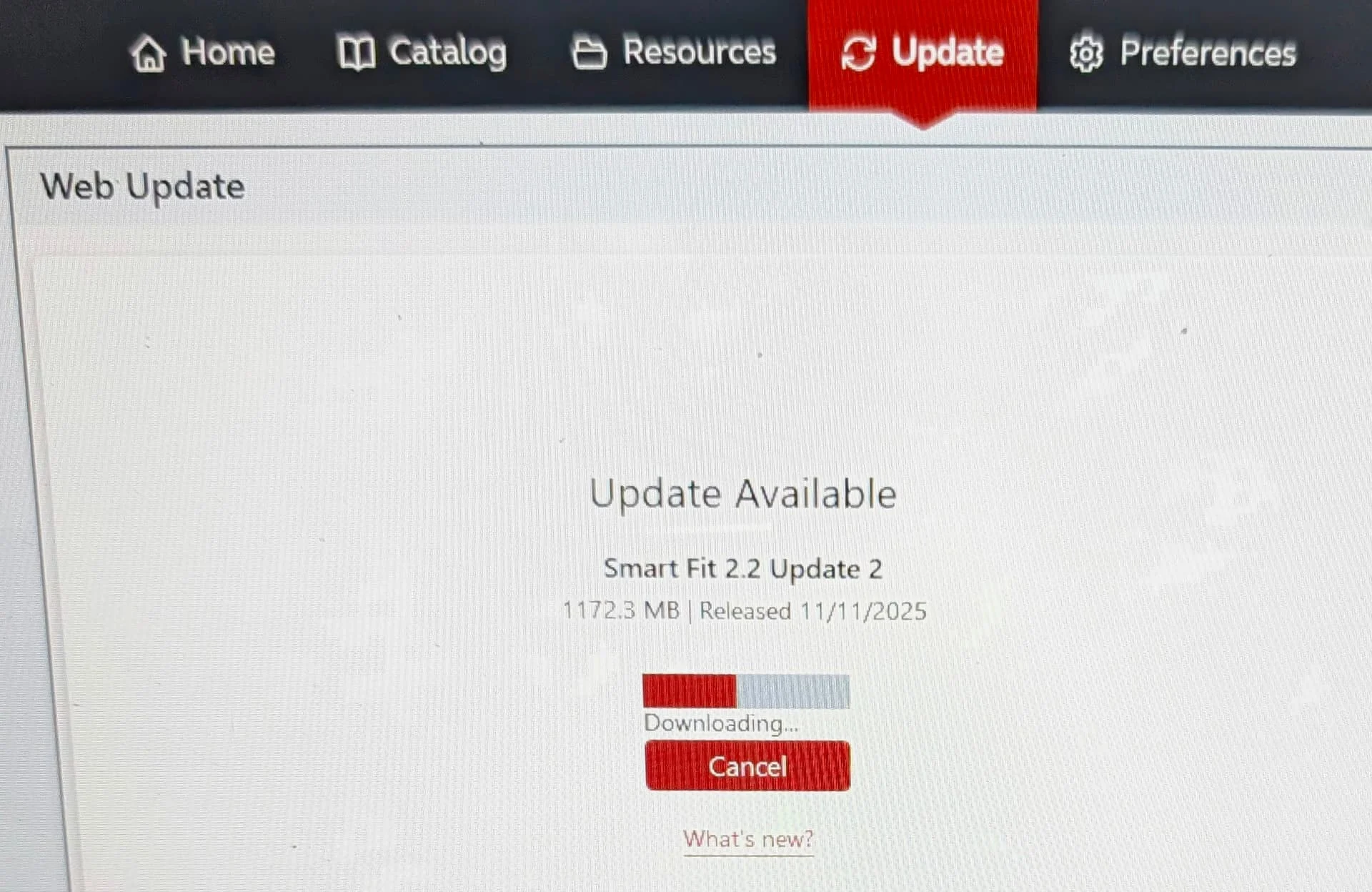
Oh I see! Well the updating once it’s downloaded shouldn’t take more than a couple of minutes. I have done this twice recently.
I wonder whether something in your PC is preventing this from updating (a firewall perhaps). Are you sure there isn’t a message hiding in a screen behind the SmartFit screen (you can use alt tab to check).
I think the best way to do this in your circumstances is to exit SmartFit (just close the program) then download SmartFit again. You can use the same file location you used before, although you may find it looks a bit different when you get there. Then save the download to your desktop and unzip it to folder also on your desktop. Then run setup. The program installer will remove the old program without losing any of your data and then it will install the new program. You may be asked to agree to a NET framework update. Just say yes and it will install that. It should take just a couple of minutes or thereabouts to install everything. Good luck - it should be fine.
It’s perfectly fine to install on top of the existing version like this. That is what Resound tell you to do and I have done it myself many times.

 Madison, WI

 Surrey, UK
 İstanbul