Hi Jonas,
Yes - there are various ways you can do this.
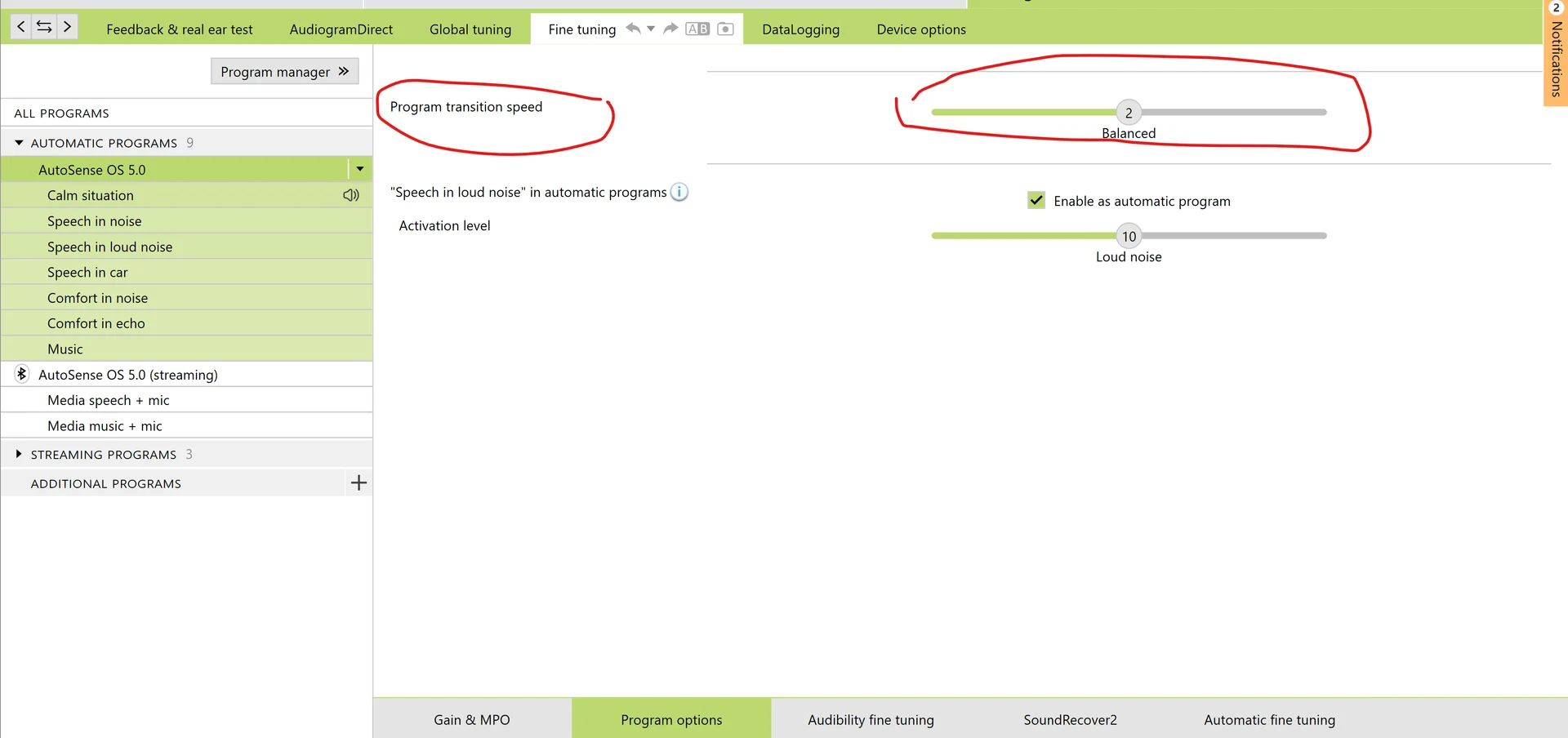
First of all, in the programmer for Phonak, there is a setting called “Program Transition Speed” - this is a slider that goes between very slow and very fast. So you could slow this down.
Each program in Phonak - Calm Situation, Speech in noise, Speech in noise, speech in car, comfort in noise, comfort in echo and Music can be individually programmed. You can reprogram a program to be based on another. So for example, if you want the Music program to sound like the calm program, you can do a “Reset Fine Tuning”, based on Calm Situation.
Each program also has it’s own fitting parameters, so the lows, mid, highs, in fact all 20 channels can be programmed and each one has settings where you can customise how it behaves. So if you don’t want too much noise reduction in the “Speech in noise” program you can set “NoiseBlock” to off or Weak, so the background sounds are similar to calm situation. But be careful, you may want to block out background sounds.
Some users on here, for example @PeterH have disabled all automatic switching by turning off Autosense. This is also possible.