Yes, but still getting to grips with the different options. There is a lot of different possibilities so lots of fine tuning and trying different things. How much actual difference these are going to make for a profound loss user, I’m not sure.
While streaming you hear a mix of environment (the HA’s microfone) and the streaming source. You can decrease the mic’s level by pressing the upper button on one of your aid.
Yes indeed that is one option for streaming. Just tried the buttons and it does change the balance either way so its useful to know thanks.
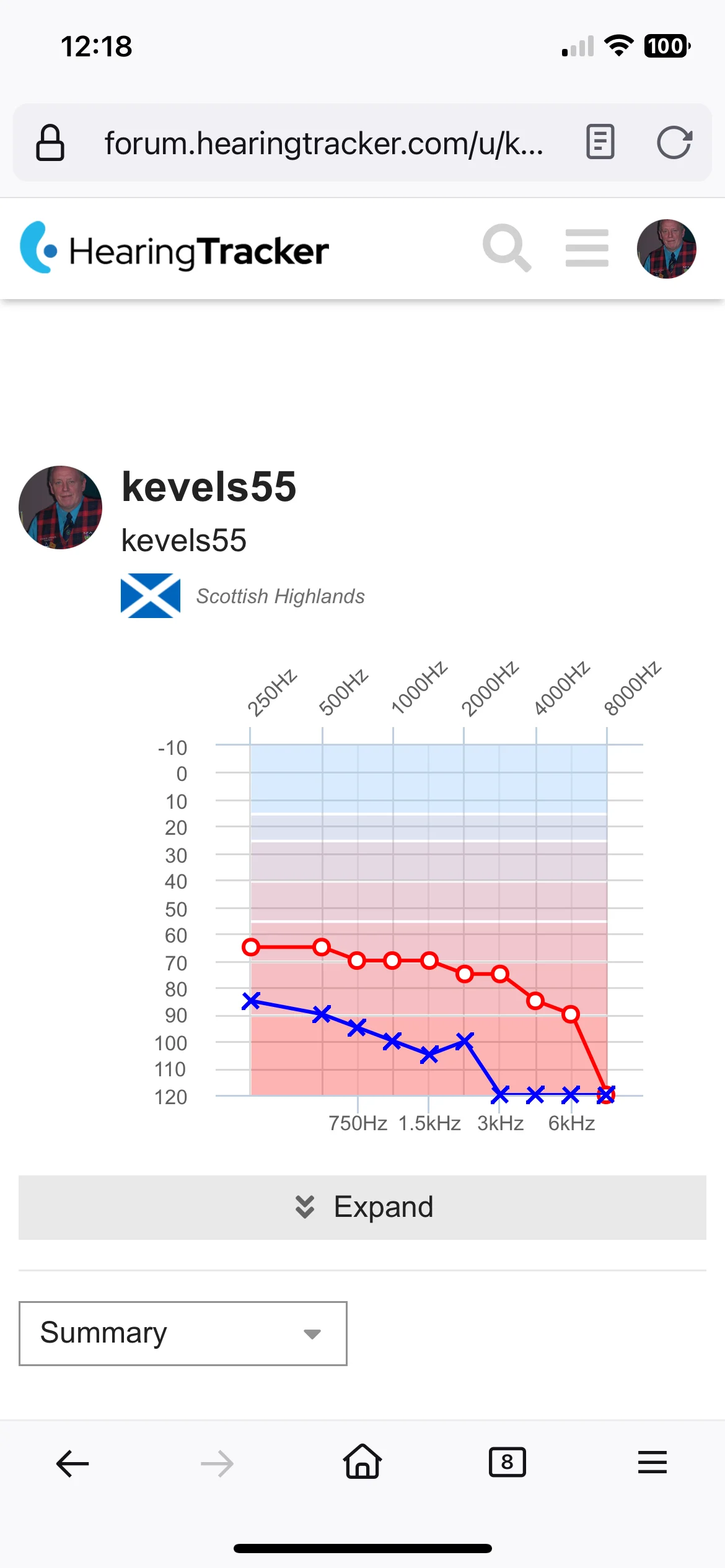
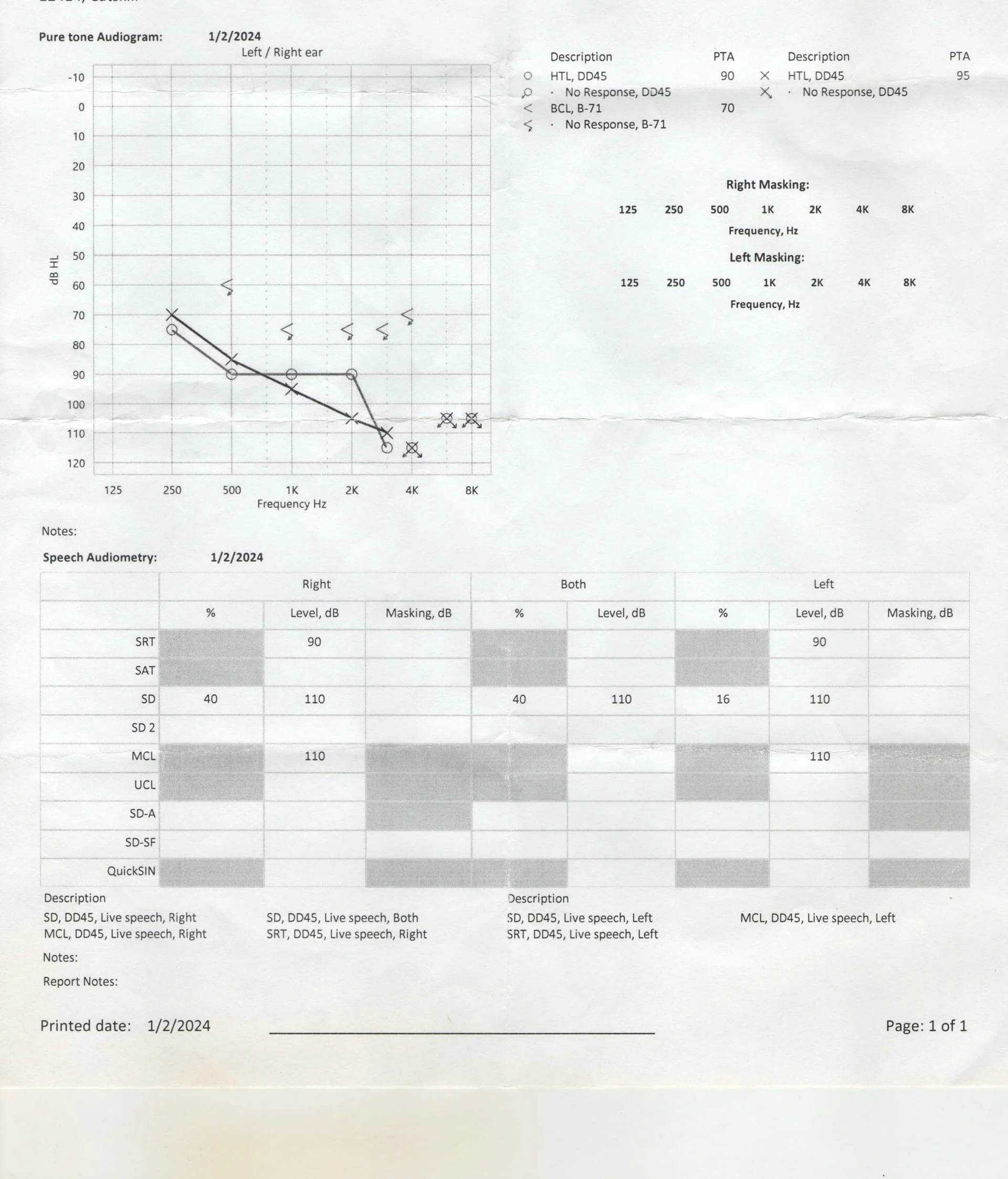
If you check my you’ll see I’m completely dependent upon my hearing aids.
My hearing aids were the best that Phonak supplied as Receiver in Canal.
I use the APP.
I turn it on. My P90R’s are in auto mode.
APP shows I’m in auto mode; both hearing aids connected and battery strength.
I click “Adjust Program” on the APP
APP shows which program I’m in (that’s important!)
APP lets me check (Volume, Noise Reduction, Speech Focus, Dynamic)
all that’s important. I was in my Jeep Rubicon and didn’t realize that passenger was talking to me. That didn’t work well.
I don’t like having to use the APP to figure all this out. It’s a tool though…
APP shows I’m in auto mode; both hearing aids connected and battery strength.
I can’t have and need moulds. I have the Lumity P90 but I can’t see anywhere in the App for battery strength. I don’t know if this facility for the rechargeable but I can’t find battery status anywhere. Am I missing it or is it not on the App for Lumity disposable?
Yeah Peter…That’s my understanding of Zinc Air disposable batteries, according to what I have read, the state of charge remains constant, and will only drops off, shortly before depletion, so the battery can’t be accurately monitored… Unfortunately. Cheers Kev
My friend tells me that the life of Zinc-Iron batteries are very hard to predict, as they maintain a very stable voltage up until the end?
I would have no clue about the internal workings of the batteries so don’t doubt what your friend says.
However, I have had the Oticon App for the last 5 years and it gave reasonable readings. It gave an alert at 10% which was usually about right, as they lasted around 6 days or so in my case. So, while probably not specifically accurate, I found it a useful guide, particularly if I was going out somewhere for the day etc.
I could also put an icon on my iPhone home screen so it was always showing roughly how much battery left.
To that end, I’m a bit surprised Phonak does not have something similar.
Take a photo of your @JimS, press the arrow icon on the reply window, 7th one along, at the top of the window, this will upload your photo into that particular post, example below… Cheers Kev
I haven’t checked in for a while and thought I would update my experience with the Naida 90 UP . I have now been wearing them for about six months and am generally satisfied with the aids. I went through about four fitting appts and have good programs for everything except being in a car. It’s not worse than historically, but not better either. In all other hearing settings, things are improved over my old OPN 1’s.
My biggest issue with the new aids is the autoselect feature that wants to “find” the right program for each hearing setting. In my view it is a total failure. Usually within thirty minutes of wearing my aids in the morning, autoselect has chosen a program that dramatically reduces my hearing. My workaround, is that as soon as I remember, I manually change to my second program and the aids will stay fixed there (where I want them) until I make another manual change.
Another annoyance was the TV Link. It stays on unless manually powered down. The Oticon version has a timed shutdown when no signal was present and could be remotely turned on and off from the aids. For the Phonak version, I had to physically go to the TV to turn the Link on or off (a problem when you want to mute the TV LInk or just shut it down without going back and forth to the TV). Anyway, this may sound trivial, but was a nuisance for me, so I created a workaround using a smart outlet that allows me to use a phone app to power up or down the TV Link remotely. Once it is powered up, it automatically pairs with the aids.
What I really like about the TV Link is that using the Phonak app, I can change the background noise settings for the mics while using the Link. This makes it very easy to up the background mic volume when I want to talk to my wife while still using the aids to hear the tv better.
I will be doing some long haul air trips at the end of this month and then going on a guided tour where they transmit the tour guide’s voice to remote earphones, which I can’t use due to the extent of my hearing loss and use of custom ear molds. I bought a gadget which purports to convert all standard RCA plug output into a Bluetooth stream (it has worked in my testing). With the Phonaks’ native bluetooth connection capability, should allow the tour guide audio receiver and output from airline audio to go to bluetooth and then my aids. This will be very sweet if it works. Stayed tuned toward the end of September for a full report.
I greatly appreciate this forum. Lots of great info with very knowledgeable and patient contributors. Thanks!
Yeah @TomHalf, thank you for your update I have noticed the occasional mistake from Autosense, I regard this as a mild annoyance, I just leave it, and after a few seconds it reverts back to normal… So, I don’t regard this as any big deal. it is extremely rare for me to use the app, perhaps once every couple of months, at most? I believe, Boots Hearing Care, now have their own version of the Phonak App, but I have not even downloaded this, as I hardly ever use the the Phonak one, so I don’t see the point of installing something, that I am unlikely to use… Autosense 5.0 does me fine. Nowadays, I basically hear fairly well in a car, especially so, if I am not driving, which basically means the driver is too my right, my good ear… In most instances, I don’t require a Roger , but much depends on the vehicle, in which I am travelling, most modern vehicles are fairly soundproof, but occasionally some cars are particularly loud, especially vans, I have a couple of vans, and a car, one van in particular, it is exceptionally loud, its only 4 years old, with around 14k miles on the clock, I am just about to convert this into a camper van, and part of this process will be to completely soundproof & insulate it, this should resolve the noise issue, when travelling… Cheers Kev
My biggest issue with the new aids is the autoselect feature that wants to “find” the right program for each hearing setting. In my view it is a total failure. Usually within thirty minutes of wearing my aids in the morning, autoselect has chosen a program that dramatically reduces my hearing. My workaround, is that as soon as I remember, I manually change to my second program
Hi, I fully agree. Autosense3 & Autosense4 (I have Marvel & 2x Paradise) annoy me as they often select a program that reduces my hearing. My workaround (via Audiologist & Target), is to select your favourite program as “Startup”. Autosense will then be your 2nd program, or you can even disable it altogether.
For the Phonak version, I had to physically go to the TV to turn the Link on or off
Like you, I’ve fitted a smart plug to control the TV Connector. I’ve also (via Audiologist/Target) changed the switching to “manual plus beep”.
To do this, your Audiologist has to add the TV Connector as an accessory in Target. It’s not a physical connection, and you don’t need any serial numbers. Once added, it will have its own page of options.
Now, if I enter the room with the TV, I hear a 2-tone chime when the HAs detect it. A single short press on any HA button, within about 10 seconds, will connect. If you don’t want to connect right away, you can do it via scrolling through with long presses, or using the app.
I’ve also switched Roger to manual plus beep.
You can’t set Bluetooth connections to manual, they remain automatic.
Like Kev, I rarely use the app. I adjust the HA mics (while watching the TV) with the HA volume controls. They do the same as the slider in the app. Turn the volume up, and you hear more TV & less wife. Turn them down for more wife, less TV
I can give you screenshots of any of the above, if you like, as my Audiologist didn’t know any of this, or how to do it.
Have you got a USB outlet on your tv? This will solve power problems.
Did you know you can have a manual connection with the tv connector set up in Target?
good programs for everything except being in a car. It’s not worse than historically, but not better either. In all other hearing settings, things are improved over my old OPN 1’s.
I’m coming from OPN S1’s to Phonak Lumity P90. The car thing is certainly one thing that I was not expecting and with the OPN’s the car noise was never an issue. With these new Phonak’s it is picking up the car noise considerably.
For listening to music / podcasts etc, changing the background noise solves that problem. However for conversation it is a less easy.
What I really like about the TV Link is that using the Phonak app, I can change the background noise settings for the HA mics while using the Link. This makes it very easy to up the background mic volume when I want to talk to my wife while still using the aids to hear the tv better.
I have been using a Roger Pen with neck loop for TV connection with the OPN’s and I have carried on with this for the moment with the Phonak’s. I have a Loop and Mic program so I can hear both TV and wife if she speaks. Usually I flick off the neck loop to converse with my wife thus killing TV sound.
Setting the background in the app can also do the trick but I’m not sure yet I have found a setting that I can comfortably hear TV and wife. (Usually apparent when I say ‘yes’ or ‘no’ in the wrong places!!)

 Canada (Toronto) YYZ
 North West UK
 Scottish Highlands

 Texas Hill Country
 I have noticed the occasional mistake from Autosense, I regard this as a mild annoyance, I just leave it, and after a few seconds it reverts back to normal… So, I don’t regard this as any big deal. it is extremely rare for me to use the app, perhaps once every couple of months, at most? I believe, Boots Hearing Care, now have their own version of the Phonak App, but I have not even downloaded this, as I hardly ever use the the Phonak one, so I don’t see the point of installing something, that I am unlikely to use… Autosense 5.0 does me fine. Nowadays, I basically hear fairly well in a car, especially so, if I am not driving, which basically means the driver is too my right, my good ear… In most instances, I don’t require a Roger , but much depends on the vehicle, in which I am travelling, most modern vehicles are fairly soundproof, but occasionally some cars are particularly loud, especially vans, I have a couple of vans, and a car, one van in particular, it is exceptionally loud, its only 4 years old, with around 14k miles on the clock, I am just about to convert this into a camper van, and part of this process will be to completely soundproof & insulate it, this should resolve the noise issue, when travelling… Cheers Kev
 Doncaster UK