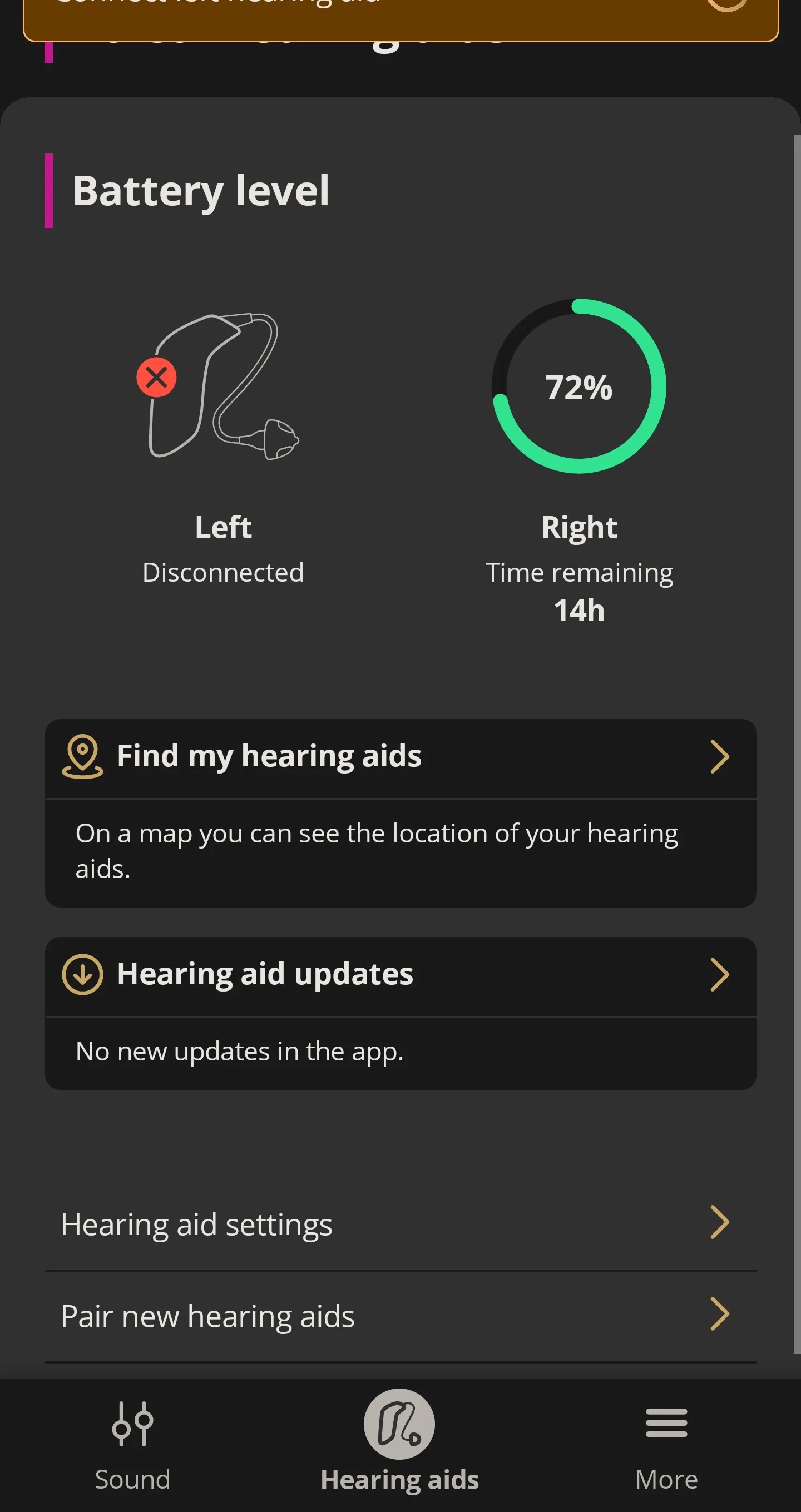
So, I am testing Oticon Real 1.
I’ve tested Phonak and SIGNIA (I am still waiting for custom molds for a final testing with SIGNIA) and Oticon is by far the best fitt.
My only problem is that my right keeps disconnecting from the mobile app.
My streaming is mono, I only hear with the left ear.
I HATE IT!
I don’t see one thing that may be useful in debugging your issue - the device that you are streaming from. It seems that many manufacturers seem to think features are more important than ensuring that basic functions work correctly. So it might be useful to know the device specifics (make, model, and operating system version). Also the version of the app.
With my Oticon aids (OPN 1, OPN S 1, More 1, and now Real 1) and an iPhone (now a 12 mini), it seemed to be important to ensure that the aid firmware was up-to-date and that the iPhone software was current. Even then, it was apparent that the phone/app/aid combination was consumer level as reliability was never what one might hope for.
I typically don’t have issues streaming with my Real 1 aids from my iPhone 12 mine (iOS 17.4) but I don’t stream that much other than phone calls. I typically do not use the Oticon app or have it running - I just use the functions included in iOS to control the aids if needed.
I’m old and used to dealing with unreliable computer software on consumer level operating systems. So early each morning I typically charge my phone while backing it up to a computer. After the phone is 95% charged I disconnect it, shut down all iPhone apps and power cycle the phone before putting in my aids. This seems to make things more reliable over the course of the day.
As a first step, I would remove the Oticon app, stop all running apps on your phone, power cycle it, check for any updates (and install them), and then, if you really need it, install the latest version of the Oticon app.
One thing to note - streaming with Bluetooth (or the MFi version of it) is not totally reliable and many things including your body tend to weaken the signal. So making sure there is a clear path between the transmitting device and the aids is useful although that may not always be practical. For example, for phone calls I put my iPhone on a desk centered in front of me and use the phone microphone - that seems to work quite well.
just to clarify, the right does not disconnect during the streaming. All great
But I exit the streaming, close my phone to do something for a while and if I return to some streaming then all of a sudden, the right one is disconnected
You might look to see if Oticon lists your phone as compatible. No idea if the following link will work for you but I went to the URL with my computer and then scanned the QR code with my phone and the resulting page on the phone displayed: “Your phone is compatible!”
Does your phone have ? Or do you use the Connect Clip?
Even ASHA implementation between various Android phones are inconsistent at best, especially for older Android models. It’s not necessarily an issue caused by the Real.
Maybe, maybe not. If the implementation of the Note 9 is not quite consistent or stable yet because it was one of the first trail blazing Android phones that started pioneering ASHA, then anything goes. Afterall, I think the Note 9 was released in 2018, 6 years ago.
It might be some kind of handshaking order that gets terminated prematurely and the right aid might just happen to be in the order that gets dropped. Not necessarily because the right aid is bad.
I think somebody in an earlier post recommeded checking the Oticon list of ASHA Android phones that should be compatible with their aids. If the Note 9 is on that list, then you’re in the right to blame it as an Oticon issue and require them to give you a replacement aid. But if not, then the blame could be put on the phone just as easily.

 Bucharest, Romania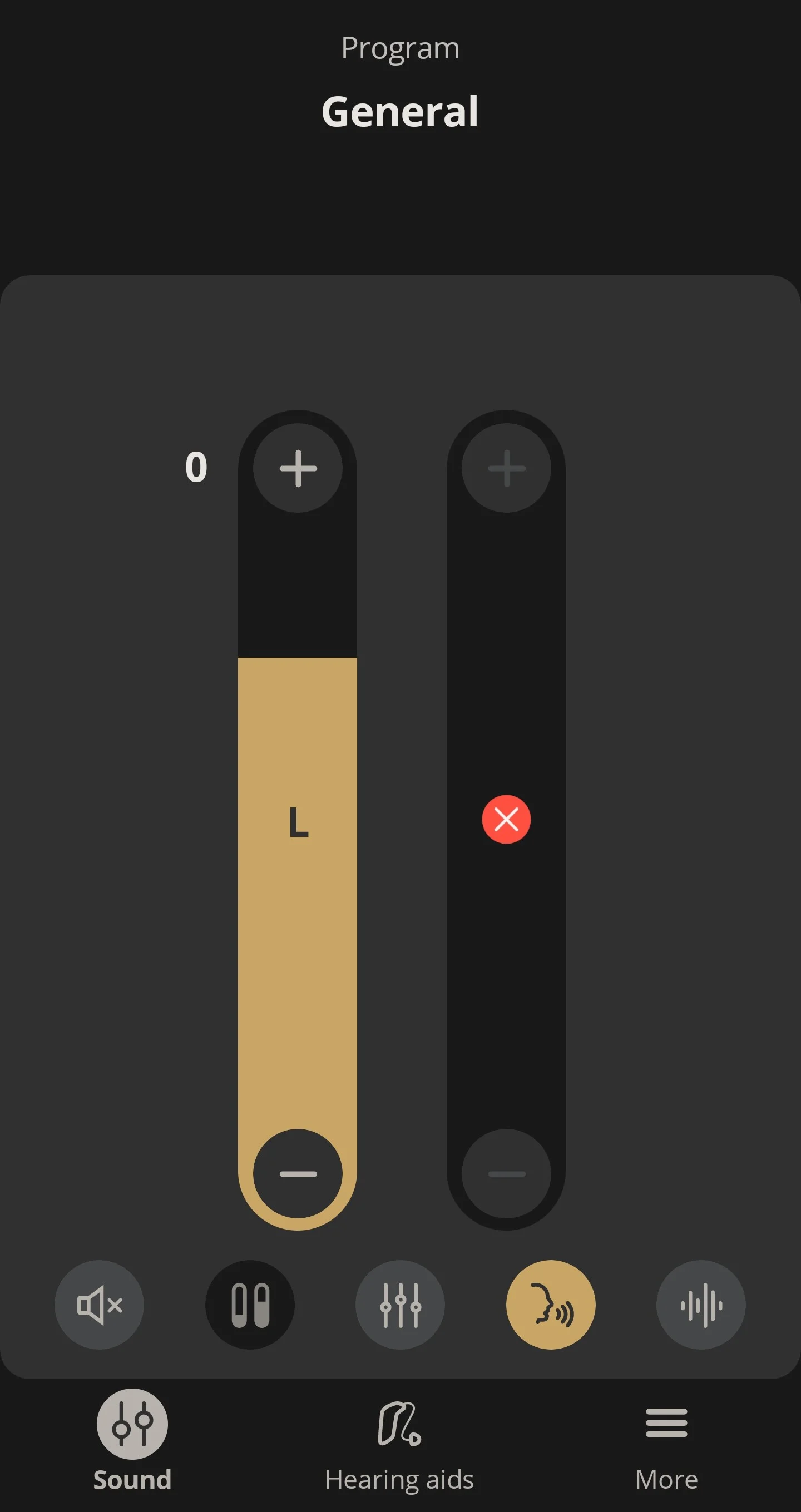

 Tucson Arizona