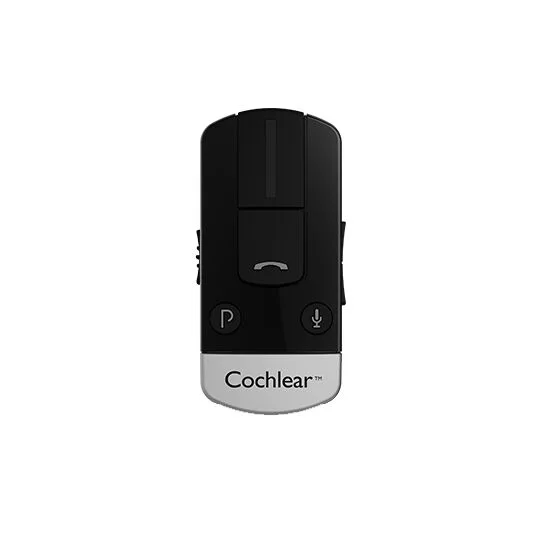
I have a kanso and it came with a small box for use with a mobile phone could some one explain how to use/connect it to my phone, does it need to be paired.
regards ray
You’re ignoring this member’s posts.
This topic is closed.
23 replies614 viewsLast reply
I have a kanso and it came with a small box for use with a mobile phone could some one explain how to use/connect it to my phone, does it need to be paired.
regards ray
You’re ignoring this member’s posts.

Welcome to the forum.
Is this the original Kanso that’s 5-7 years old or the Kanso 2 that came out about 5 years ago?
The new Kanso 3 should be out soon.
You’re ignoring this member’s posts.
You’re ignoring this member’s posts.
Do you know which Kanso you have?
The K2 doesn’t need an intermediate device to stream from compatible iOS and Android phones.
The original Kanso 1 does need the intermediate device.
You’re ignoring this member’s posts.
sorry I don’t know it was upgraded about 4/5 yrs ago the gadget that came with it has a phone symbol on the front
You’re ignoring this member’s posts.
You’re ignoring this member’s posts.
You’re ignoring this member’s posts.
Ok, that tells a little more about what you have.
This is a copy and paste from the Cochlear website. You can see which processors it is compatible with. We also need to know what phone you have. The brand and model number would be great. This will help us help you
Did you get the instructions booklet with your Cochlear phone clip?
Compatible with Nucleus® 8, Nucleus 7, Kanso® 2, Kanso, ® 6 Max, Baha 5 SuperPower and Osia® 2/2(I) sound processors
You’re ignoring this member’s posts.
You’re ignoring this member’s posts.
I did a Google search on that Cochlear Phone Clip pairing instructions.
A very clear step by step procedure and came up.
Do you have the Nucleus Smart app on that Apple phone? I use the Google Pixel that the Nucleus Smart app does all the pairing and also enables streaming.
If you have the K2 you don’t need that phone clip.
You’re ignoring this member’s posts.

You’re ignoring this member’s posts.
You’re ignoring this member’s posts.
That’s great news.
The pairing and streaming procedure is a little confusing at first but once you do it a few times it’s easy.
Bilateral and are done differently with Cochlear.
You’re ignoring this member’s posts.
yes Ihave noticed also it will not pair on my iPhone and tablet will only pair on one of them
You’re ignoring this member’s posts.
The device you are not using should have the Bluetooth turned off. Only the device you are using should have the Bluetooth turned on.
You’re ignoring this member’s posts.
You’re ignoring this member’s posts.
I am not sure which streamer you are asking about.
My TV Streamer pairs with the processors, not the phone.
The Phone Clip you mentioned earlier is not a streamer. It’s an intermediate device that serves as a communicator between devices.
We still don’t know which processor you have, Kanso or Kanso 2.
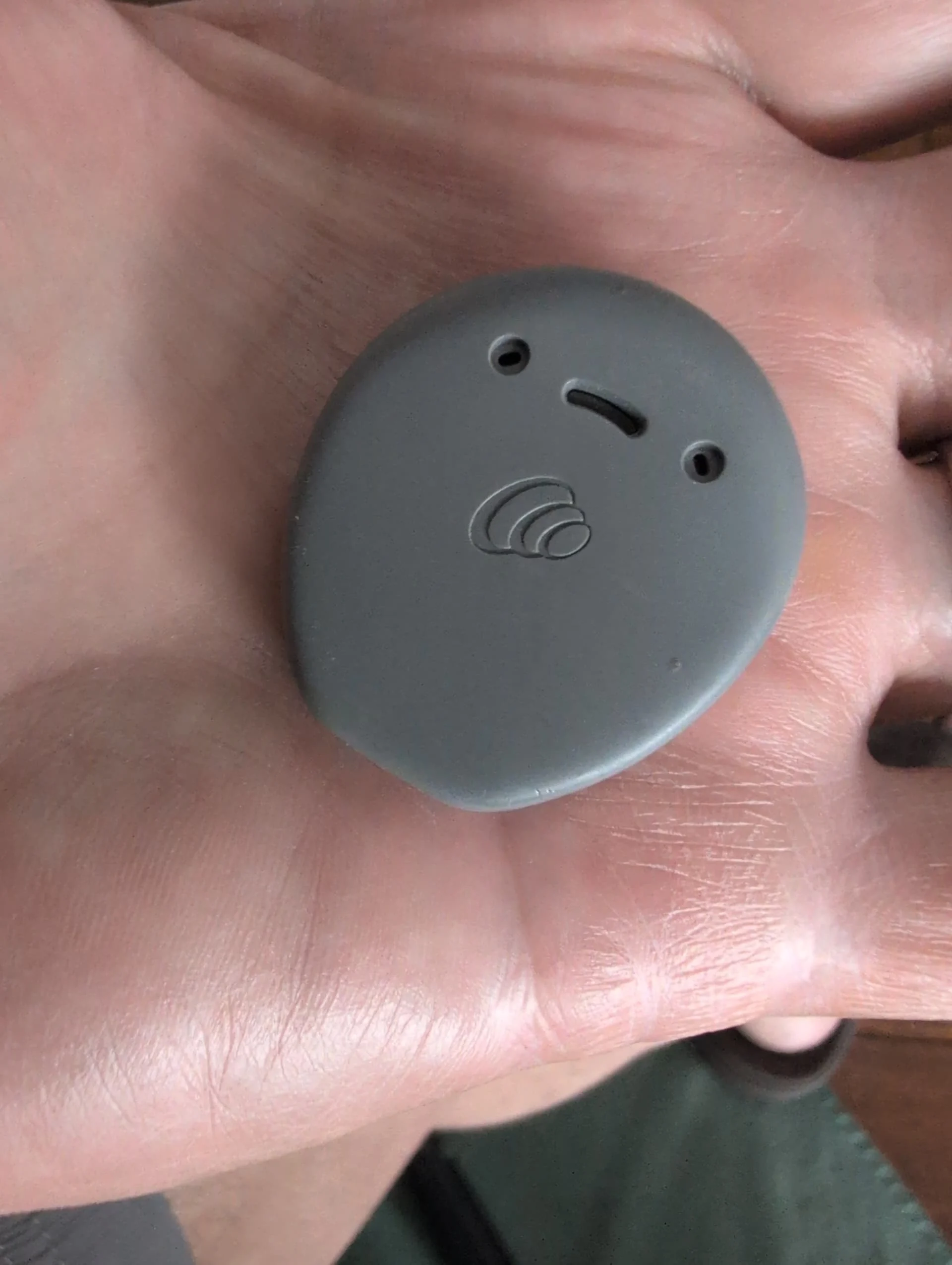
This is a Kanso 2.
You’re ignoring this member’s posts.
Kanso 2, found that information today via you tube. yesterday evening my tv streamer kept dropping out ie I was losing the sound nothing untoward showing both lights were on the streamer left it for about 5 minutes and the sound came on again before repeating the problem.?
You’re ignoring this member’s posts.
Thanks for letting us know which processor you have.
Both lights on the streamer tells you it has power and a signal from the TV.
Which output are you tying the tv stream to?
I have had great luck using the Toslink. This connector harness came with your TV streamer.
You’re ignoring this member’s posts.
The green light is the power the yellow light comes on when the tv is switched on, from there I go to settings .accessabilty hearing devices click on link saying my device are connected I then click streamer A. am I doing some thing wrong or I missing some thing .
You’re ignoring this member’s posts.
Uncategorized451 replies
Hearing Aids168 replies
Cochlear Implants48 replies
Hearing Aids50 replies
Hearing Aids23 replies
 Texas Hill Country