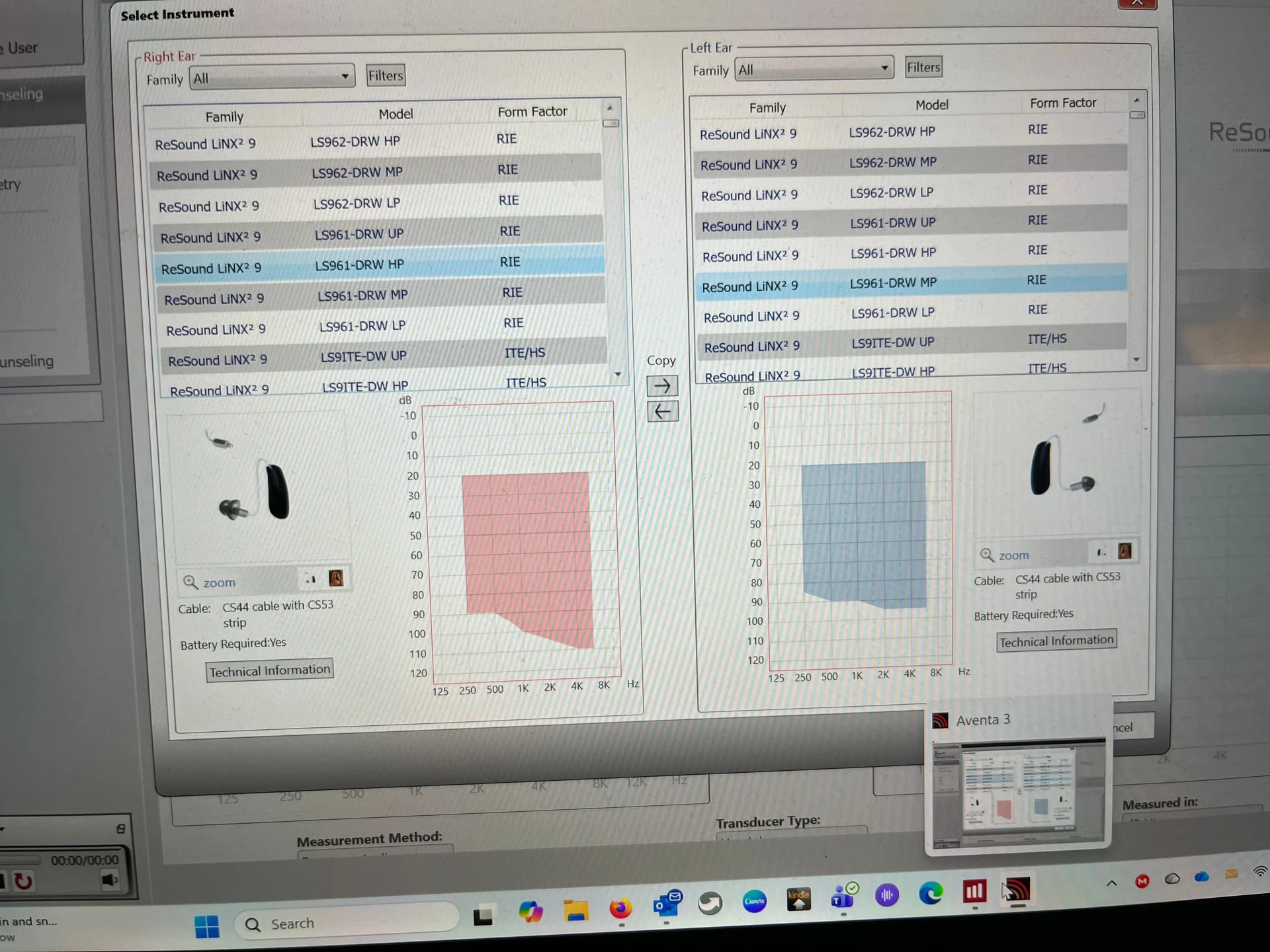
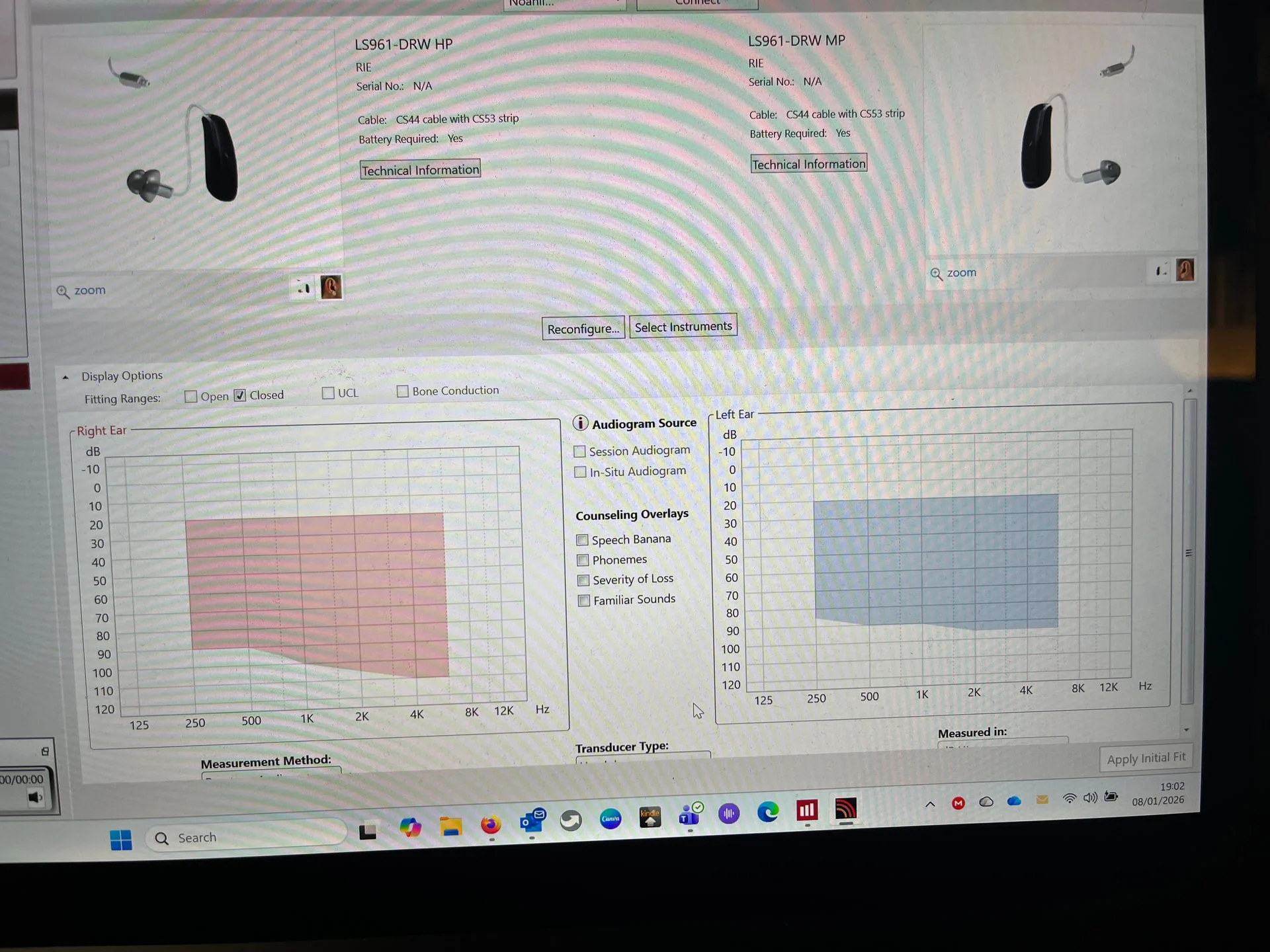
Ok I have just looked again. Once you are in Aventa, tap on the Select Instrument button on the right hand side of the screen. Then you select the instrument you want, LS961 DRW. Do it for each ear. Then click OK. It does mention that you need wires, but ignore that, it’s well out of date.
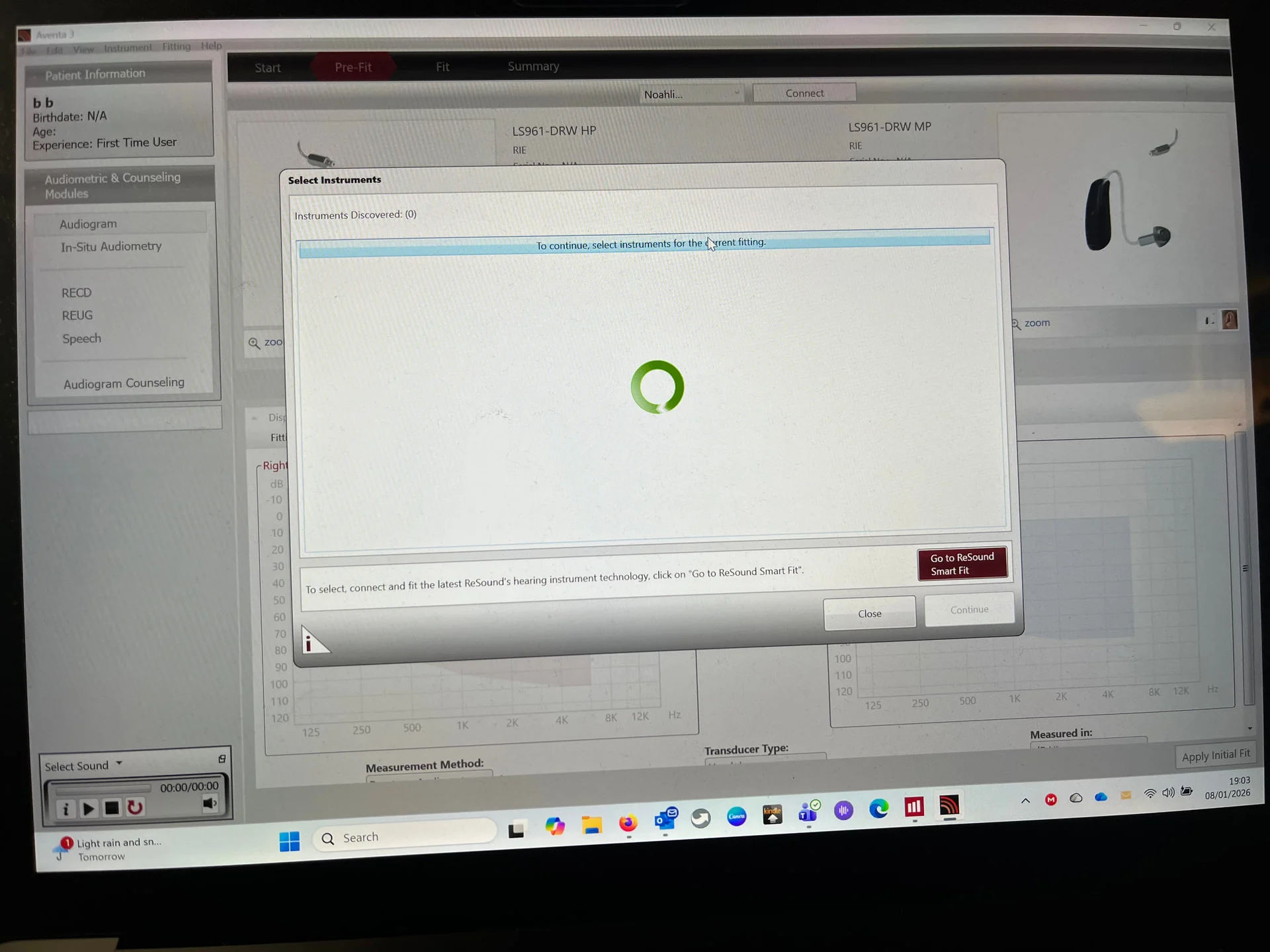
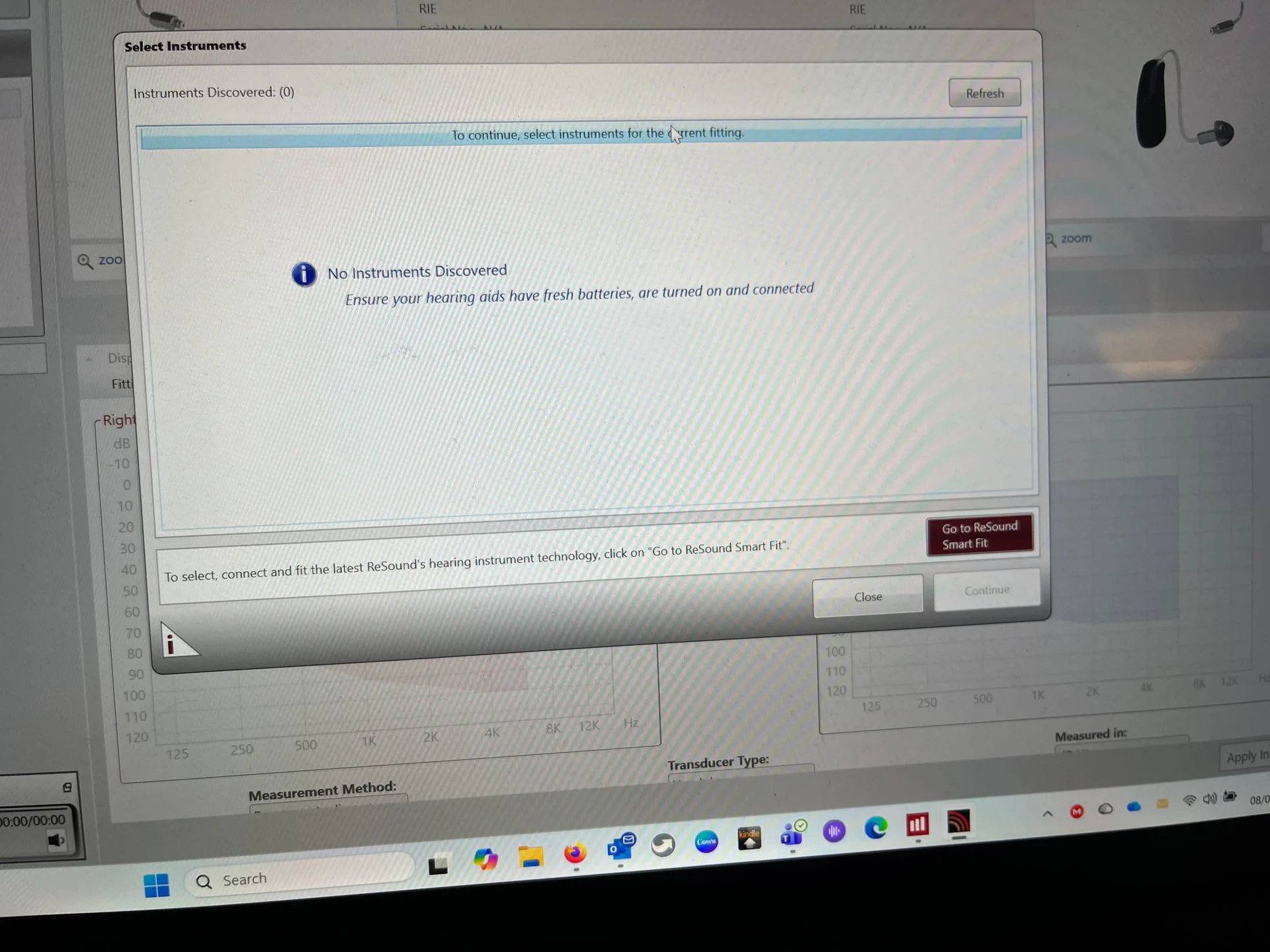
Now look at the top of screen where there is a button to allow you to choose how you connect and you say NoahLink Wireless and next to it is a button Connect. Tap that. Then turn on the aids. You will see them appear on the screen. You tap on both to accept them and then press Continue in the bottom right corner of the screen. And take it from there.

 Surrey, UK

 Marengo Illinois usa