
You’re ignoring this member’s posts.
How to Add Audiogram to Forum User Profile
This topic is closed.
107 replies14k viewsLast reply
You’re ignoring this member’s posts.

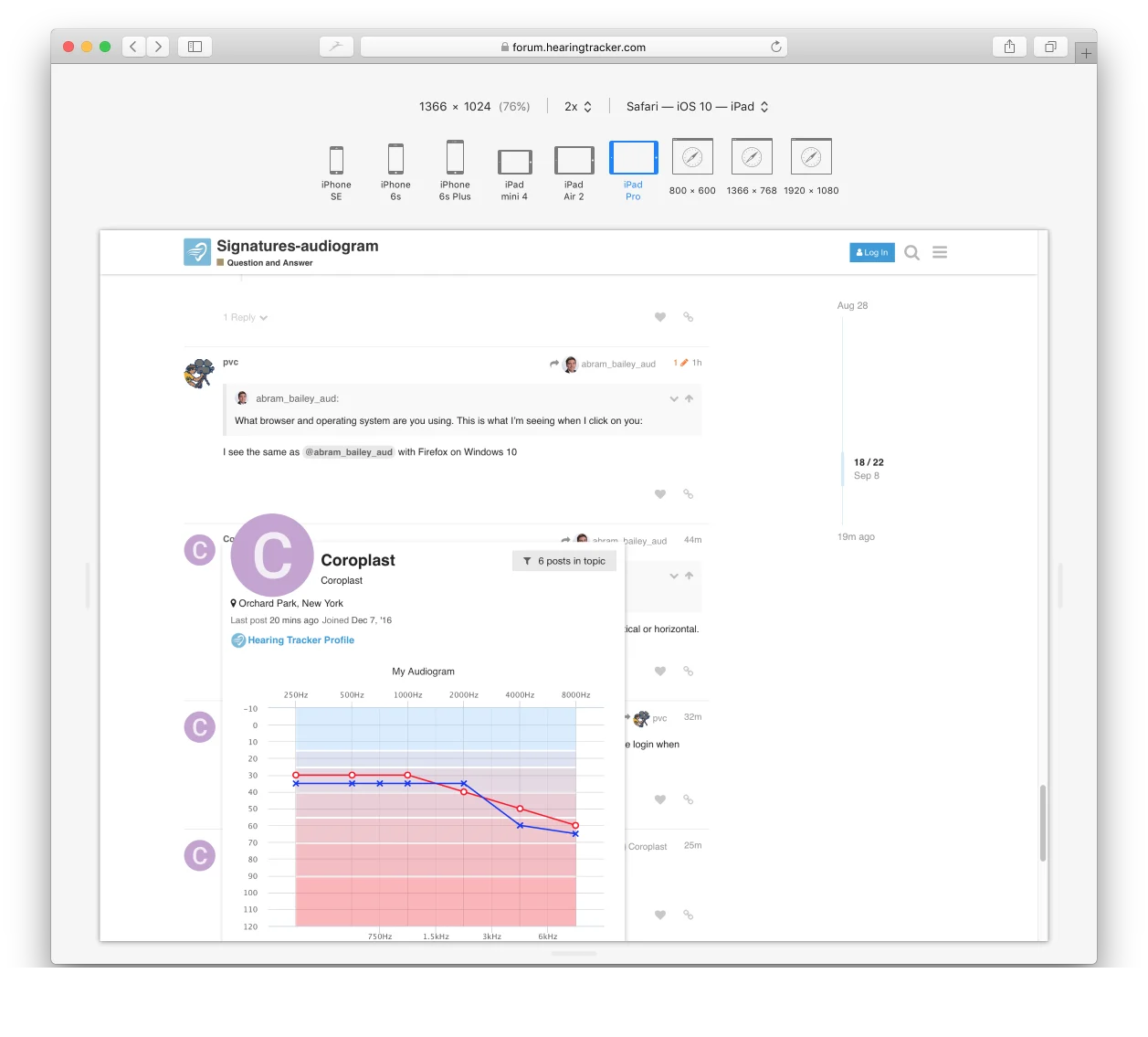
To see that block allowing the entry of the audiogram you have to sign on to Hearingtracker itself not just the forum. When on that page with the blank graph go to the top of the page and log in using your forum credentials.
Undoubtedly you have logged on to Hearing Tracker before. Some of us never have. Doing the login when confronted with the blank graph solves the problem of no edit option.
Apparently that is the answer. Signing into Hearing Tracker, not the forums.If you have not signed up before, your Hearing Tracker profile (not forum profile) says
Member
Member Profile
and the page address reads https://www.hearingtracker.com/consumers/####12 where the # is your unique ID
Even though it may look like it is not you, it is. From there you can enter your and it will show up on the forum side of the site.
You’re ignoring this member’s posts.
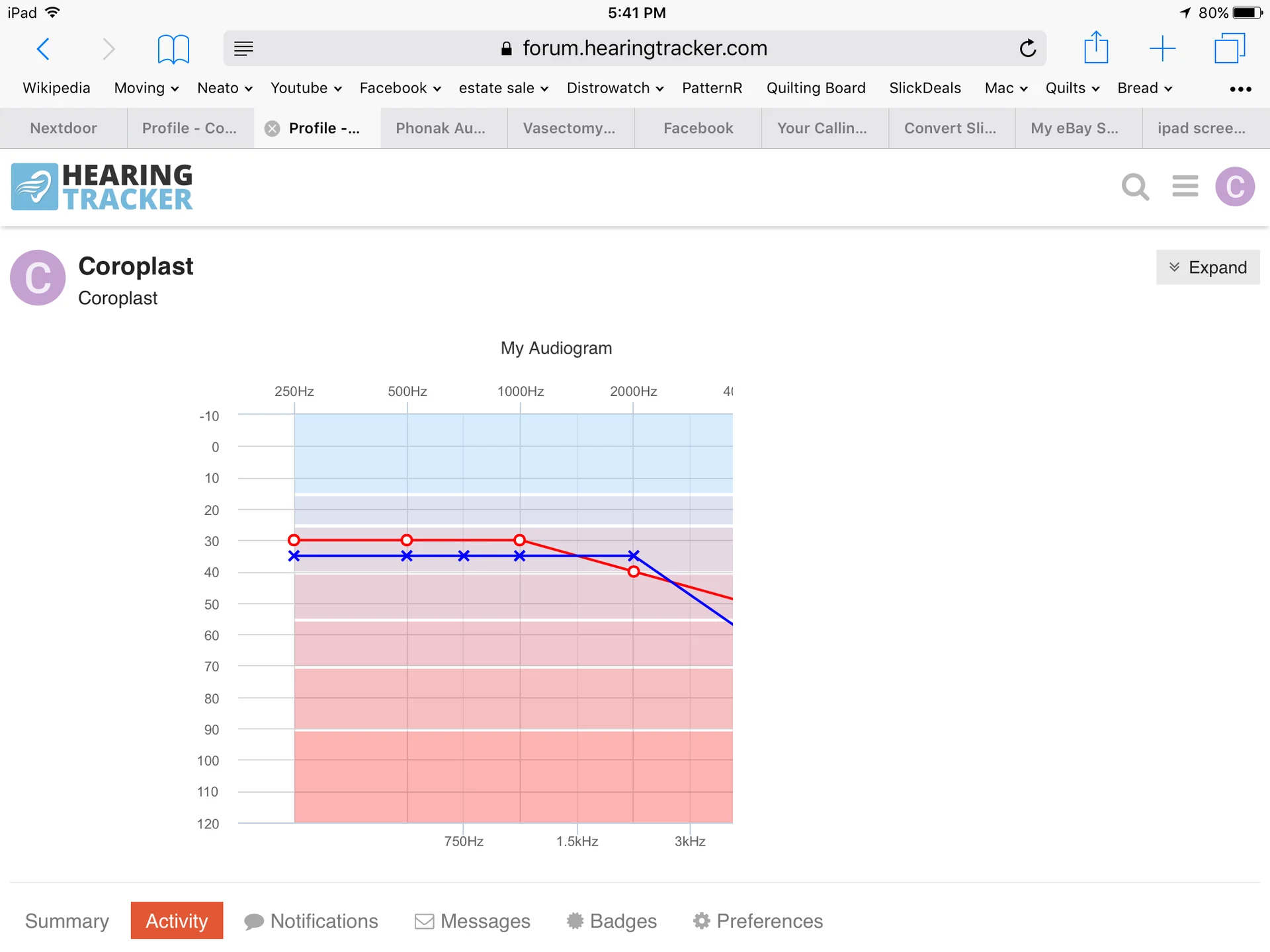
I’m using Chrome on the iPhone and the are clipped off as well. I have the iPhone 7 plus on iOS 10.3.3.
You’re ignoring this member’s posts.

I have Chrome on an iPad Air 2 running IOS 10.3.3 and the display correctly. On my iPhone 6 with Chrome they are clipped off.
You’re ignoring this member’s posts.


We haven’t fixed the clipping yet. That will be our next project. However, I wanted to share that the correct frequencies should now be displaying for the interoctave test pitches.
You’re ignoring this member’s posts.

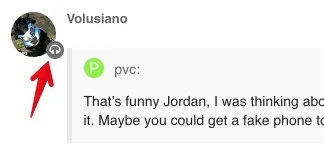
Nope I don’t like it. I looked a little earlier and you had a little black headphone symbol. Well alright if you must. Now you have this gaudy gray background headphone symbol that tromps all over the little avatars.
I also don’t like that you have to click through to see the chart if not logged in. Oh well.
Edit: I changed my avatar anyway.
You’re ignoring this member’s posts.
Sorry didn’t mean to block your “10” … Just made them a little smaller. The issue was with no background color you couldn’t see the icon on black avatars.
You’re ignoring this member’s posts.
You don’t want to know how long I spent tweaking that icon to get it universally visible and not too big. Haha.
You’re ignoring this member’s posts.
Further to the click through…maybe if not logged in all a reader sees is the avatar. Or an invitation to log in to see more.
Oh hey…how about showing little headphones ALL AROUND the avatar on the outside as though the avatar is a head. Get it? 
You’re ignoring this member’s posts.
Haha, I do get it. Not sure I will tinker with it. By the way, we fixed the previews for logged out users just now. Thanks for letting me know.
You’re ignoring this member’s posts.
Maybe add the flag setting to the pop up too.
And I am thinking it may very well be preferable to only see user information after logged in rather than always there to just everyone. An invite to create a userid and log in to be able to see user info should perhaps be all that is visible.
You’re ignoring this member’s posts.
Maybe add the flag setting to the pop up too.
Will work on that. Also, removed the headphones from the popup avatar for now. So at least you can see your avatar in its full glory on demand ![]()
You’re ignoring this member’s posts.
Well…y’know…I’m not thinking of just me.

(in response to you removing the headphones from the pop up)
You’re ignoring this member’s posts.
Since you’re futzing with this stuff, what do you think of adding speech banana to ? I have mixed feelings. Think it could be neat, but also might be too much clutter.
You’re ignoring this member’s posts.
The tiny headphone icon keeps morphing in front of my eyes. Sometimes I see white headphones on a grey background. Most times I see a grey palm tree inside a grey circle on a white background.
As if that optical illusion wasn’t enough, when it’s next to 1Bluejay’s Avatar it looks ready to hatch, Yikes. 
Maybe I would have tried using an asterisk?
You’re ignoring this member’s posts.
Related discussions
Announcements4 replies
Fitting Software Requests1.1k replies
Hearing Aids104 replies
Uncategorized451 replies
Hearing Aids169 replies