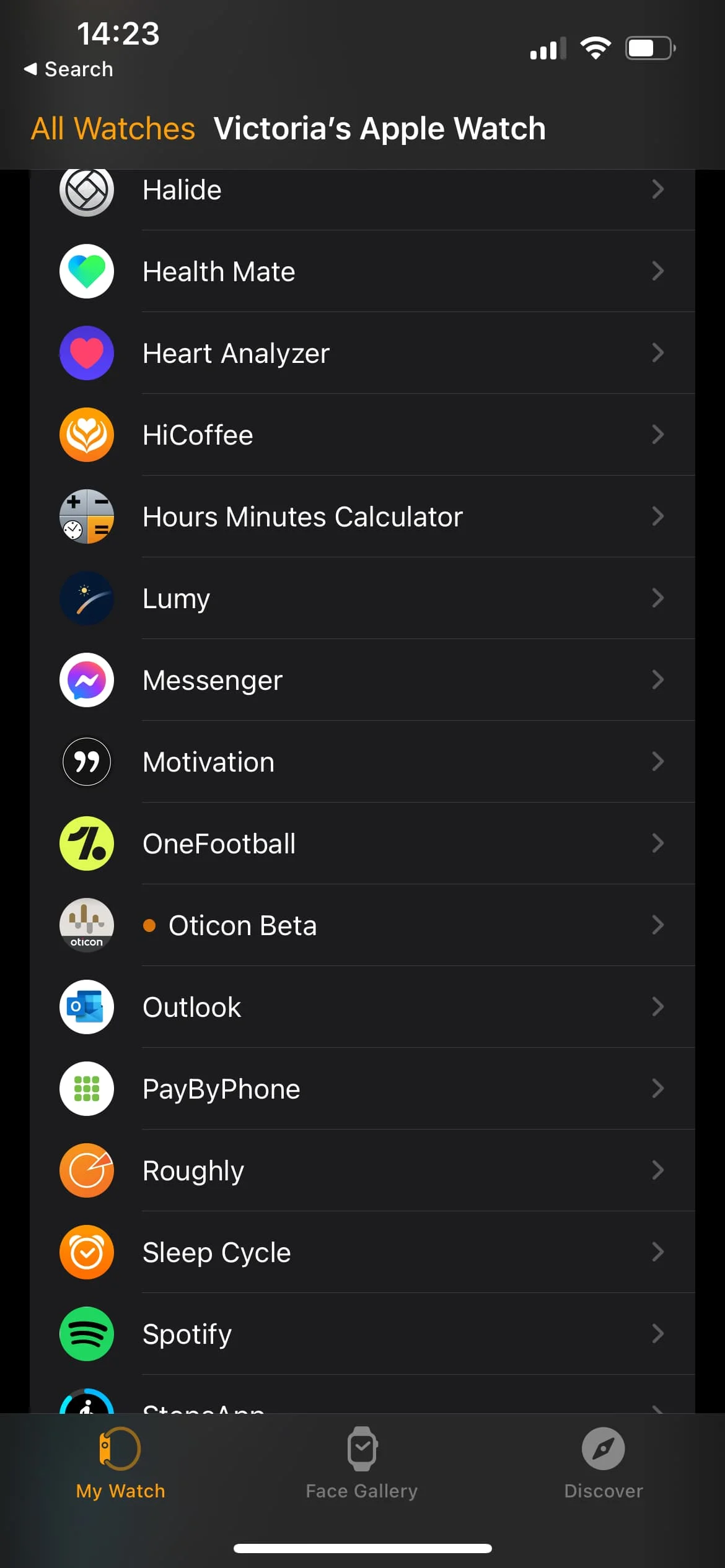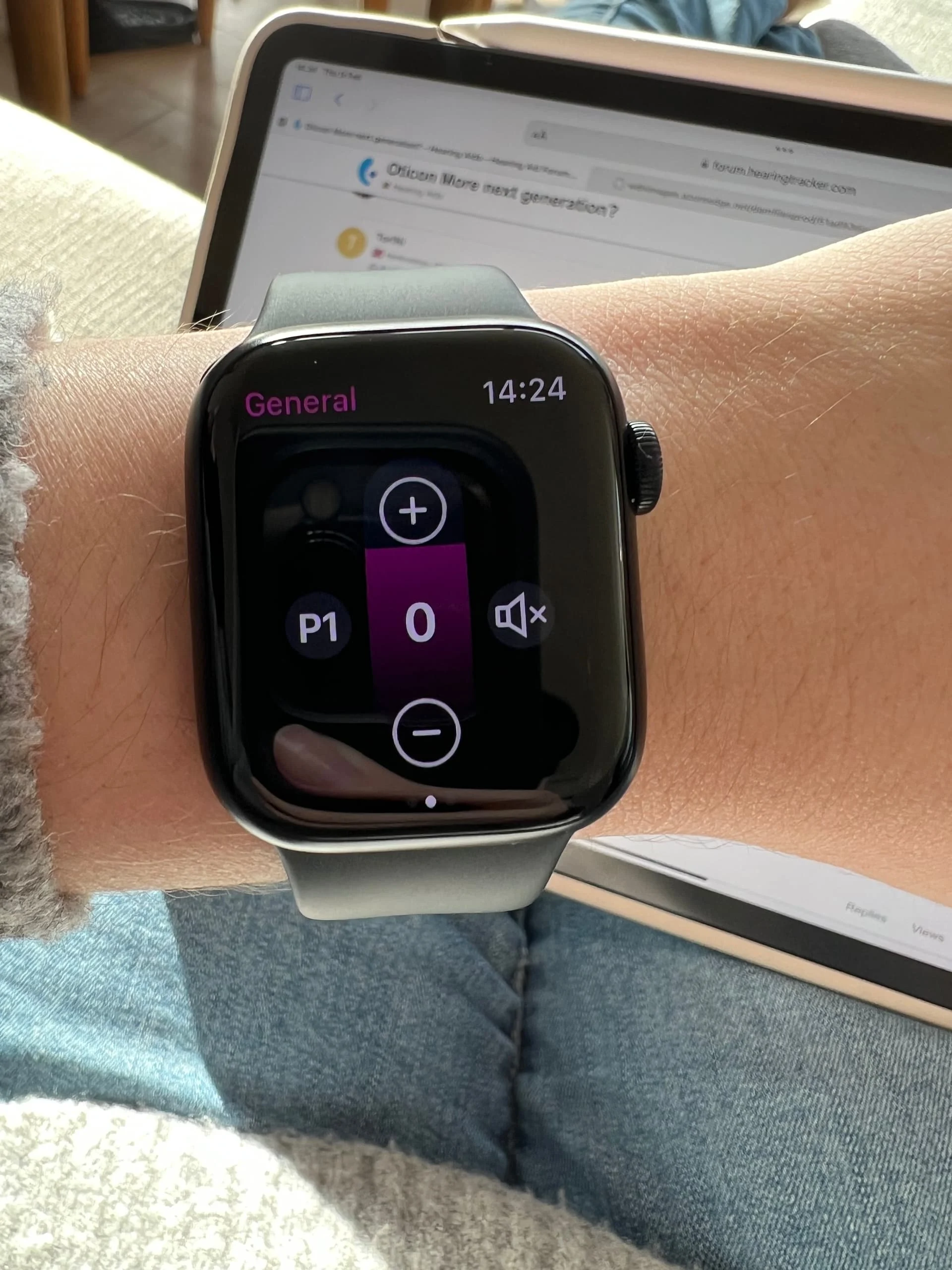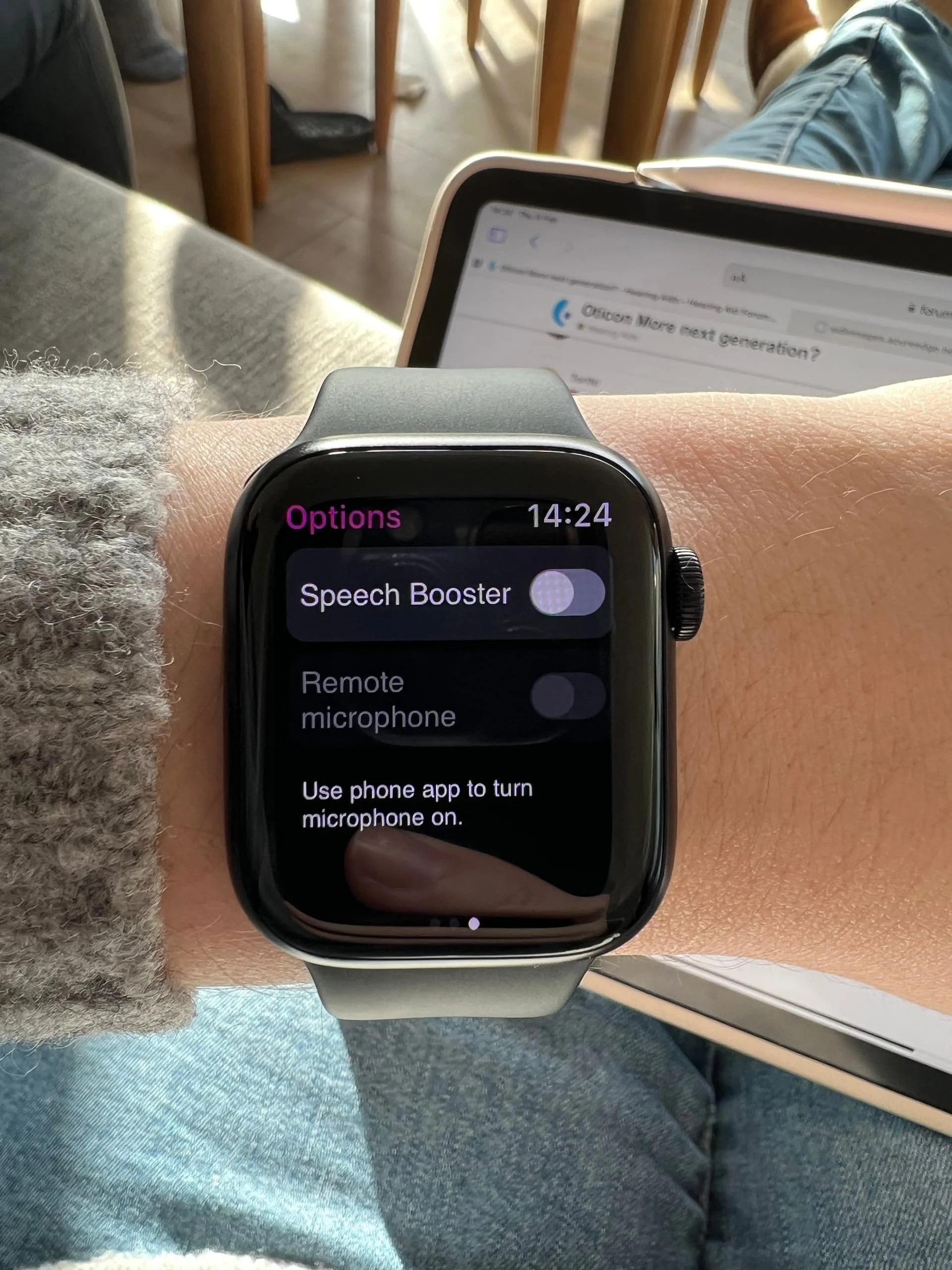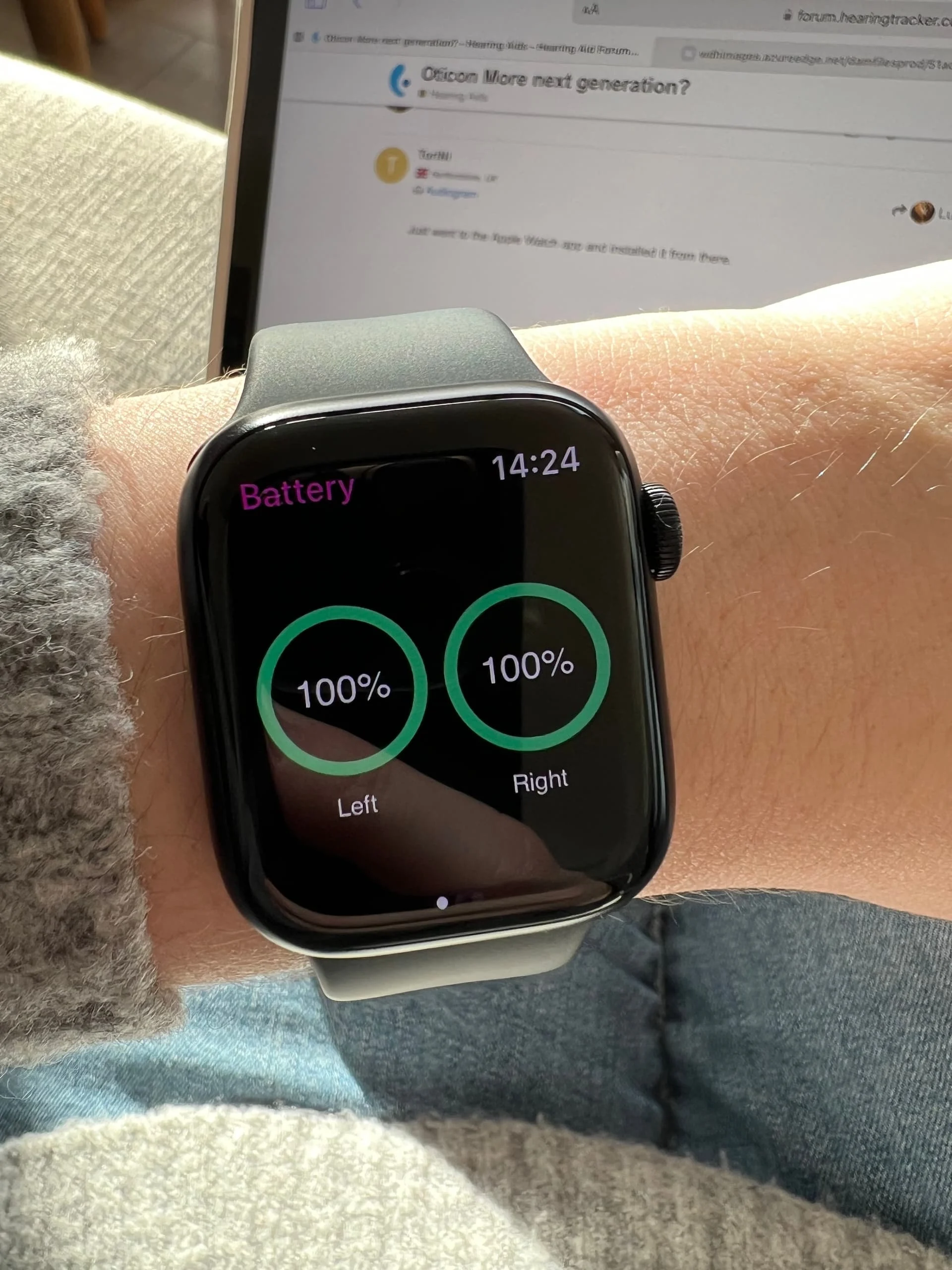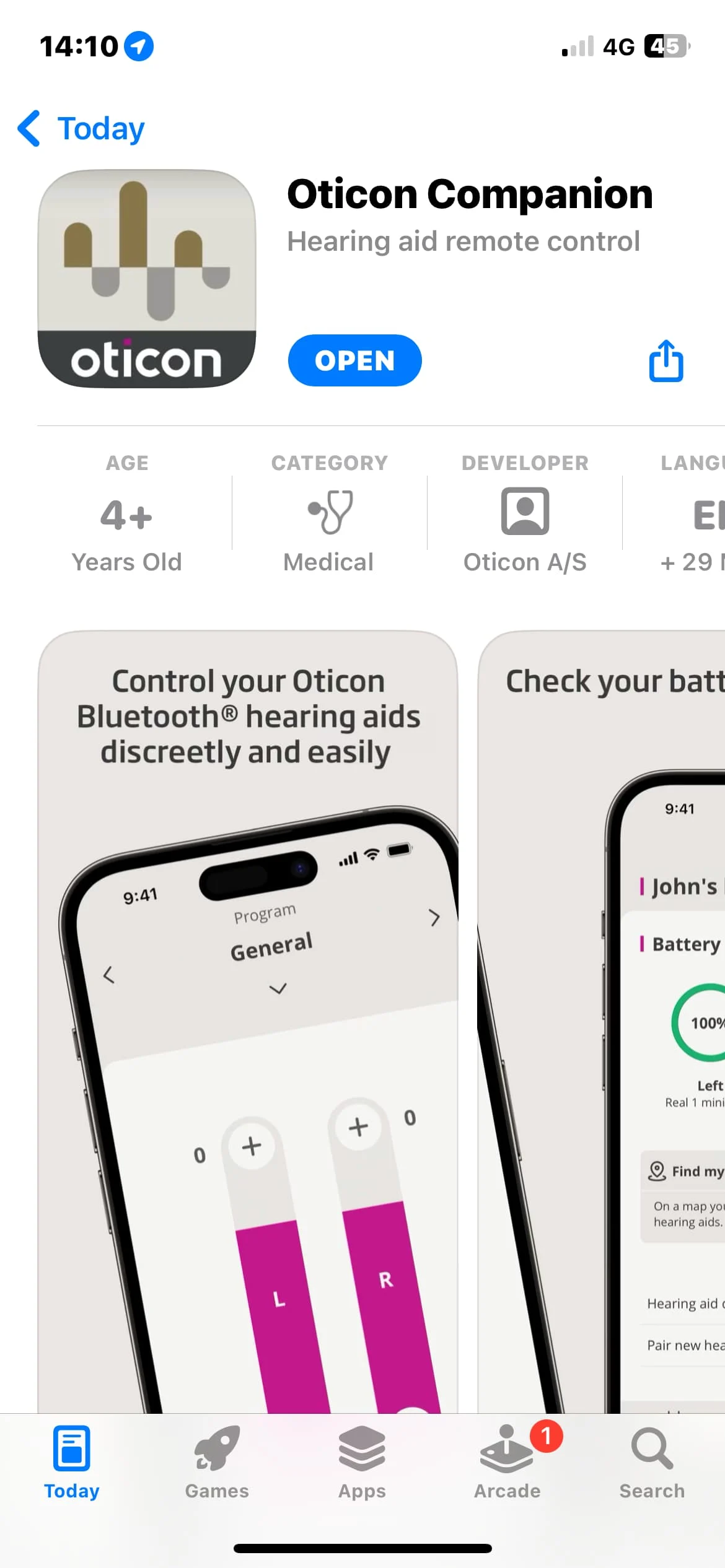

Anyone see an AppleWatch complication in this new app? Seems like the old app with a new GUI…
I also don’t see the old Hearing Fitness stats…
You’re ignoring this member’s posts.
This topic is closed.
345 replies11.5k viewsLast reply
Anyone see an AppleWatch complication in this new app? Seems like the old app with a new GUI…
I also don’t see the old Hearing Fitness stats…
You’re ignoring this member’s posts.
You’re ignoring this member’s posts.

Just went to the Apple Watch app and installed it from there.
You’re ignoring this member’s posts.
You’re ignoring this member’s posts.
You’re ignoring this member’s posts.
You’re ignoring this member’s posts.
And you can add it as a compilcation which actually works unlike the last one.
You’re ignoring this member’s posts.
You’re ignoring this member’s posts.
Maybe. It’s working quite well. Really like using my Apple Watch to control my hearing aids again. So it’s good to see it back. Suspect it’ll be released very soon alongside their new model since the new version of their app has appeared in marketing material.
You’re ignoring this member’s posts.
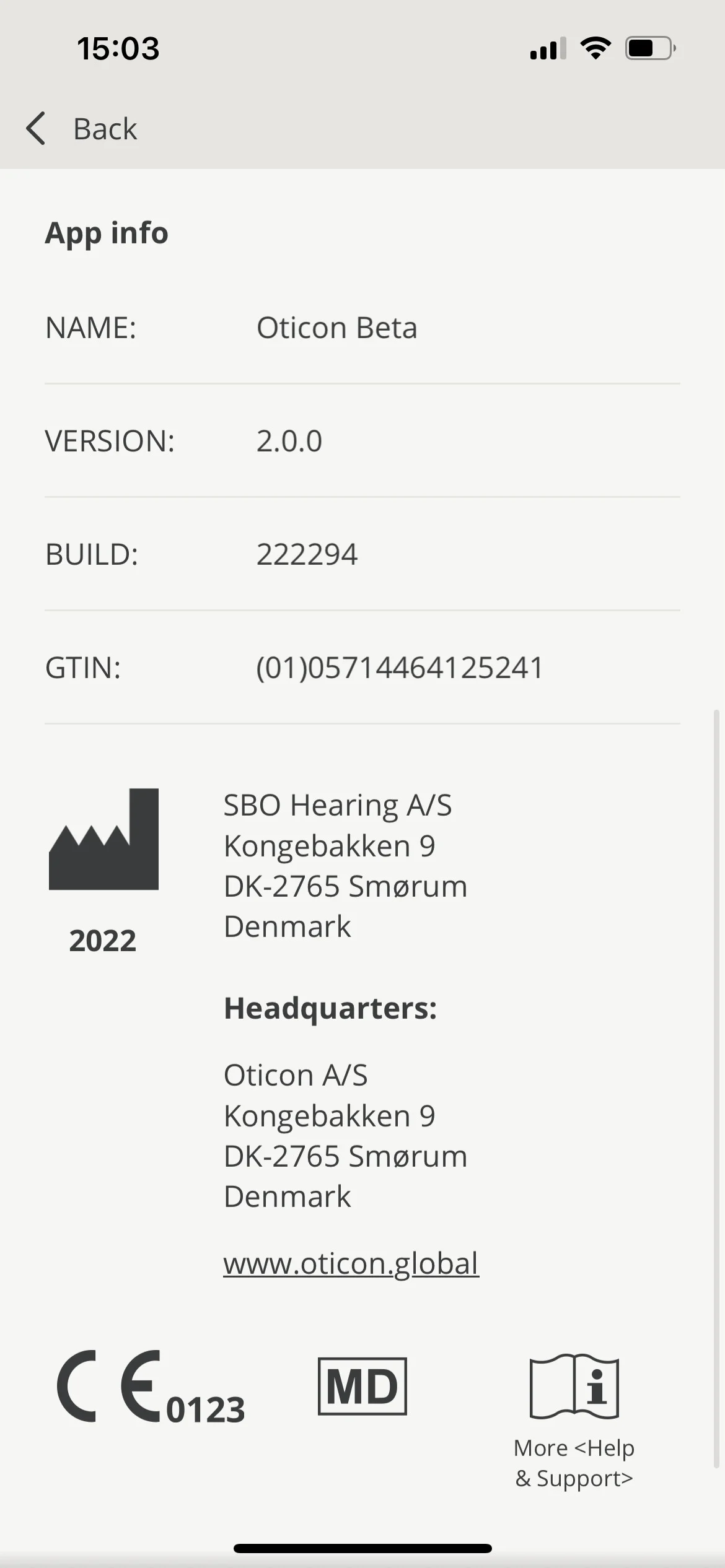
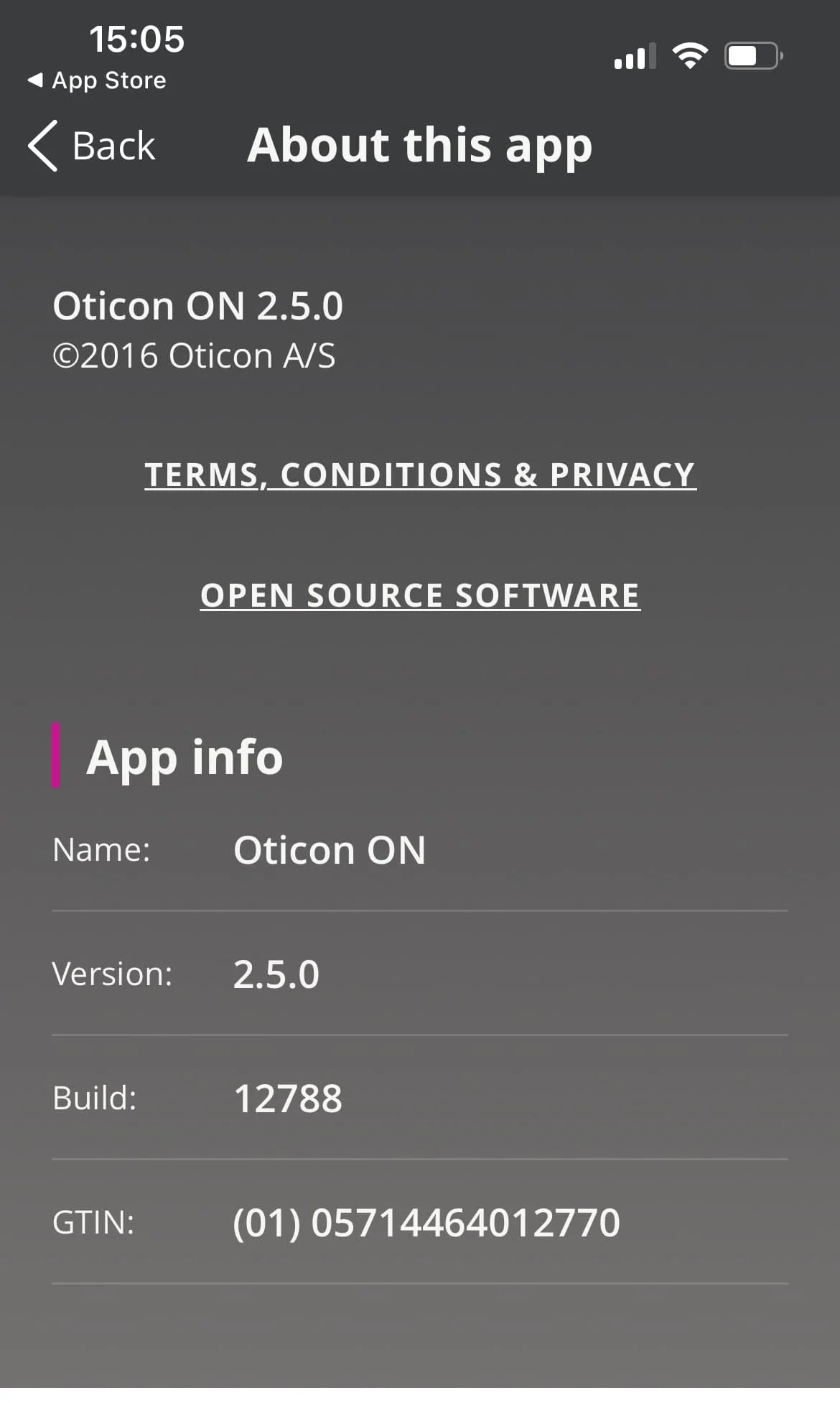
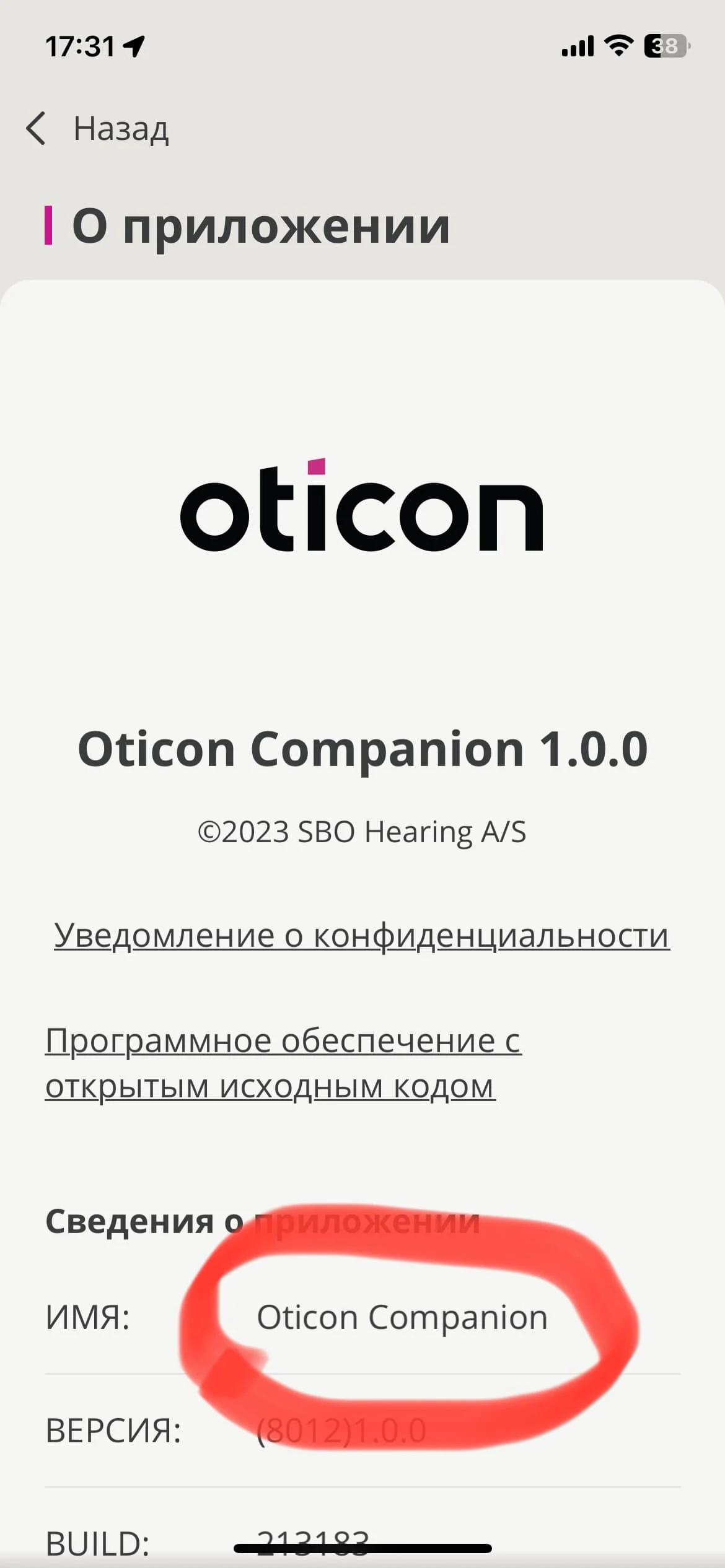
@ToriNi What is the version number of your app? The one i got from the app store is (8012) 1.0.0 Build 213183 under About the App. Thanks for checking.
You’re ignoring this member’s posts.
You’re ignoring this member’s posts.
You’re ignoring this member’s posts.
You’re ignoring this member’s posts.
You’re ignoring this member’s posts.
You’re ignoring this member’s posts.
You’re ignoring this member’s posts.
You’re ignoring this member’s posts.
Real setup in Genie 2 looks very, very similar to More… There is a new “Wind & Handling Stabilizer” option, replacing “Transient Noise Management”. And that is all, AFAIC.
I really don’t like the old Transient Noise Management. Always have that in “low” , and “off” for my music program. So, I might think… why bother?! lol
In Genie 2 Real really looks like More S ;).
You’re ignoring this member’s posts.

More is using the Polaris platform. Real is using Polaris R. So, it’s definitely a “More S”.
If you have More hearing aids as I do, you don’t really need to upgrade until the next generation after Polaris.
You’re ignoring this member’s posts.
From Genie 2:
SuddenSound Stabilizer in MoreSound Amplifer 2.0
The SuddenSound Stabilizer is a new feature with Oticon products on the Polaris R™ platform which instantly handles soft and loud sudden sounds of everyday life. This feature replaces Transient Noise Management.
The aim with this new added functionality is to make SuddenSound Stabilizer a tool that you actively use as part of the fitting. For this reason, we have given it a more prominent placement in the Fine-tuning screen, as part of MoreSound Amplifier 2.0.
Depending on the pricepoint, there are up to six different levels: Off, Low, Medium, High, Very High and Max.
SuddenSound Stabilizer can be turned off for no sound processing of sudden sounds, and can be individualized for very different client needs, as it adds additional sudden sound attenuation for every level up.
Wind & Handling Stabilizer in MoreSound Intelligence 2.0
For the Oticon Real hearing aid family, it is possible to effectively prevent wind noise and handling noise in the hearing aids. This is done by turning the Wind & Handling Stabilizer on or off in Automatics. As default, the feature is set to on.
Given its powerful ability to reduce annoying and disturbing sounds with noise-like properties, it is considered part of the well-known MoreSound Intelligence processing, as it also provides a better starting point for the onboard Deep Neural Network to work as intended.
Conversation Activity
Conversation engagement is a factor that indicates how your clients thrive with their hearing aids. This logging information can be used to have a dialogue with your client about how active they are in conversation, and the impact that wearing hearing aids can have for a person’s ability to talk and engage in different listening environments.
With this function, you can analyse in which types of sound environments your client is using their hearing aids, how much time they are engaging in conversation when they are in a particular type of sound environment, and also how their engagement develops over time. With this information, you can assist your client and tailor their hearing aid settings to help them in their journey to engage more in conversation.
The information on Conversation Activity can be found under Data Logging in the Fitting screen..
Voice notifications
The notification for Low Battery is now available as a voice notification as a supplement to (only) beep notification. This makes it easier for the client to understand what the notification means, and take the correct action.
Voice Notification is available in a variety of languages and it is only available when the hearing aids are connected - not in simulation mode.
You can find Voice Notification in the End Fitting screen, Buttons and Indicators, under the tab called Audible Indicators.
Improved detect/connect flow
We have improved the flow of the detection and connection of hearing aids, by providing you with all relevant information for the process in one window.
This means that you can make your decision easily, close the window to finish the detect and connect process, and then move on with your fitting.
This new approach makes the process smoother for you and your client.
You’re ignoring this member’s posts.
Hearing Aids9 replies
Hearing Aids50 replies
Hearing Aid Batteries4 replies
Uncategorized452 replies
Fitting Software Requests514 replies


 Hertfordshire, UK