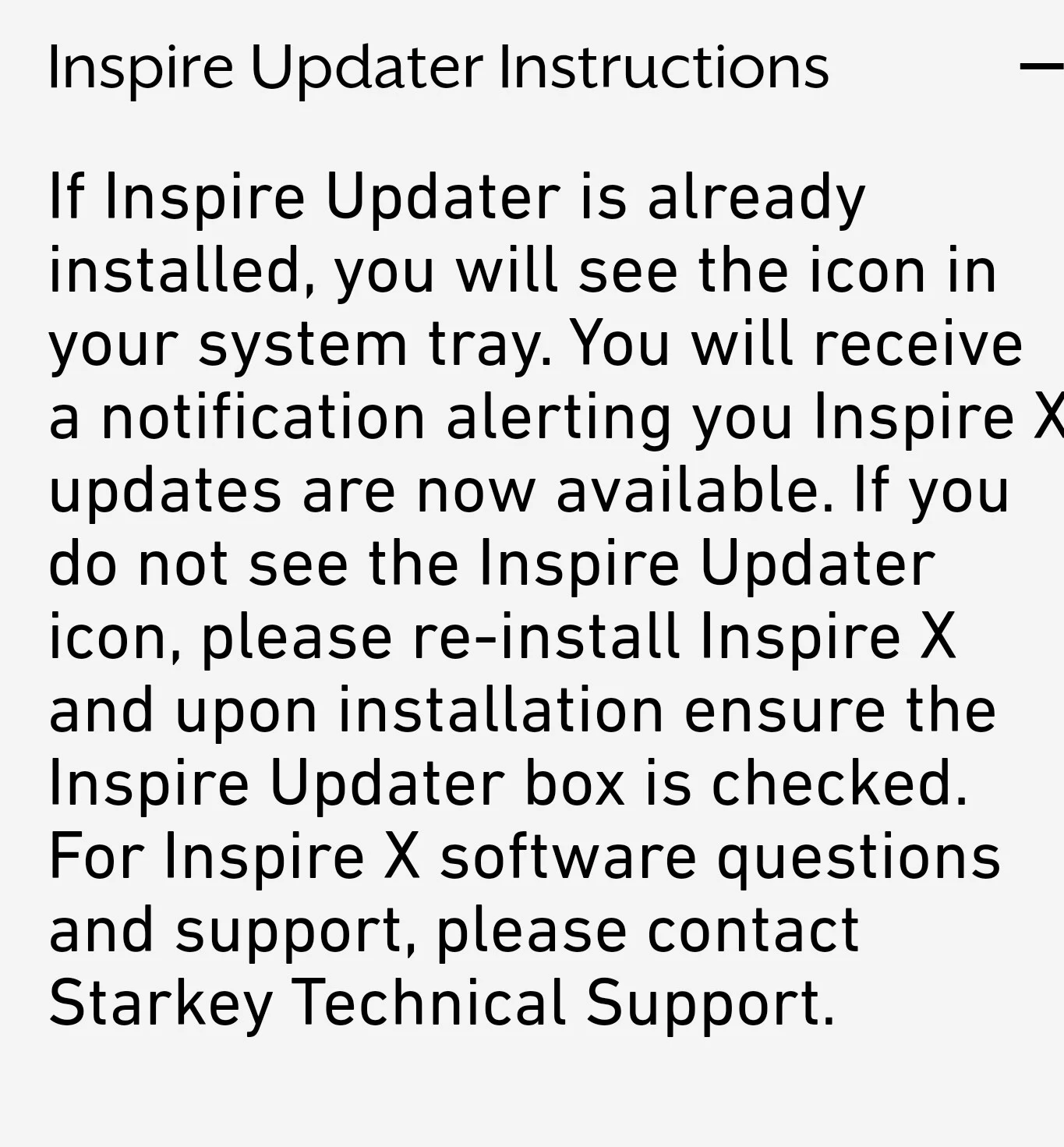
Hi there, sure it’s available, you shouldn’t be having any issues updating to the pro version, look in your system tray, easy way is to just open inspire home page and then close it next restart your PC and you should get a notification that there’s a new update.
Hi, please could I also have the link for the Starkey software if possible?
I have the evolv hearing aids and I am feeling like I am getting nowhere with my adjustments through my audiology appointments so have decided to try !
I am a DYIer. I have Starkey Inspire 2023 on my computer. do not have Noah 4 due to their limit of a 45 day free trial and dead after that. Updater in Inspire is grayed out and will not work. Seems the only way to get Pro Fit is to have Noah 4 active on your computer. I just want to be able to program a pair of Starkey Genesis 2400 RT for myself. Seems I can’t purchase Noah since I am not a dealer therefore I can not get the update to Pro Fit. Any suggestion on a work around?
Hi there lots of incorrect information here, you use and install inspire software in “standalone” mode make sure to tick the check box you get asked, you DO NOT need or want Noah software, it’s not at all needed for , contrary to what the previous poster might be telling you.
What do you mean by DIYers using a stand alone data base and not Noah?
Please don’t listen to previous members you were kindly kicked off this form for good reason.
Please share his “new” forum name ID he’s using so we can report it to the mods.
Install the latest PatientBase Setup 27.0.1… , this is the actual Version for Pro Fit (all versions) and Inspire (2023.1 or Newer):
On this website click on “Previous Versions” if you use an older version of Inspire.
You do NOT need NOAH 4 → please deinstall / remove NOAH 4 from PC.
remove / deinstall NOAH 4
deinstall Inspire
install Patientbase
install Inspire
start Patientbase - this will start Inspire
download ProFit from within Inspire. you should get a pop up message in Inspire that you can download the new ProFit software.
Got the Patientbase with ProFit and Inspire 2023 to intall and both the Genesis and Evolv are recognized by the corresponding Software. I can save a fitting session data in Inspire for the Evolv aids. The question is , how can I transfer those fitting settings into the Genesis aids thru Pro Fit.
What about opening profit and then selecting from patient base the Evolv aids settings, then connect the Genesis aids, I don’t know exactly as I don’t use Starkey, but it can’t be too hard to do, I did see this on their website.
Hello, I have a quick question for the professionals, can you also set the Genesis Ai with the Inspire software with Save Database from the Inspire Software or is it only possible with the ProFit software? the ProFit Software can Not Open the Database from the Save Inspire !I had the Evolv and also the appropriate fuse, but I can’t open it with the ProFit, so the question is whether I can open the genesis in the Inspire and transfer the hearing profile from the Evolv to the genesis if I buy it? …
I can’t see anywhere the “stand-alone” option during the installation of Inspire. Still installation worked for me, although I am not sure if changes have been transferred to the aids. Also, there is quite a stern warning for ProFit Software installation, so I am not sure if it is safe to do it at all. I know it’s for intellectual property protection and it is available in every software, but this one sounds a bit… scary
although I am not sure if changes have been transferred to the aids
Why not? If your are connected and you click save to HA and database then the changes are made, if you really want to “be sure” just make up a extra program and then save and quit inspire, you can then check to see if that extra new program is now accessible from your HAs.
Also, there is quite a stern warning for ProFit Software installation, so I am not sure if it is safe to do it at all
huh… what kinda warning, some like they’ll come and have you arrested in the middle of the night for using their software…the only thing scary is the fact your frightened by it.
Ignore it and just do what you need to do.


 Kuwait City
