You do not tell us the settings you use to listen to music.
I’m just using my standard program that my Audi setup. I don’t have all the settings handy but it’s not a headphone/music specific program.
You can create a test program or session and run the feedback analysis in Genie too.
How does this work at home? I’ve never done a feedback analysis or really any other programming other than updating firmware
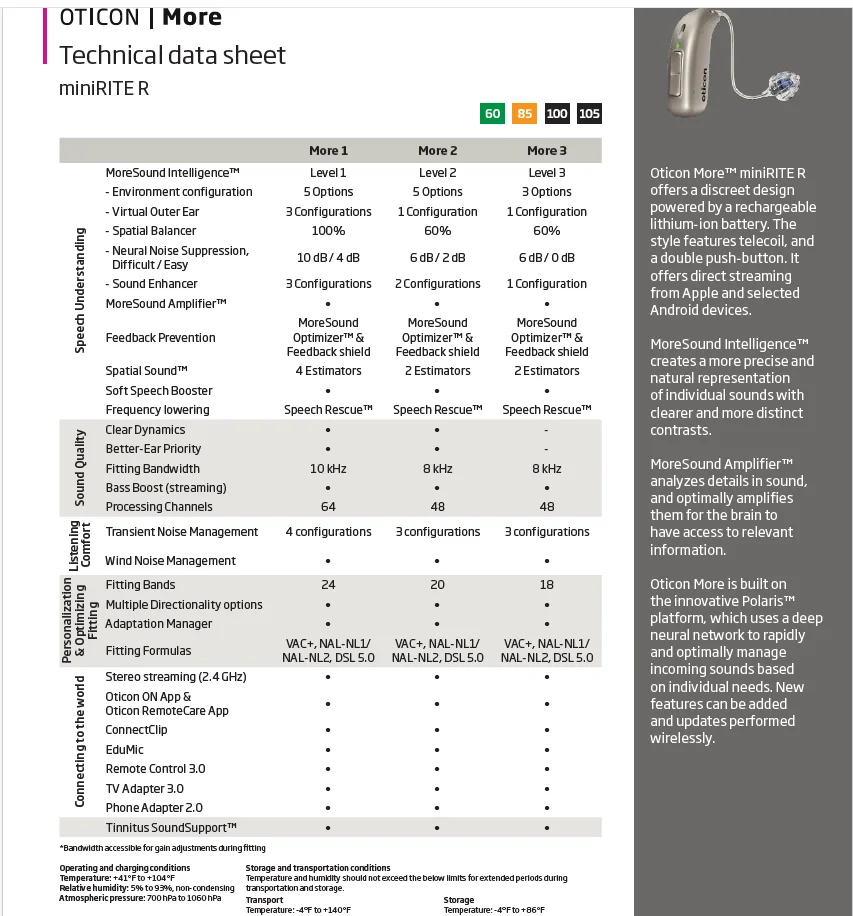
The feedback analysis mentioned here is the Feedback Analyzer option. It’s only for the older Feedback Shield technology available in the OPN. Starting with the OPN S, More and now Real (and others after the OPN S), the Sound Optimizer is the replacement Feedback Management option for the traditional Feedback Shield. However, the old Feedback Shield didn’t go away. It’s just inactivated by default, but can be revived and be used either as a stand-alone or even in conjunction with the new Sound Optimizer Feedback Management feature as wished.
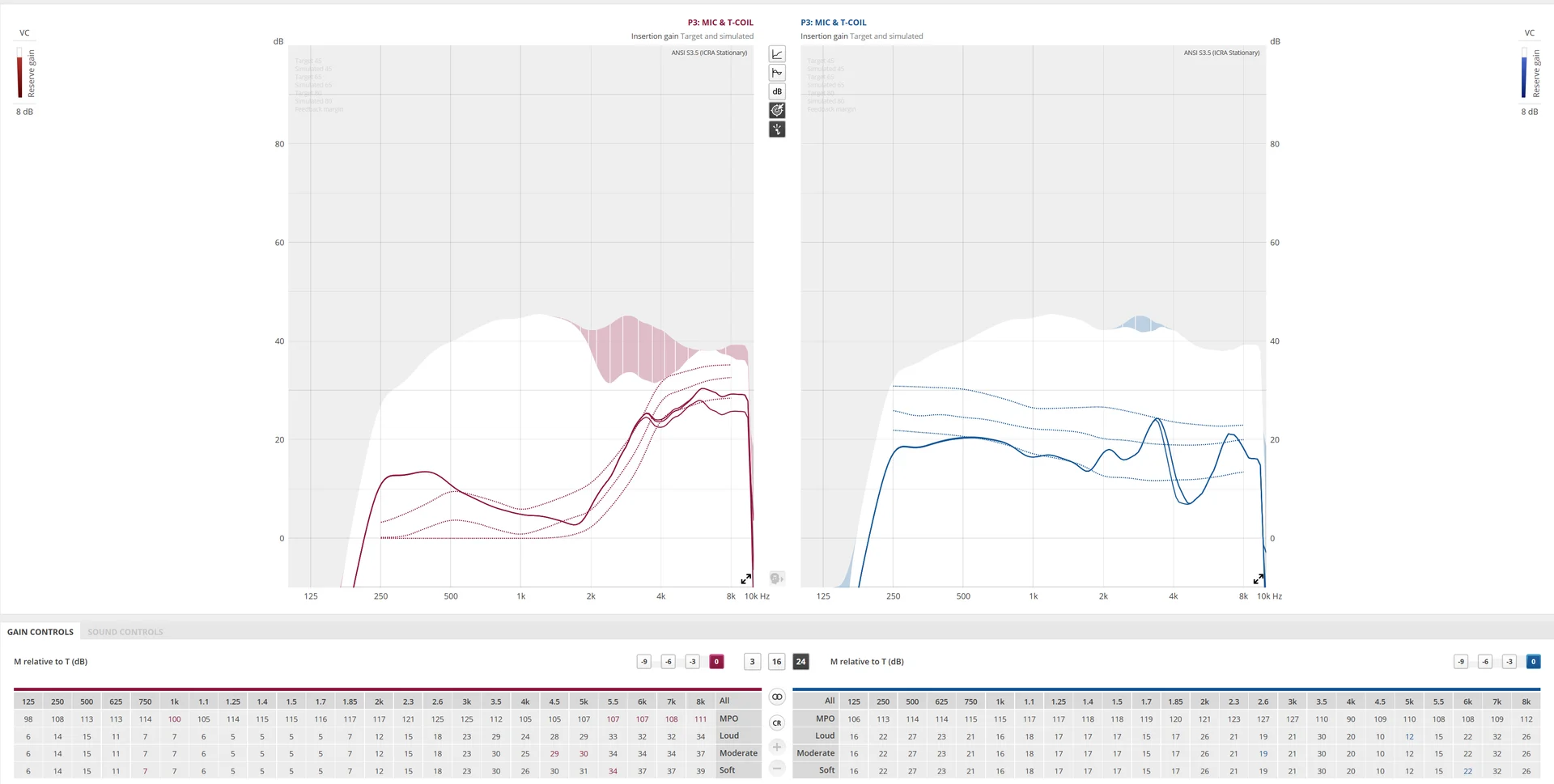
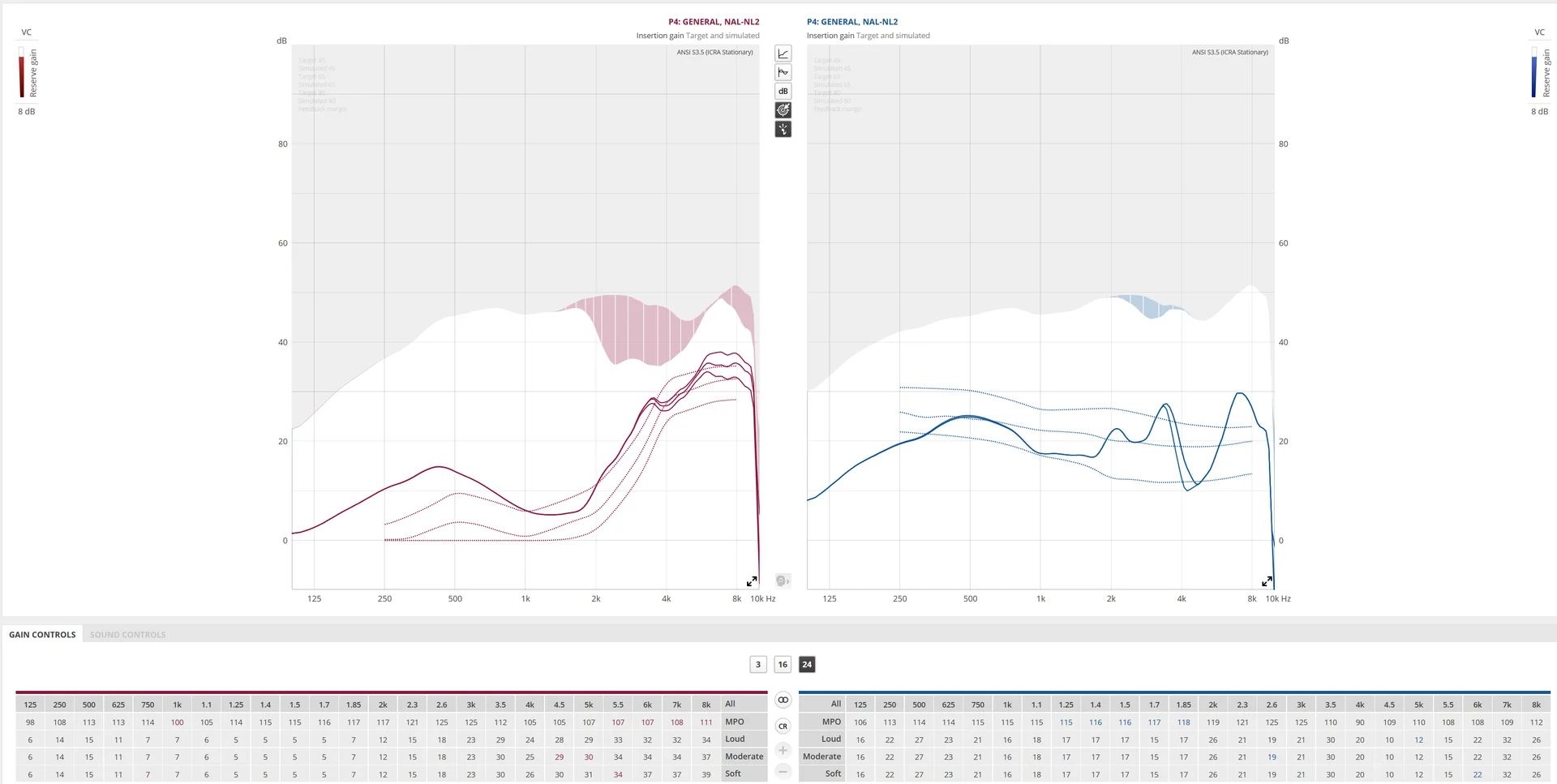
The way the old traditional Feedback Shield works is that you wear your hearing aids and run the Feedback Analyzer in Genie 2. It will emit a series of white noise across the frequency spectrum and determine where in this spectrum the white noise tends to generate feedback. Once this region is determined, it’ll gray out in the gain curves the region where the gain is not supposed to go over due to the potential for feedback development if amplification goes beyond this level. This means that in those areas, the amplification can only go up to a certain point and is not allowed to go past that point (like it would be allowed before if left unanalyzed) in order to contain feedback. This means that you will now have a lower signal to noise ratio than before because you now have a lower ceiling limit for amplification → they call it reduced gain margin. So this is the tradeoff you’ll have to live with → reduced gain margin → lower signal to noise ratio → harder to understand speech in noise → as a price to contain feedback.
One should try to use the Sound Optimizer Feedback Manager feature first, and only if it doesn’t help or if it must be put in Low (from Normal) or turned off due to excessively unacceptable fluttering, should the user fall back on the Feedback Shield and activate and run the Feedback Analyzer in Genie 2 to engage it.
And note the it can be used in conjunction with the Sound Optimizer Feedback Management feature, if the later is still not enough to control feedback, especially for people with very heavy hearing losses that require very strong amplification.
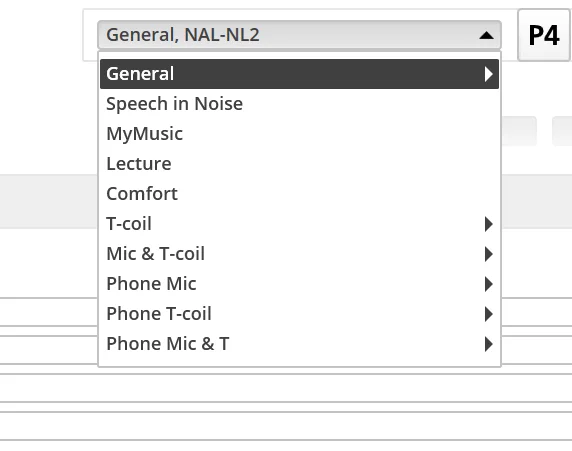
If non-headphone use never causes any feedback, then I would recommend leaving the Feedback Analyzer alone and just manage with the Tcoil program, which is the better approach. Like I said in an earlier post here, there are negative trade-offs for activating and using the traditional Feedback Shield, so if you don’t really need to activate it for normal listening (non-headphone use), then you should leave it alone.


 SoCal
SoCal