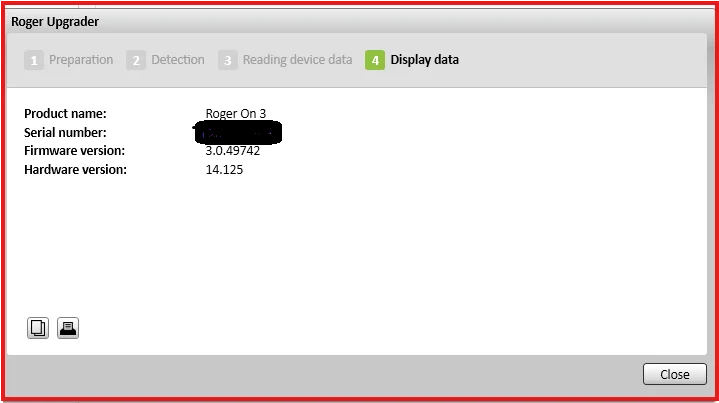
Yes, I’m using the myRogerMic app and ran into the exact same issue you did.
Try the following with one of the non-working Roger Ons, following these steps exactly:
- Unpair the Roger On from the myRogerMic app and your phone’s general bluetooth settings.
- Disconnect hearing aids from the Roger On (hold back button for 8s).
- Turn off both aids and the Roger On.
- Turn on one hearing aid and the Roger On.
- Press and hold the connect button on the back until the chain icon appears and hold it near the aid.
- It should connect and show a check mark on the Roger On.
- Turn the just-connected aid and the Roger On off.
- Repeat steps 4-6 with the other aid, then turn both the aid and the mic off. At this point both aids should be connected to the Roger on.
- Pair the Roger On to the myRogerMic app (turn on mic, go through steps on app).
If your aids support RogerDirect and have receivers installed then you should be able to access the stereo modes if you followed these steps.

 Rural New England

 North West UK
 Malaysia