Your particular hearing loss and type of domes or molds will have a big impact on your results. But in case it helps:
While streaming, the MyPhonak app does have and “Ambient” slider available. Moving it towards Audio rather than Surroundings can greatly increase music clarity. That said, your aids can’t process sound reaching your ear canals directly through relatively open fittings (dome holes, vents etc).
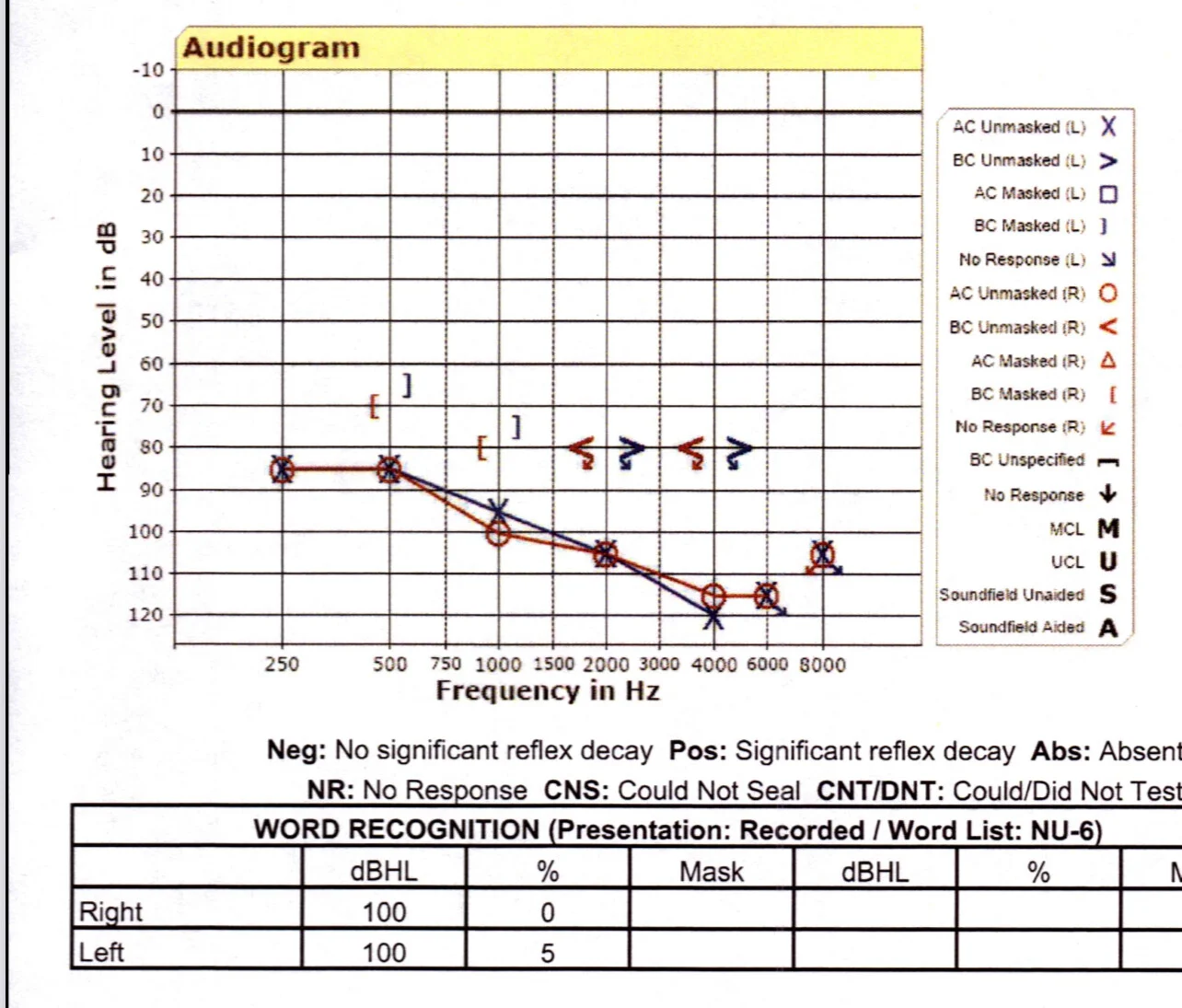
You may also be able to adjust the e.q. through whatever source you’re using to stream before it hits your aids - in the source streaming software. I use Spotify most often, and it has e.q. sliders that allow me to increase the lower frequencies that aren’t usually processed much with a common “high frequency loss but stronger natural low frequency ability” situation and a speech-oriented fitting.
I eventually moved to Power Domes to gain better streaming and speech in loud noise results. I personally feel that I’m getting much more value out of my Spheres with Power Domes and a revised fitting to account for them.
It seems from your description that you’d generally want to boost lower and low-to-mid range frequencies while also lowering upper mids and high frequencies in your streaming software for a more “natural” streaming result.



 Michigan