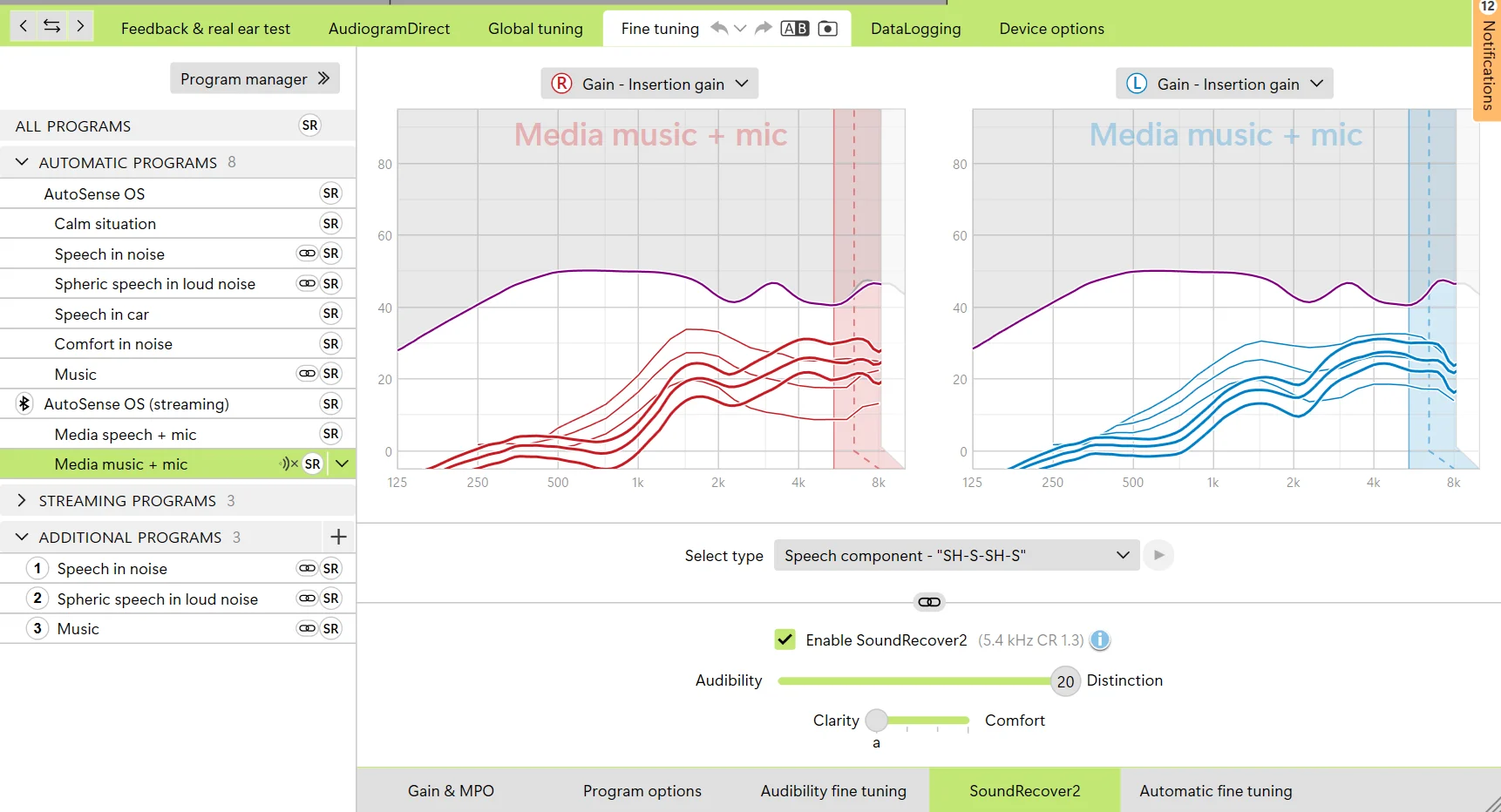
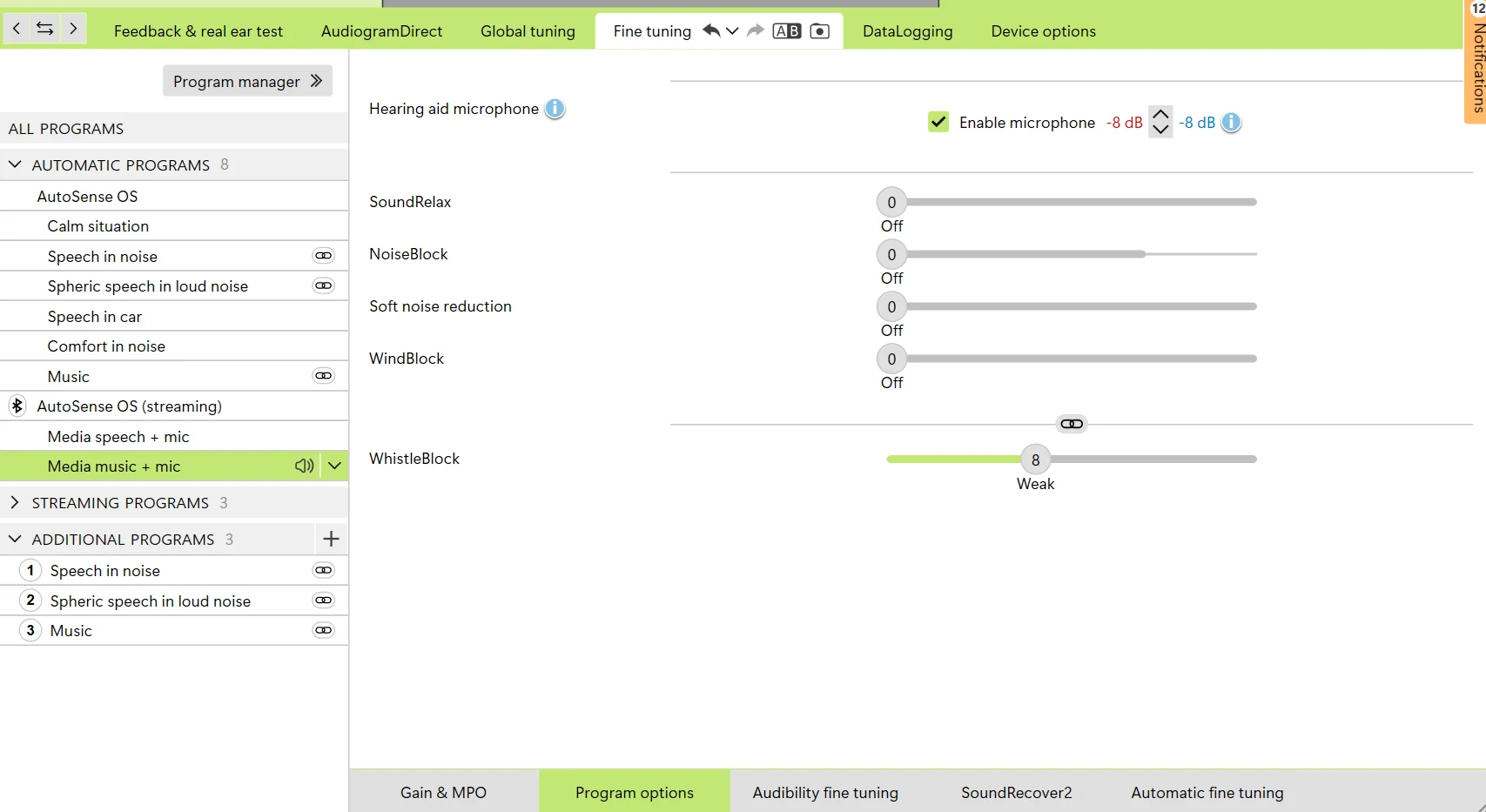
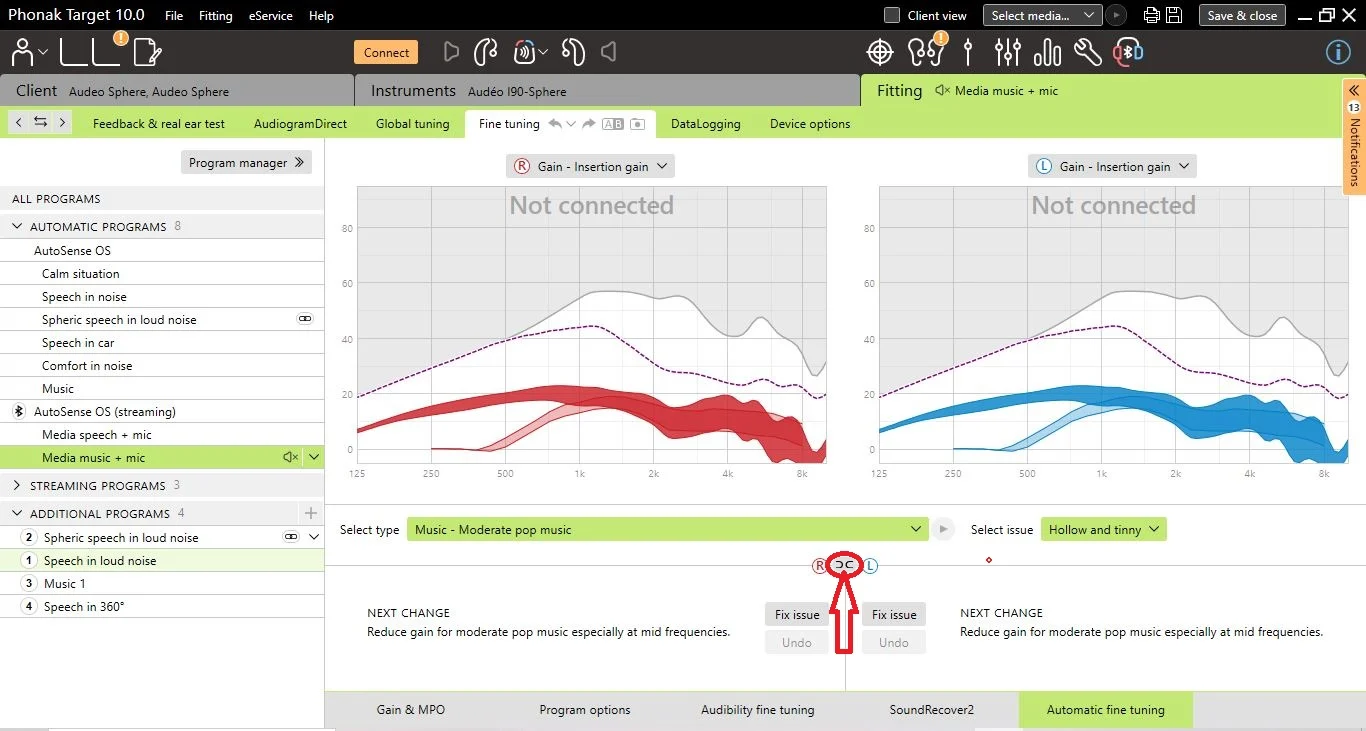
But what other features? The only other thing on is “Whistle Block”
Good they are all off already, so whistle block won’t matter much once you set the microphone attenuation to it’s lowest point.
let me know if another screenshot would help elsewhere in my app
No that’s fine, it’s “software” the App you install on your phone.
When you say turn down the microphone attenuation, I don’t see that in the UI, do you mean this?
Yes that’s it in the UI on that, I think the lowest it -6 now, it used to be 0.
but the Phonak’s just sound soooo thin and tinny compared to my oticons, it’s shocking.
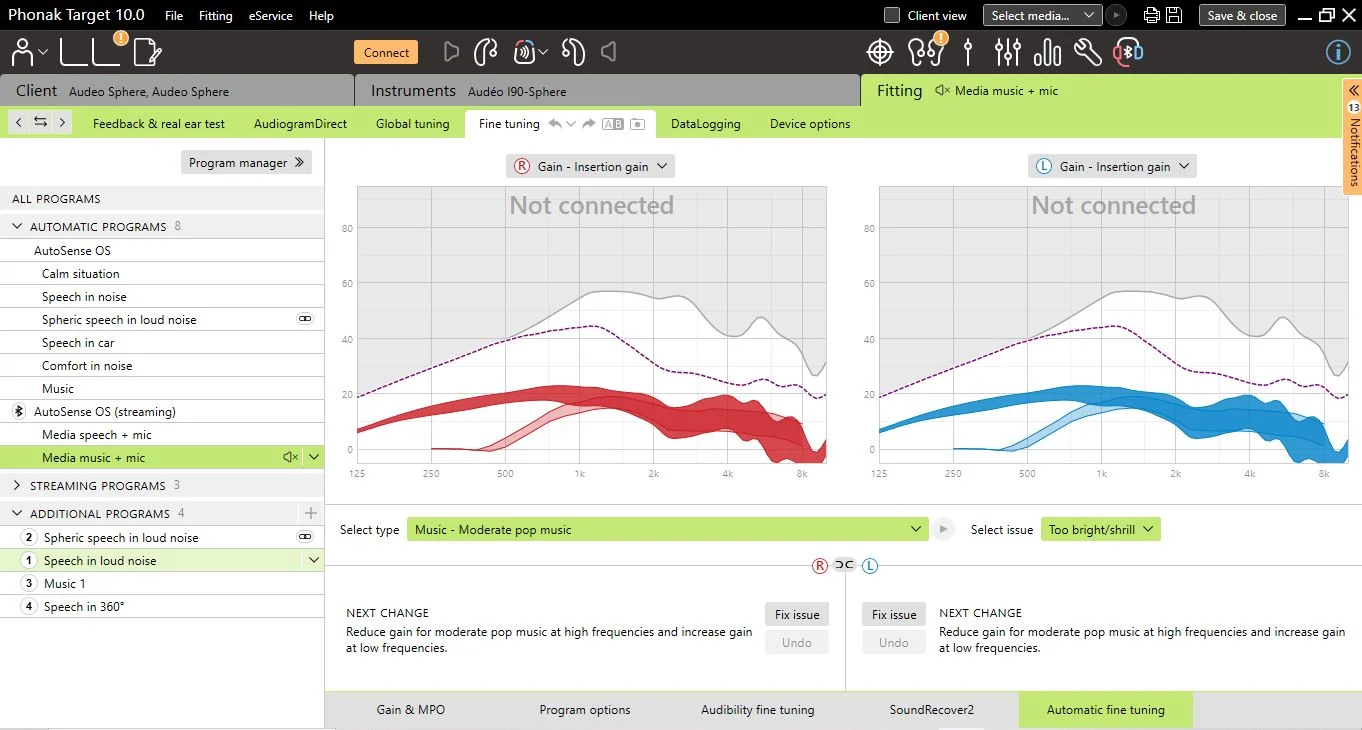
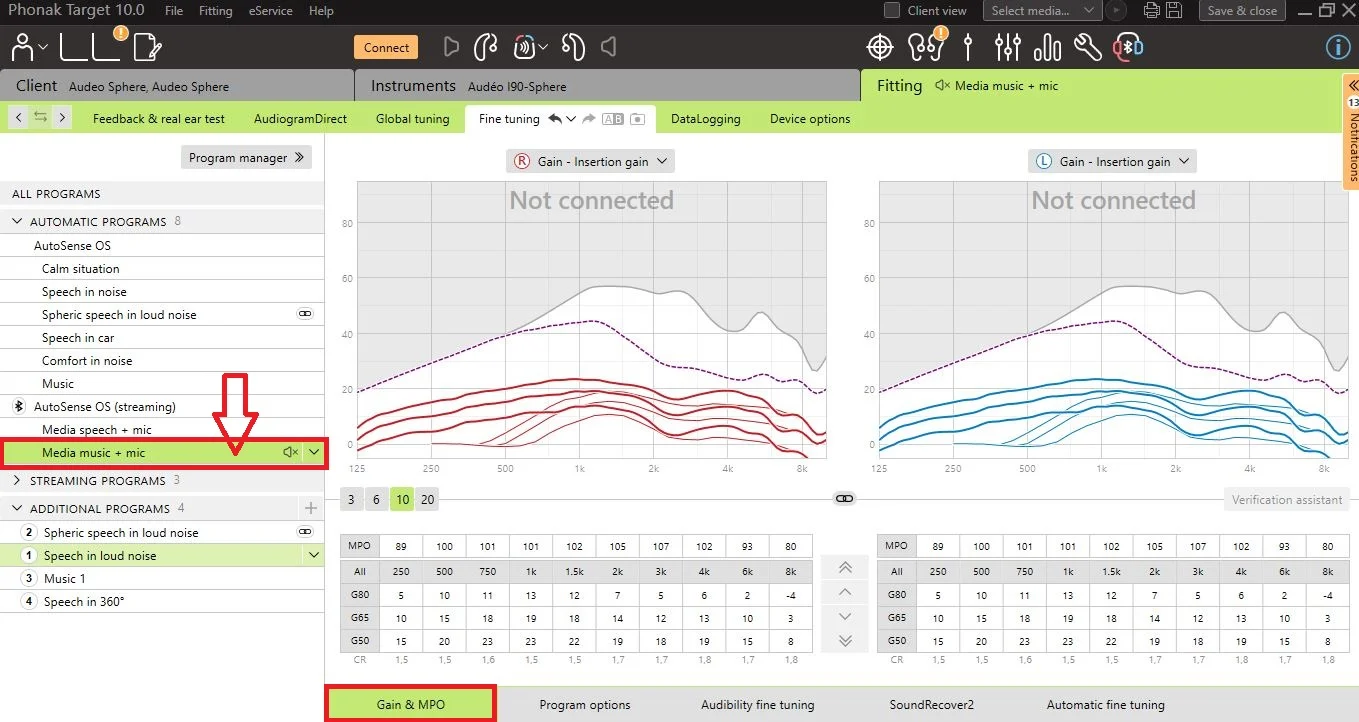
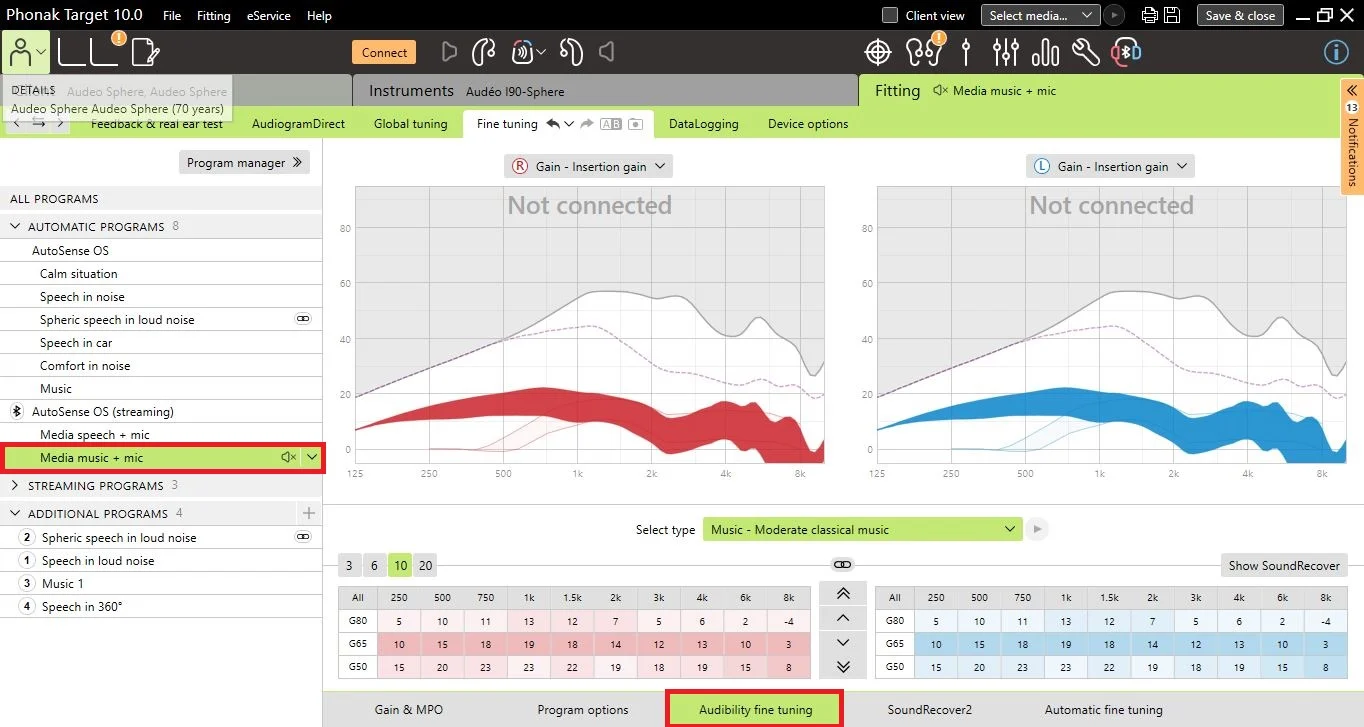
Yep it’s like this on your fine tuning screenshot, so I mentioned before your “Bass” is low, crank it up a bit, with custom molds you should be able to get a bit more “boom, boom”
Esp bad on podcasts, where the voices sound so bad, and the “S” and “Sh” sounds so harsh to me
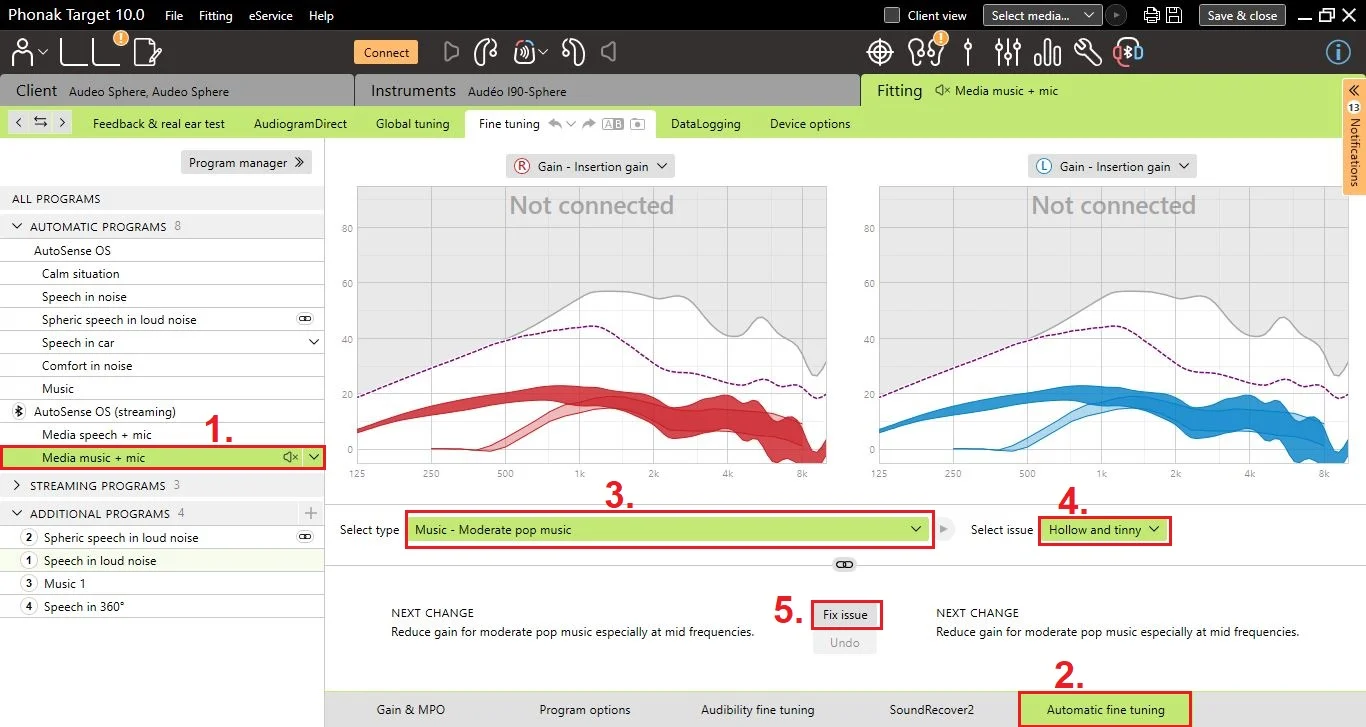
This is usually SR doing this when set to aggressive, you’ve turned it off and still get this? try dropping some mid to high frequency, or slide the clarity more to comfort in the fine tuning, experiment a bit to see, I use “Power Amp” from the play store for my music streaming, always allow me to find a decent sound, for pod casts I’ve not had any issues, but again you have another setting “Media Speech” which is not just for phone calls, but I’m no longer a Phonakian so can’t say for sure what the sphere models are capable of.
Others will offer their support and guidance.







 Kent, England