
You’re ignoring this member’s posts.
Connection issue HI-PRO USB to Phonak
This topic is closed.
40 replies9.5k viewsLast reply
You’re ignoring this member’s posts.
Hi
I have only hiPro 2, can you tell me? To check the hearing programming, I have to use both the CS44 cables, right and left, because I used the right red one, but no option is coming on the screen.
You’re ignoring this member’s posts.

tenkanProvider
Not sure what your asking, if your wanting to know which cables to get we’ll need to know the exact model of your using.
You’re ignoring this member’s posts.
Hi
I have hiPro 2, can you tell me? I used CS44 red cable to check the listening programming but no option is coming on the screen
You’re ignoring this member’s posts.


Please let us know the exact modell of your hearing aids ?
Do you want to programm Phonak hearing aids , or is it another manufacturer?
You’re ignoring this member’s posts.
You’re ignoring this member’s posts.
Thanks
Which cables do you have ?
- CS44 (for Oticon)
- CS44A (for Phonak)
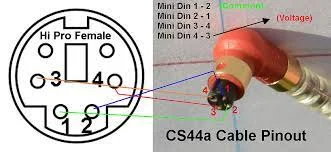
The cables look identical , but CS44A have pins 3 and 4 reversed.
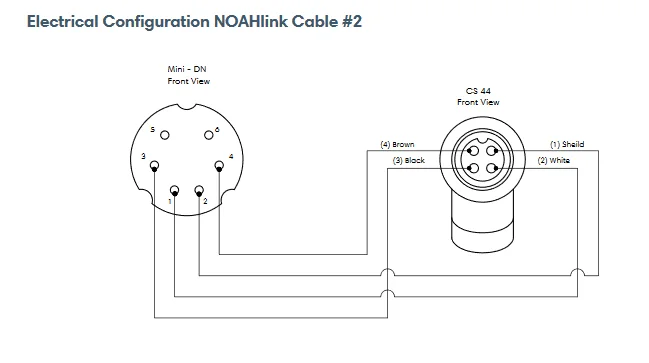
Oticon CS44 cable connectors pin out
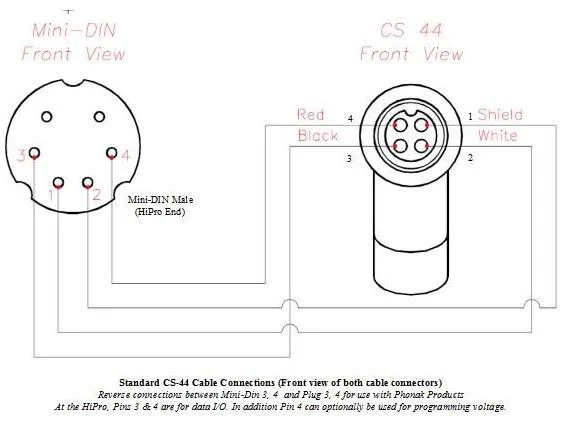
the right (Red) cable and left (blue or black) cable is the same (identical) and the coloring is only for visibility that you can see wich side you need to connect to red/blue.
For programming Oticon Xceed via HiPro you need to connect via CS44 cables , not the CS44A cables.
Alternatively you can programm Oticon Xceed via Noahlink Wireless programmer, wireless without cables.
You’re ignoring this member’s posts.
You’re ignoring this member’s posts.
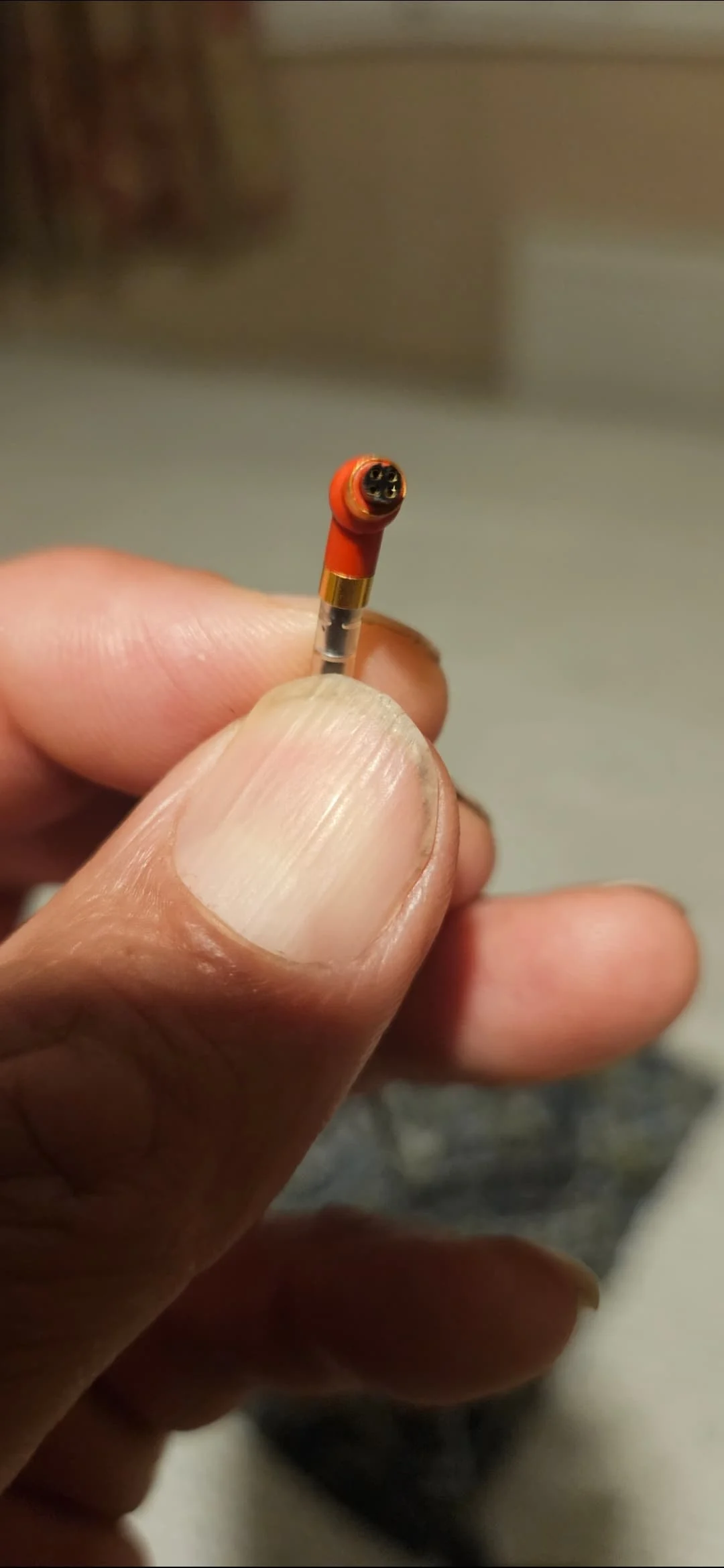
could be possible that your red wire connector gone bad and one or more contacts worn out. In that case you should obtain a new cs44 cable
You’re ignoring this member’s posts.
You’re ignoring this member’s posts.
You’re ignoring this member’s posts.
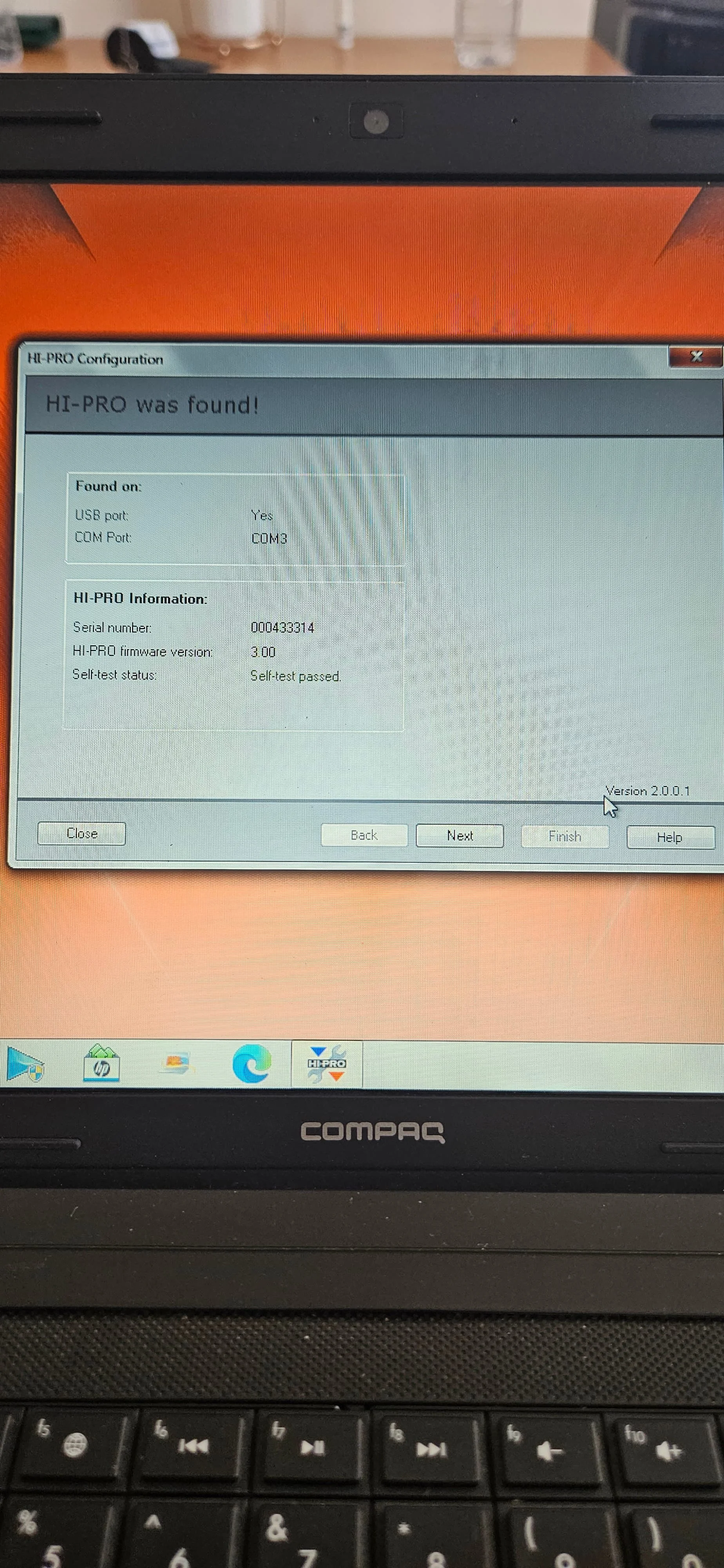
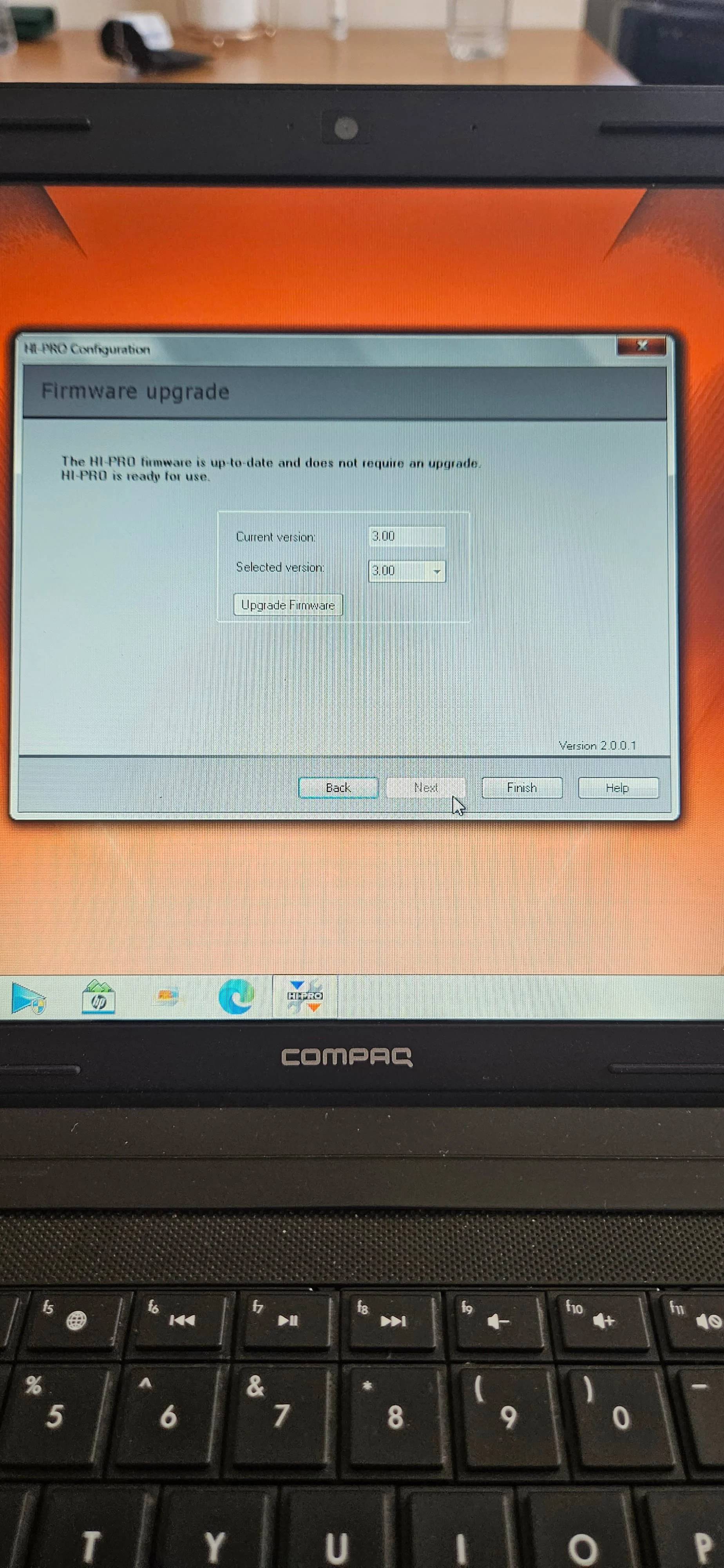
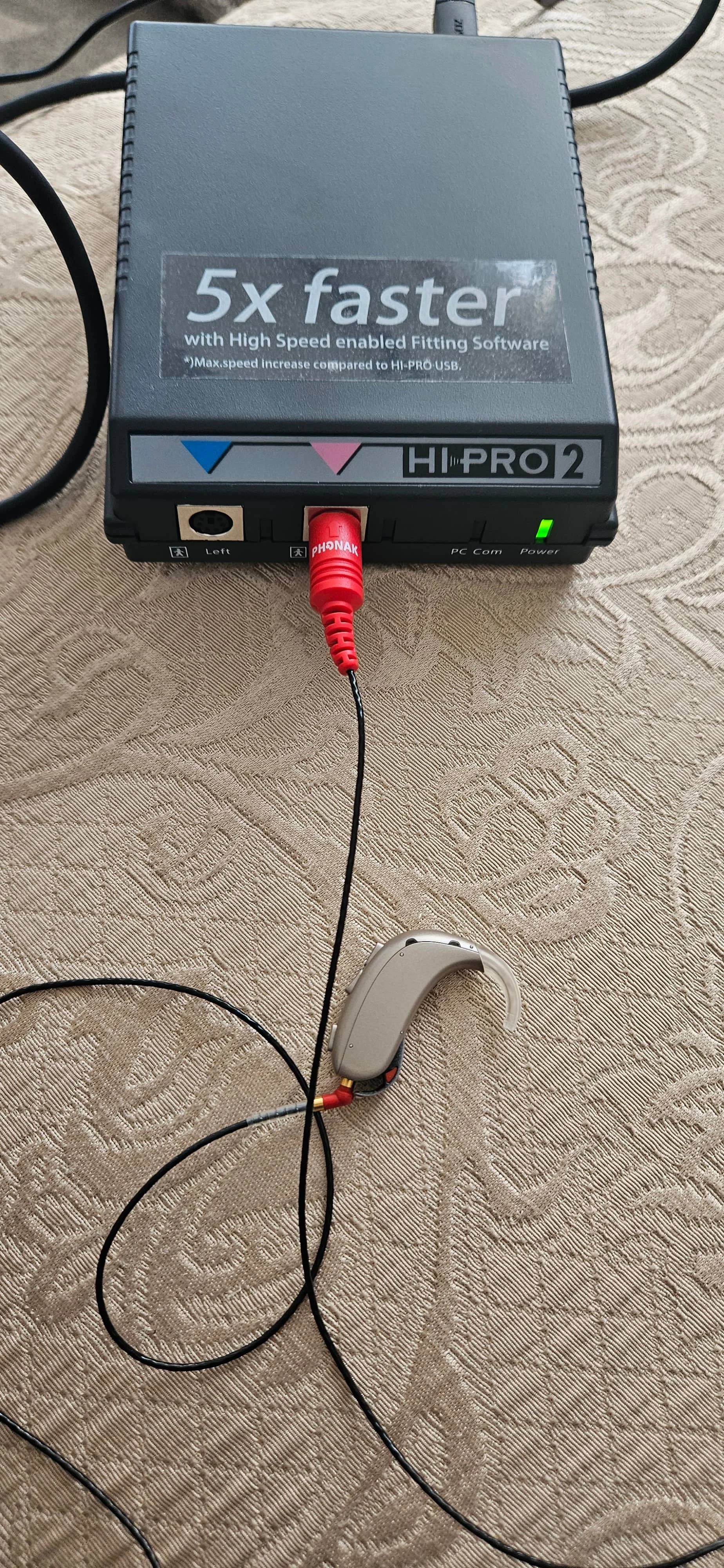
The cable you have is for Phonak → see red Mini-DIN Male (the connector on the side into Hi-Pro).
On the Mini-DIN connector it is writen Phonak so it is a CS44A cable !
This not working with Oticon Xceed.
For Oticon you need a CS44 cable.
If you have soldering equipment and experience then you can make an adaptor cable to change the wiring from CS44A to CS44 by reversing PIN 3 with PIN 4.
CS44A Phonak cable
Oticon CS44 Cable
You’re ignoring this member’s posts.
You’re ignoring this member’s posts.
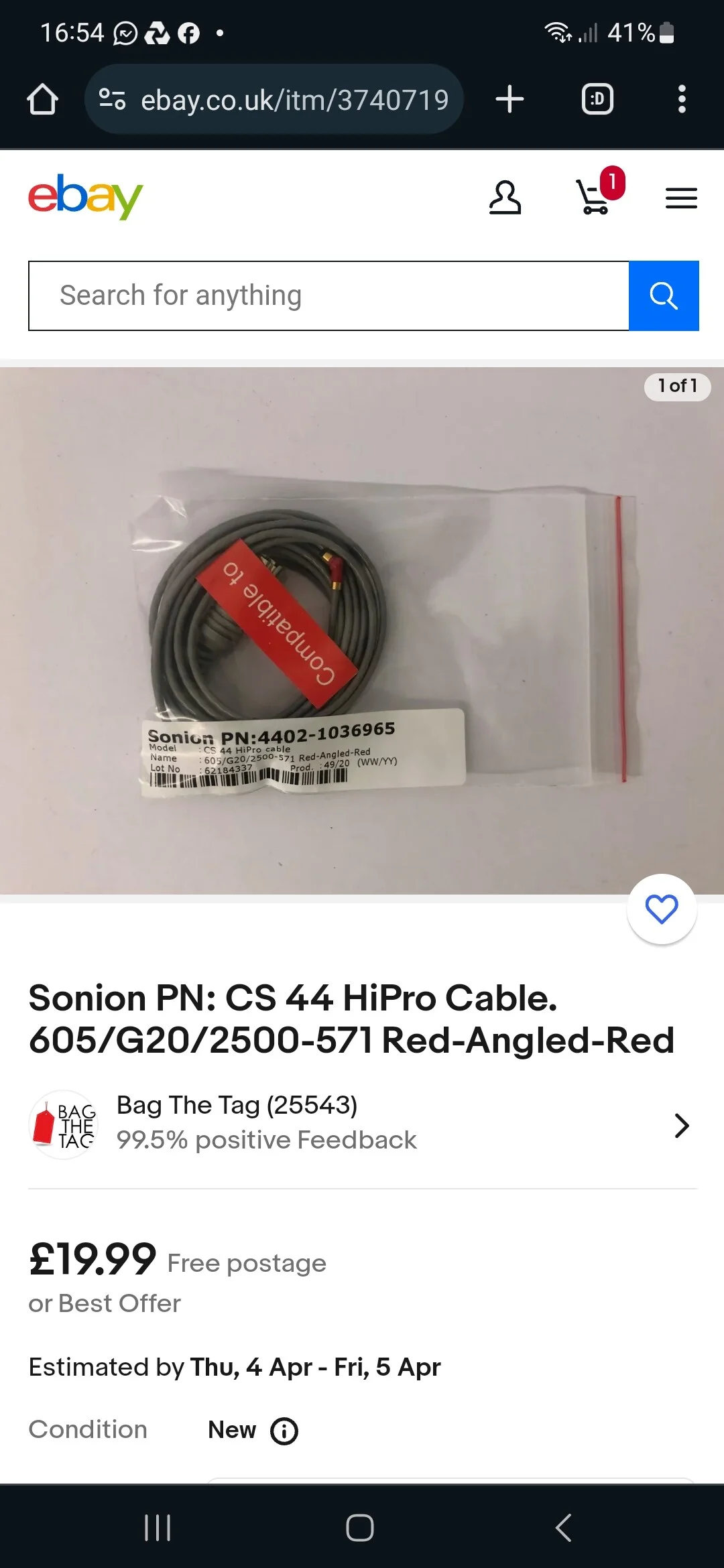
it seems that it is a CS44 cable , but please ask the seller via ebay before you buy.
Ask the seller if the cable is compatible for Oticon hearing aids
You’re ignoring this member’s posts.
You’re ignoring this member’s posts.
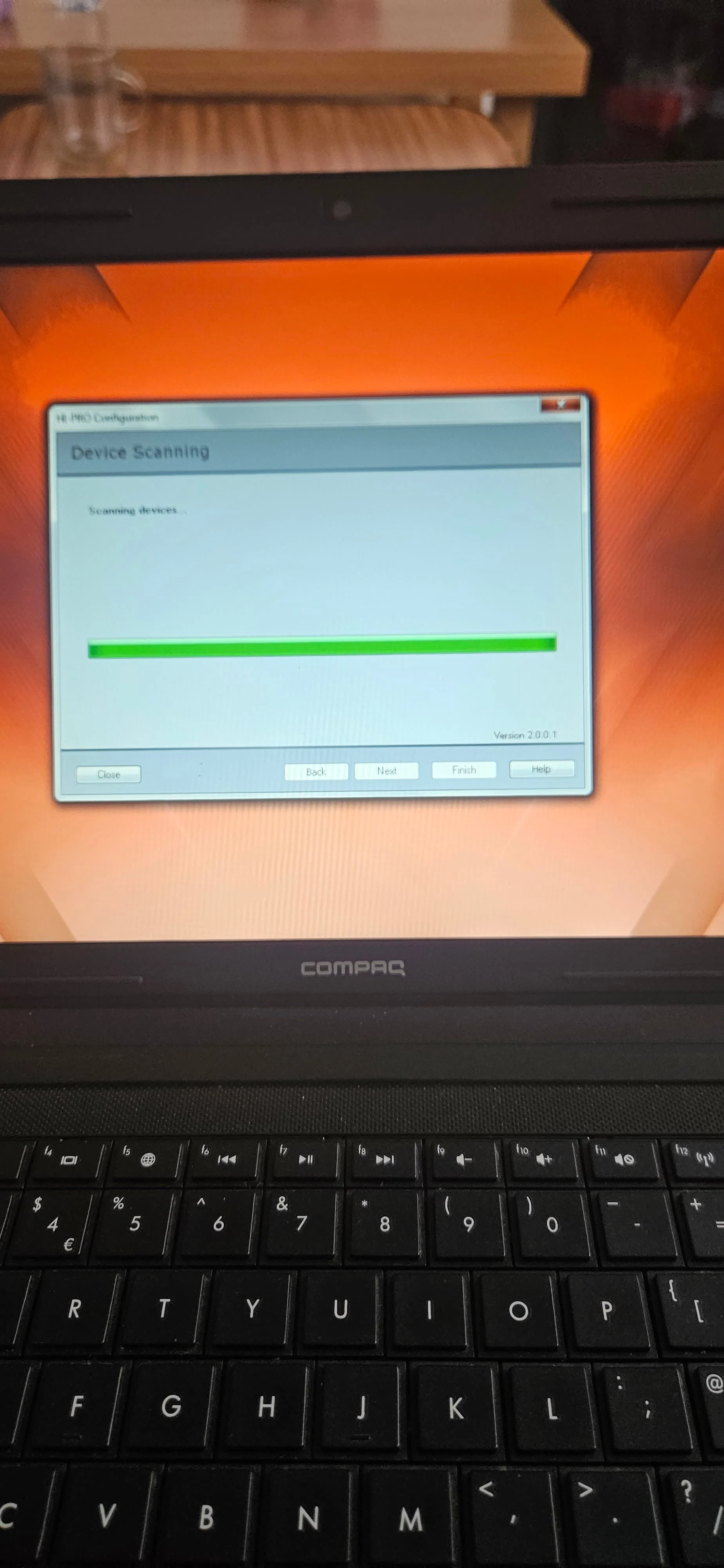
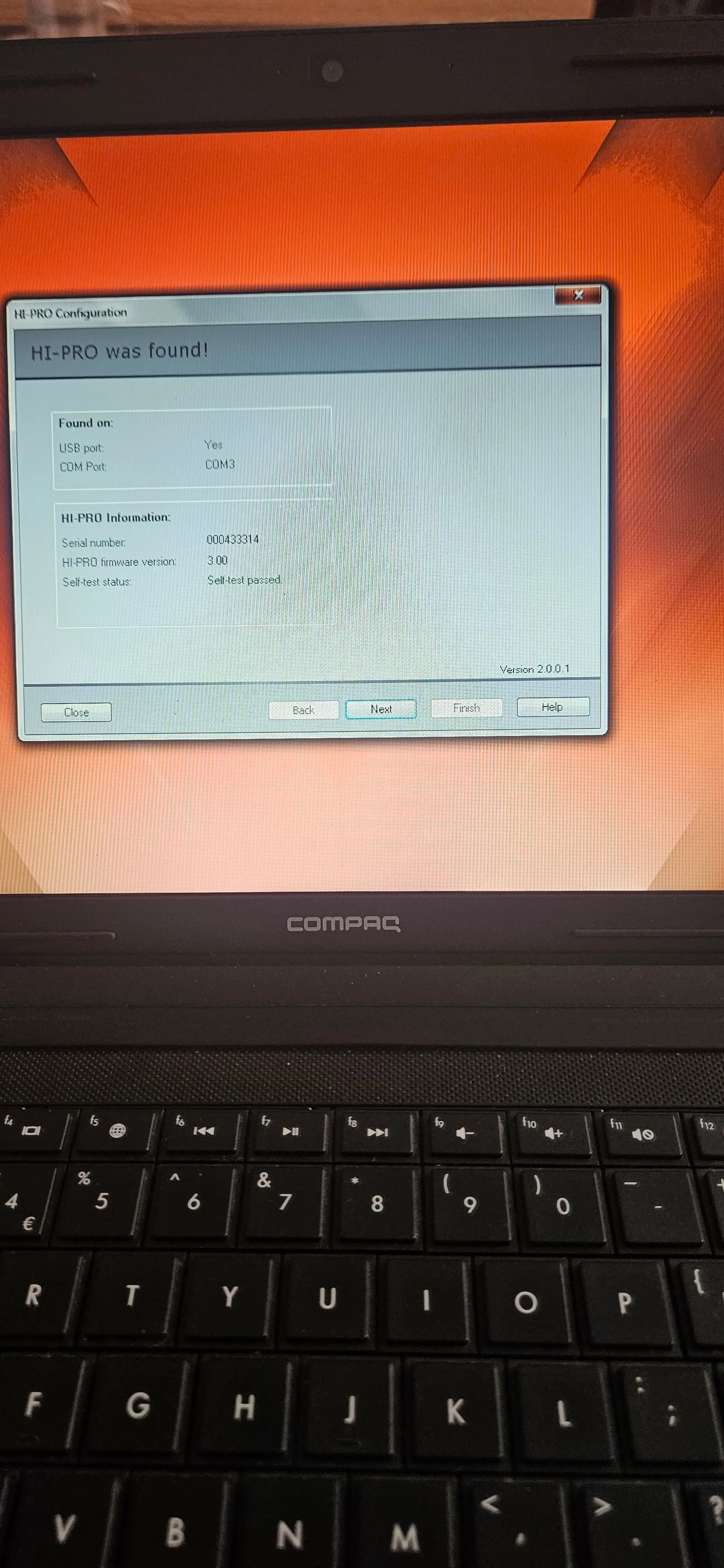
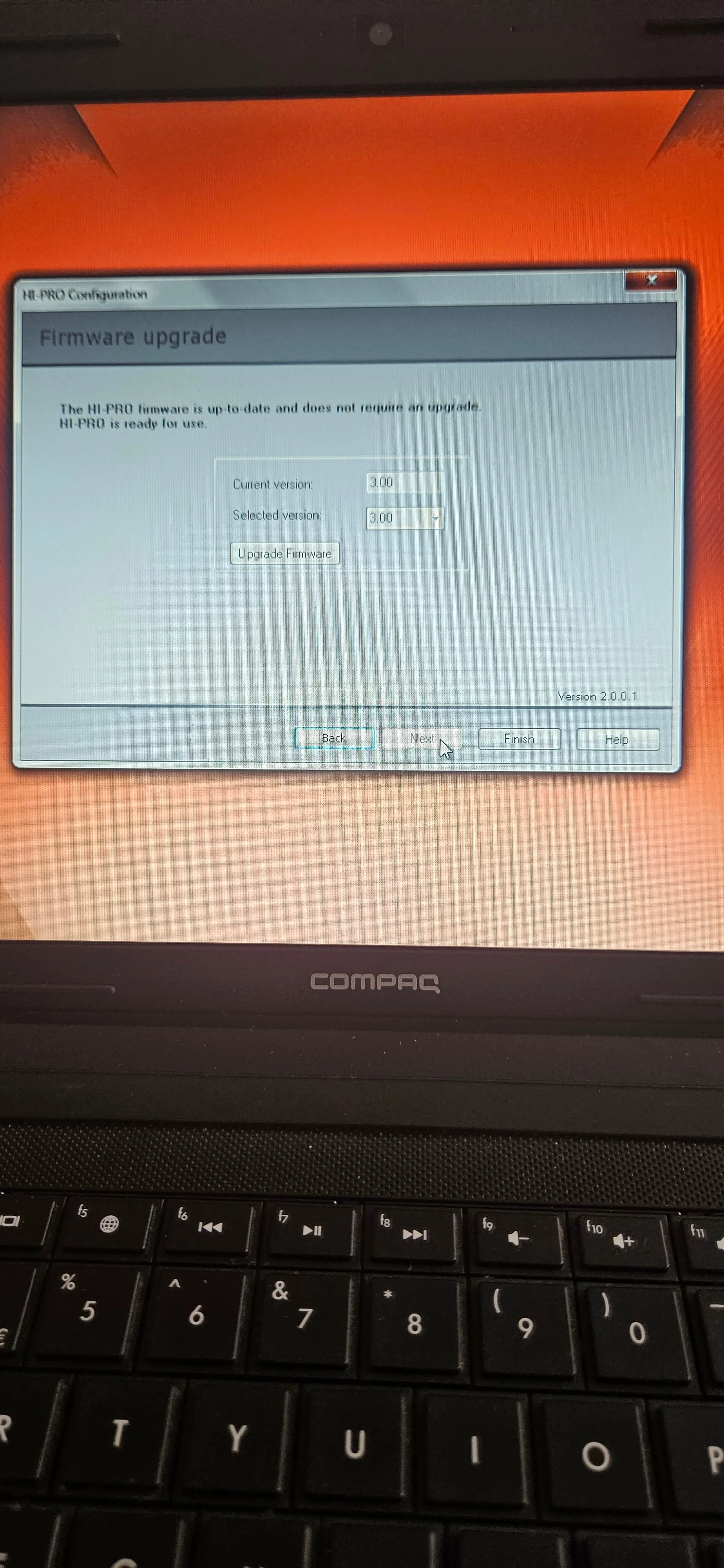
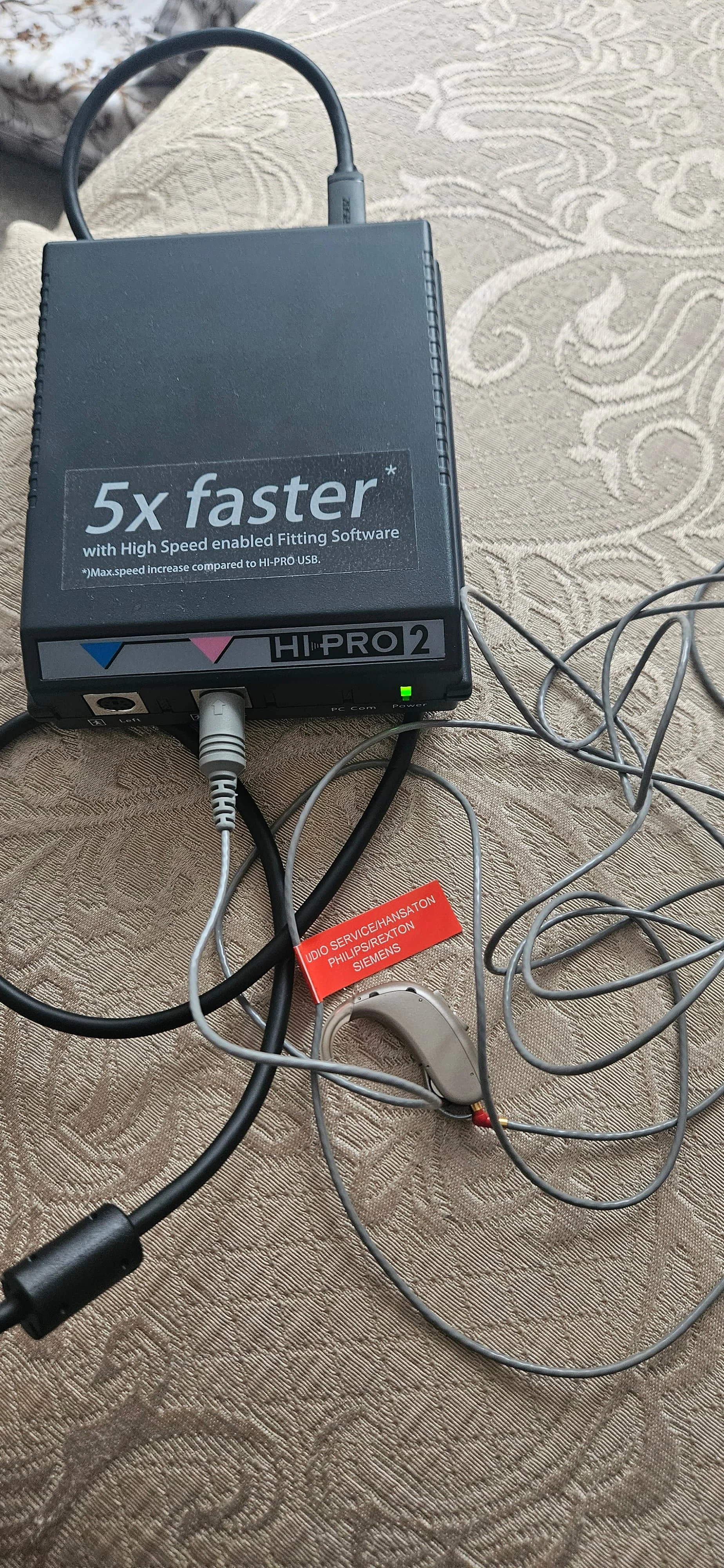
You’re ignoring this member’s posts.
can you tell me how to do it and To check the hearing programming
Can’t connect what should I do now?
Thanks
You’re ignoring this member’s posts.
tenkanProvider
You need to open genie software and make a client for programming, did you watch the the video I sent and read the user guide, it’s very helpful for setting up the first time.
You’re ignoring this member’s posts.

I’ve just purchased this too
From my research the red cables 605/g20/2500-556 have two serial numbers
4402-1036965 is oticon etc universal cs44 as far as I can see
4402-1037149 is phonak based on what other eBay sellers have
You’re ignoring this member’s posts.
Related discussions
Hearing Aid Self-Fitting (DIY)3 replies
Hearing Aid Self-Fitting (DIY)4 replies
Hearing Aid Self-Fitting (DIY)3 replies
Fitting Software Requests1.1k replies
Uncategorized451 replies