 San Diego, CA, USA
This topic has been discussed in a few posts, but I felt the need to share a success story about my recent audiologist visit.
Summary: My hearing aids would sometimes "cut out" (duck) when my phone attempted to play a notification or system sound. Working with the at my audiologist's office, we tweaked a setting and this no longer happens.
Details:
For background, check this post: https://forum.hearingtracker.com/t/samsung-phone-or-philips-app/114270/2. I also saw a recent mention of this subject in this post: https://forum.hearingtracker.com/t/when-setting-up-new-aids-is-there-any-use-in-looking-at-the-settings-in-your-old-aids/114608/4.
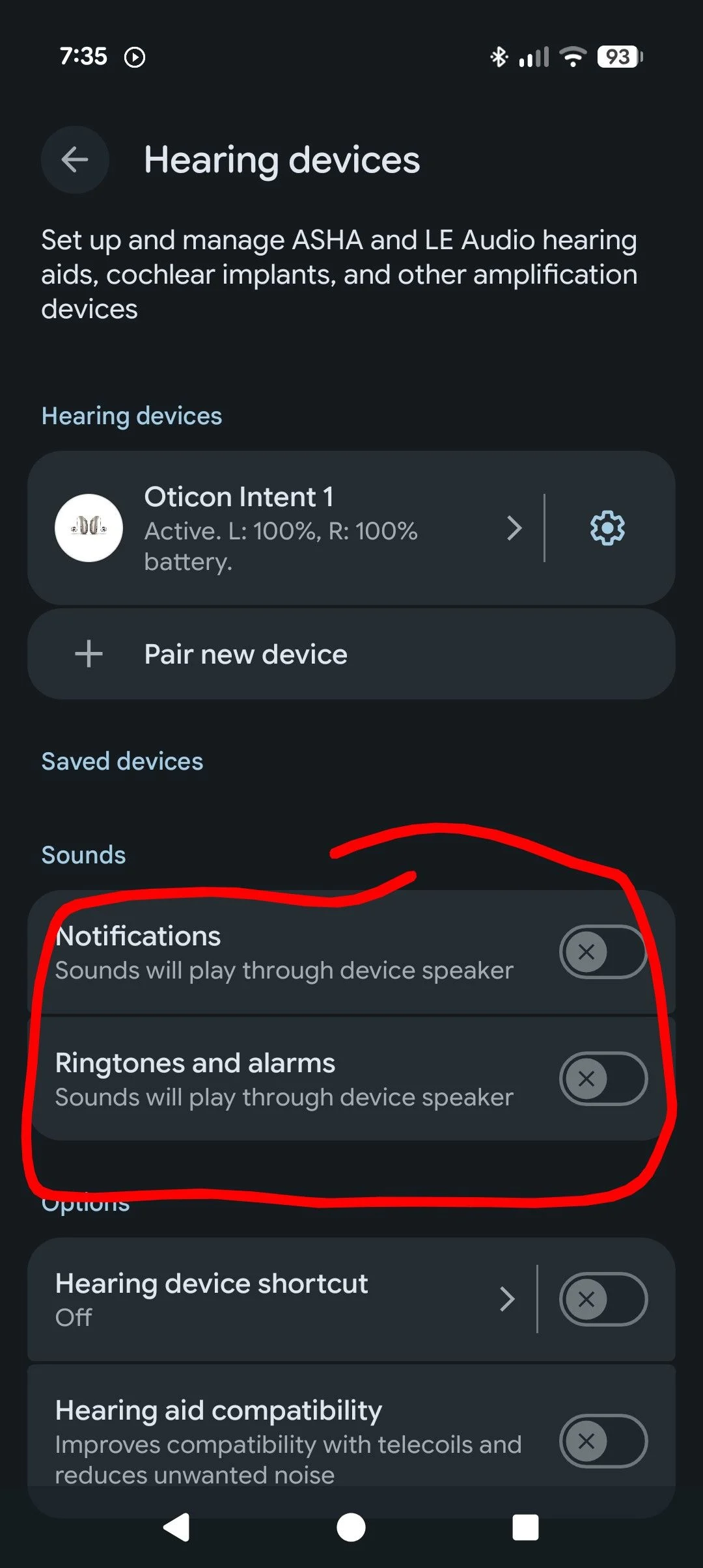
The problem is that I like to have my hearing aids connected to my phone. In addition to being able to control (attenuate or boost) my surroundings, check the battery, etc., they can also stream music or play notification sounds. I really like the notification sounds in my hearing aids because it's unobtrusive. My sisters can explode my phone in our group chat while I'm in some work meeting, and nobody other than me hears it.
The problem I experienced stems from the unreliable Bluetooth connection. Sometimes I wouldn't hear a notification or I'd hear it only in one ear. Worse than that, the hearing aids would "duck" the surroundings to play the notification, but this didn't always work or sometimes would work only on one ear, leading to a disorienting unbalanced feeling.
So, during my visit to my audiologist's office last week I explained the problem. The HIS listened skeptically. The HIS even called Oticon's help line where we spoke to someone in audiology and somebody in Bluetooth. Neither of them offered any help.
I persisted and asked my HIS what settings could be adjusted, and the HIS found "M relative to /streaming" which was set to the middle setting. The HIS wanted to turn it down to solve the problem. I was thinking we wanted to turn it up. The HIS turned it down and we tried it. Same problem. Maybe a little worse. I tried to explain why turning it up might be better. M represents the microphone that listens to your surroundings and I want this to be louder compared to streaming. I know others like this softer. I'm just glad there's a setting.
Anyway we turned it all the way up, and now the annoying ducking is gone! I hear my surroundings at the same level all the time. My sisters can no longer text me and create an unbalanced feeling if one hearing aid fails to duck because there is no more ducking.
Anyway, maybe I'm the only user with this problem, but if you sometimes have an unbalanced feeling because your phone is trying and failing to play notifications, you might explore turning "M relative to Auracast/streaming" all the way up.
: Oticon Intent 1, firmware 1.4.0
Phone: Google Pixel 11
You’re ignoring this member’s posts.
 Poland