user398Author
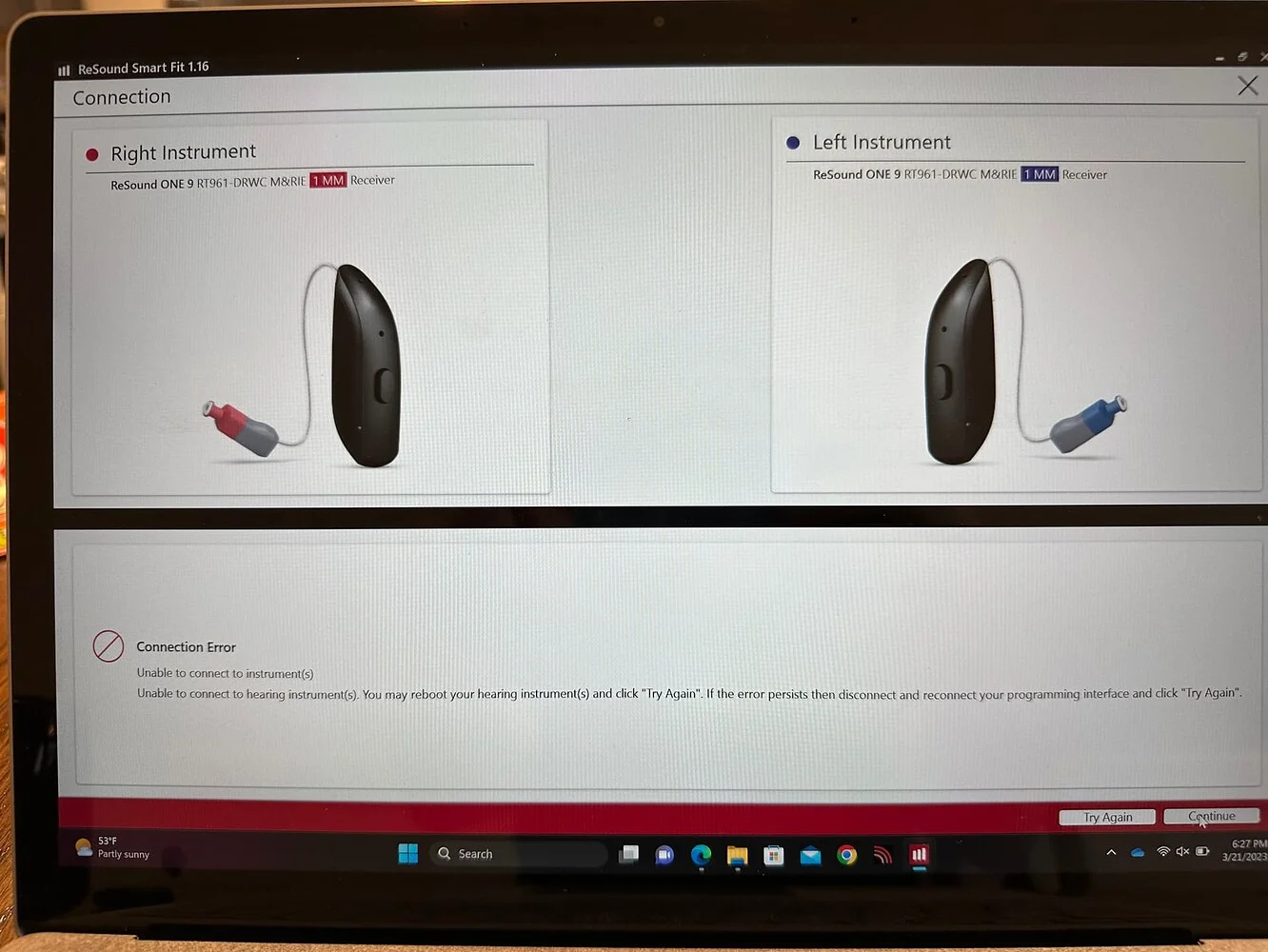
Yes, I have done all of those things. Clicking ‘Continue’ results in the scree that is shown in the first post.
You’re ignoring this member’s posts.
This topic is closed.
68 replies2.8k viewsLast reply
Yes, I have done all of those things. Clicking ‘Continue’ results in the scree that is shown in the first post.
You’re ignoring this member’s posts.

Okay, now I get what you meant when you said the are “assigned to the patient in the app”. You were referring to SmartFit as the app. I don’t call it an app. I call it fitting software. When I refer to a ReSound App I am thinking of cellphone Apps, such as (ReSound Smart and ReSound Smart 3D).
Perhaps your hearing aids are somehow locked by your Audi? We don’t know very much yet about the newest version of locked ReSound/Amplifon hearing aids. The (two locked hearing aid topics mentioned above) is the sum of our knowledge on this subject and they suggest that you should be getting a prompt that requires a code to unlock the hearing aids?
I dunno? I can’t say for sure? I can’t think of another reason to not connect?
You’re ignoring this member’s posts.

i’m just thinking, that it could that be that there is a missmatch between the programming interfaces ?
The Audi used an original Noahlink Wireless for initial programming, and user398 uses an converted Airlink2 for programming.
user398 can probably try with another Noahlink Wireless. You can buy one to test this, and refund the purchase if this is no resolution.
You’re ignoring this member’s posts.
AFAIK, that should not be a cause because Airlink 2 is Noahlink Wireless. That is, after a firmware update.
ETA: Also the OP has successfully used that (Airlink 2/Noahlink Wireless) device on another pair of hearing aids.
It’s frustrating because my Linx2 devices work with the NOAH adapter and Aventa just fine.
buy one to test this, and refund the purchase if this is no resolution.
That’s what my neighbor does, Buy and return! He wanted a portable video cam for his bicycle. So he tested 3 of them and ended up re-purchasing the very first one that was shipped from Amazon. Hahaha.
You’re ignoring this member’s posts.
Hi, I’m wondering if the OP ever solved this issue?
I’m seeing the same here - just upgraded from Smart Fit 1.x to Smart Fit 2.1 with my Resound Ones, and though they are seen in the Assignment screen shown above (so serial numbers etc are detected) they can’t be connected for the actual fitment session. Using a Noahlink Wireless.
You’re ignoring this member’s posts.

Ok so you had no problem with the 1.8 version right, and your familiar with how you normally connect to SmartFit? one of the most common reasons for no connection is you can’t have any other Bluetooth devices connected while using the Noahlink wireless, I wonder why your using 2.1 for the Ones, but anyways did you try 2.0, same results?
You’re ignoring this member’s posts.

Well that’s just strange, I mean your connection between between NH and HAs is good but you then can’t go any further? Remember you only have 2 minutes to complete the process before it times out.
Mate if it were me, I’d uninstall SmartFit and reinstall plus reboot the PC and start it all again.
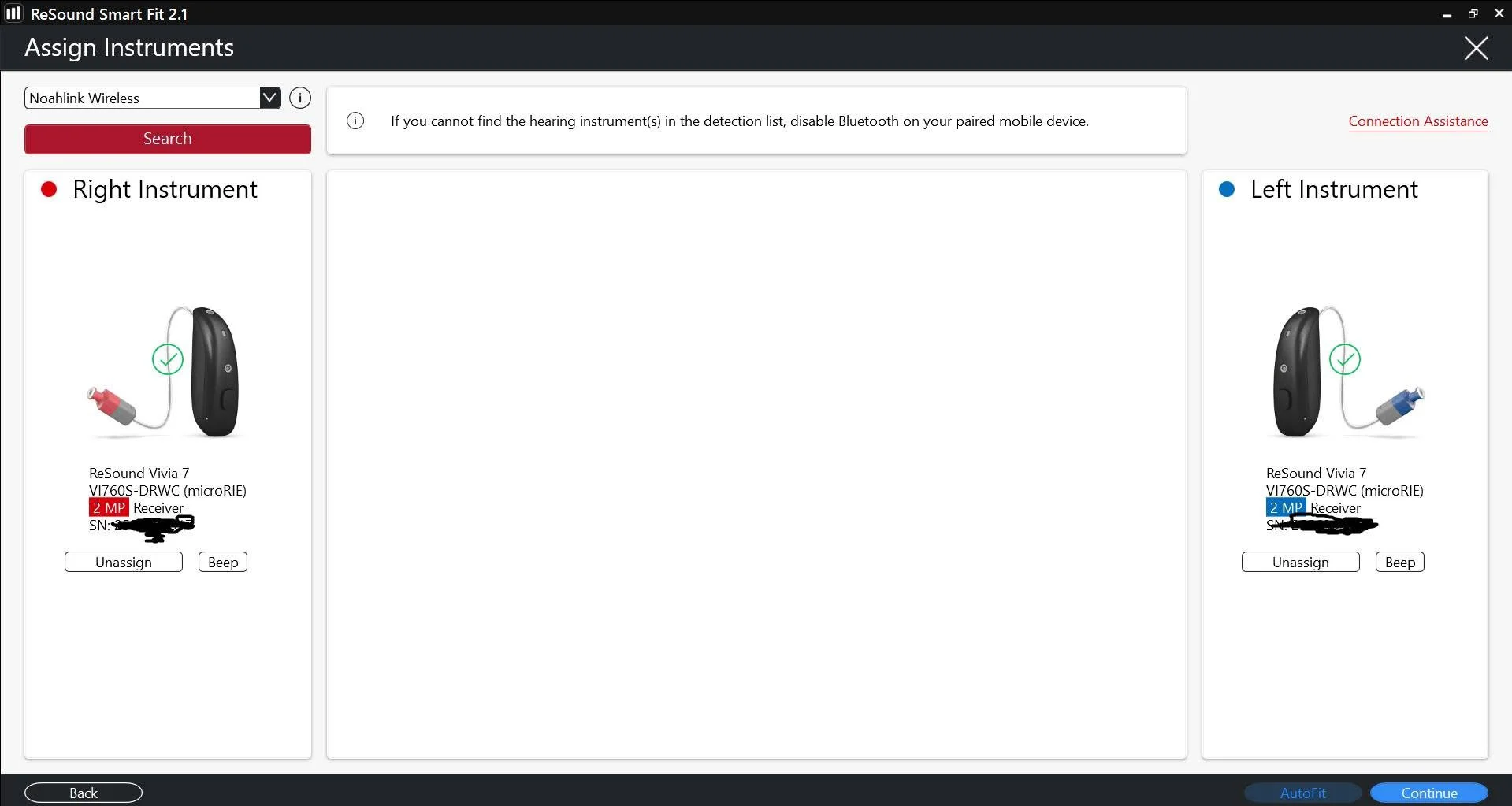
This is exactly what’s going for me now. I have Vivia 7’s they’re showing up just like these screenshots.
You’re ignoring this member’s posts.
I even turned Bluetooth off even though it says no need on 2.1. My Audi didn’t have me turn them off.
In my machine settings it’s set to + audi is using nal 1or 2. Wonder if that matters?
You’re ignoring this member’s posts.
In my machine settings it’s set to Audiogram+ audi is using nal 1or 2. Wonder if that matters?
No not at all, the default is always proprietary formula, but anyways 1 thing at a time
Did you do the correct procedure for connecting between and Noahlink.
You’re ignoring this member’s posts.
You’re ignoring this member’s posts.
Did you do the correct procedure for connecting between HAs and Noahlink.
I am 100 percent positive I am doing the correct procedure. It’s simple. I have a feeling it’s the Airlink. I feel if I had a Noah link it’d hook up. Because I am for sure doing it right. At least I feel I am. Maybe I am not.
I have screenshots of them connected. Not sure I should be posting serial numbers. But I will if that’s what you need to see. First few steps are fine. Then I eventually get that msg.
You’re ignoring this member’s posts.
You’re ignoring this member’s posts.
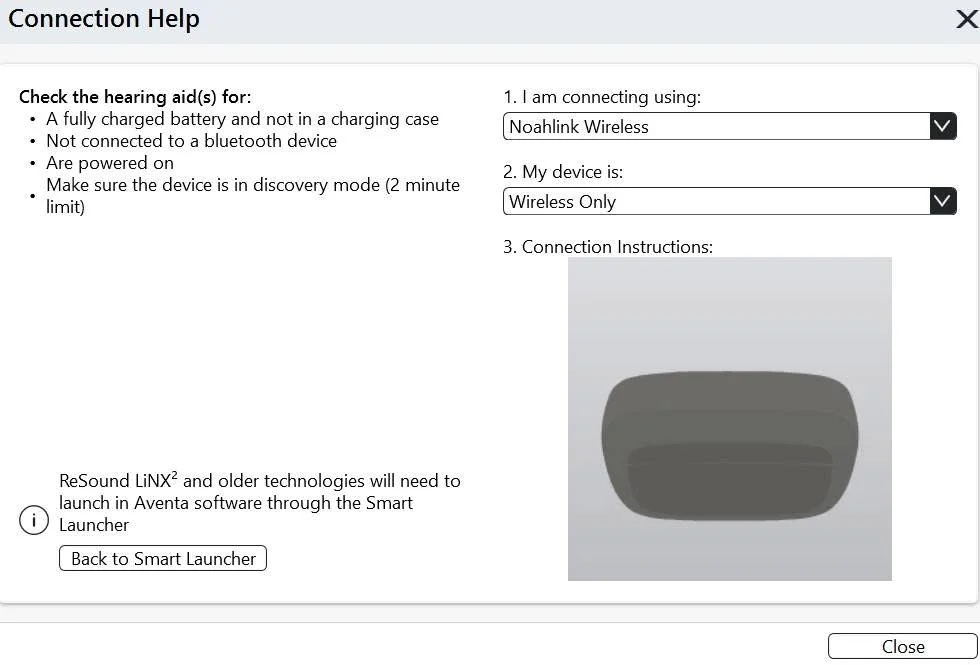
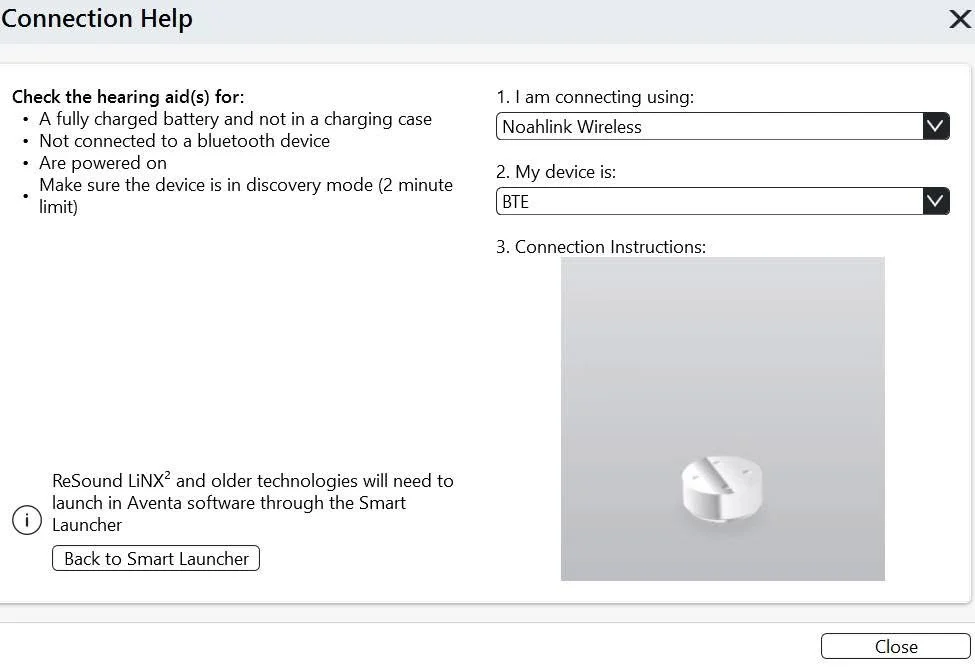
Yeah ignore the connection help, it’s no help at all !
Oh your using the Airlink 2, that’s what I use, so no that’s not the issue, remember you do get to connect that first time, it’s when you move onto the “continue” your getting “no connection” again it’s weird because you should be able to.
You’re ignoring this member’s posts.
After I click continue I get a page like this. I borrowed this picture. Same as what I get but mine says Vivia.
You’re ignoring this member’s posts.
Ok so just start from scratch, shut down your PC (a complete shut down not a restart) disconnect the Noahlink, start up again and open/ click on your client plug in Noahlink and put in pairing mode and try the connection.
You’re ignoring this member’s posts.
No luck. Really strange. I tried twice. Even hooking Airlink in different usb. But they’re connecting. Lights are green on Airlink. Thank you for your help. Not much comes up in search’s. That one thread but the guy never posted if he solved it. Might reinstall smart fit. But I actually did that the other day when I was having trouble getting Airlink to work. Anyways. I am not going to let this stress me. Thank you again for trying.
You’re ignoring this member’s posts.
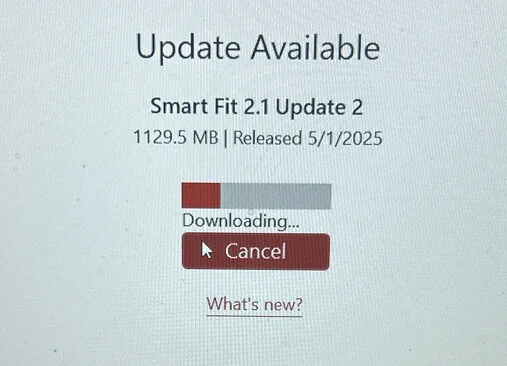
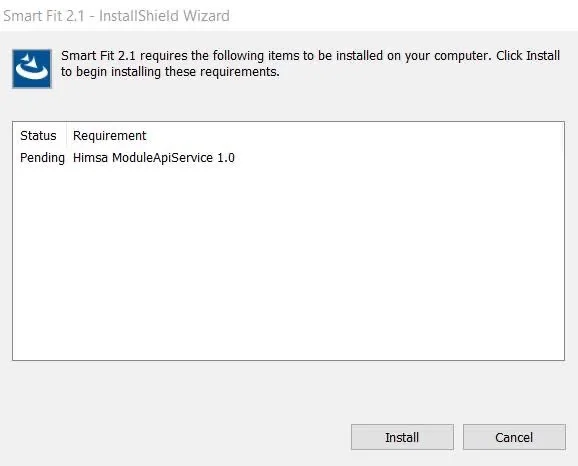
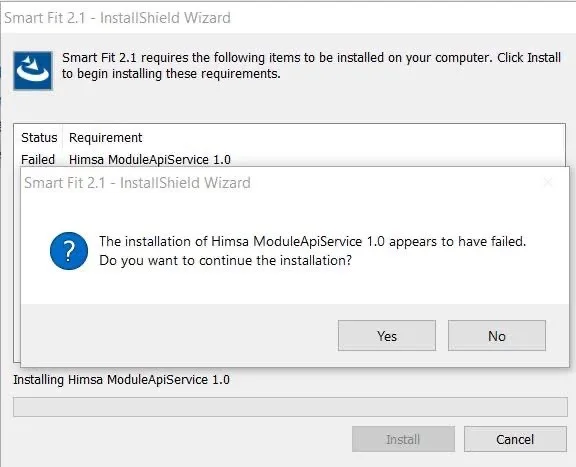
I think I know what’s wrong but don’t know how to fix it. I remembered when I installed smart fit weeks ago I got this error msg and chose to install anyways. Here two screenshots. One is the msg first then it failing to download. I uninstalled smart fit completely. Any ideas?
You’re ignoring this member’s posts.
Update. I went to add remove programs. Found moduleapiservice and deleted. Reinstalling smart fit again and it installed moduleapiservice this time. Time will tell if that fixes my main prob. Will let you know.
You’re ignoring this member’s posts.
Hmmmm never seen that requirement before now, I’ve installed a few times without getting that, most likely because I’ve had ReSound software since Aventa installed on my PC, yeah really unfortunate your having all these issues tho, hopefully it’s now resolved.
You’re ignoring this member’s posts.
You’re ignoring this member’s posts.
Hearing Aid Self-Fitting (DIY)29 replies
Hearing Aid Self-Fitting (DIY)2 replies
Hearing Aid Self-Fitting (DIY)12 replies
Hearing Aids35 replies
Hearing Aid Self-Fitting (DIY)16 replies