Iowa
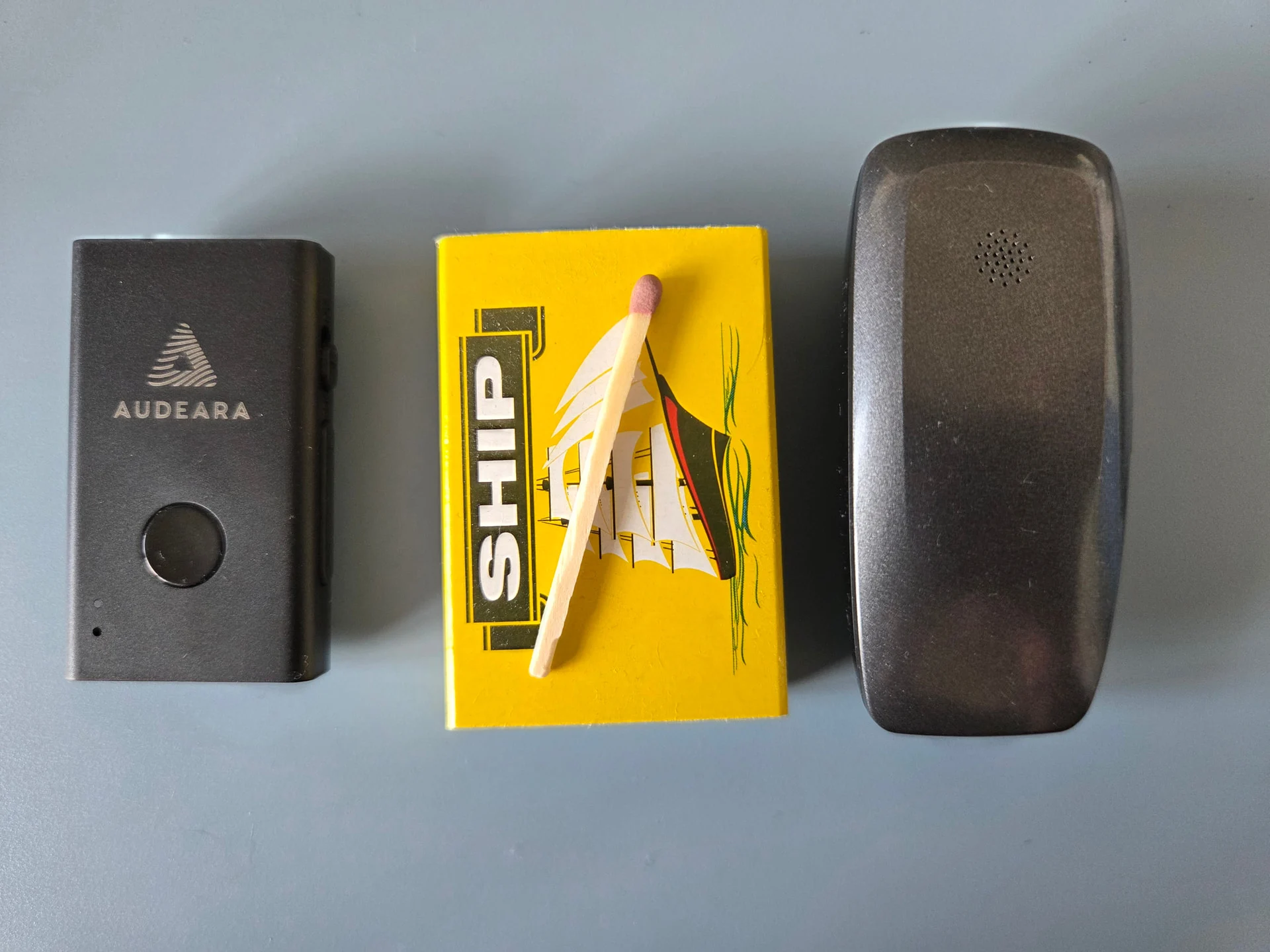
IowaI use an HomeSpot BA210 transmitter both at my church and in my home. Here’s how I implemented them, for those that may be interested.
-
Church: I have a BA210 connected to a Matrix output on the mixer board. The board has one pair of RCA output jacks and numerous XLR output jacks. The BA210 could be plugged into the RCA jacks with an adapter cable or connected to an XLR jack using a passive direct box with adapters (passive direct boxes passes audio in both directions, that is In to Out & Out to In). However, I chose to use a adapter cable. The Matrix output I used gets its audio feed audio from the main L/R buss. It has a 100:1 compression ratio set in order to limit the Auracast audio level to 0dBFS. The attack time is instantaneous and the release time is max (4 seconds) to minimize distortion and obnoxious pumping of sound level. Compression gain is set to result in about 4dB of compression during normal speech, which amounts to about 15dB of compression for music. The overhead speakers in my church are about 30’ from where I sit, which causes the live audio and Auracast audio to be perfectly in sync.
-
Home: I have a BA210 connected to the Zone 2 output of my Yamaha AV receiver. I use its Main Zone output for my surround sound home theatre system. However, using the Main Zone output is not practical for Auracast since not having the Center channel mixed in with hearing aid L&R is a major shortcoming. Fortunately, one of the input sources for the Yamaha Zone 2 is “Main Zone Sync.” This automatically mixes down the surround sound audio to stereo audio. (Zone 2 is designed for sending sound to other rooms around the house.) Although the latency of Auracast is very low, the sound from my speakers smeared the Auracast audio. The workaround for that turned out to be fudging the configuration of my Yamaha receiver. One of the settings in that receiver is the distance from each speaker to the listener’s location. By adding 25’ to the subwoofer distance, it caused the receiver to add a few milliseconds of delay to all the other speakers. That in turn caused the live audio from my speakers to be perfectly in sync with the Auracast audio in my hearing aids! (Note the having low bass audio arriving a few milliseconds earlier than other channels is not audible.)
-
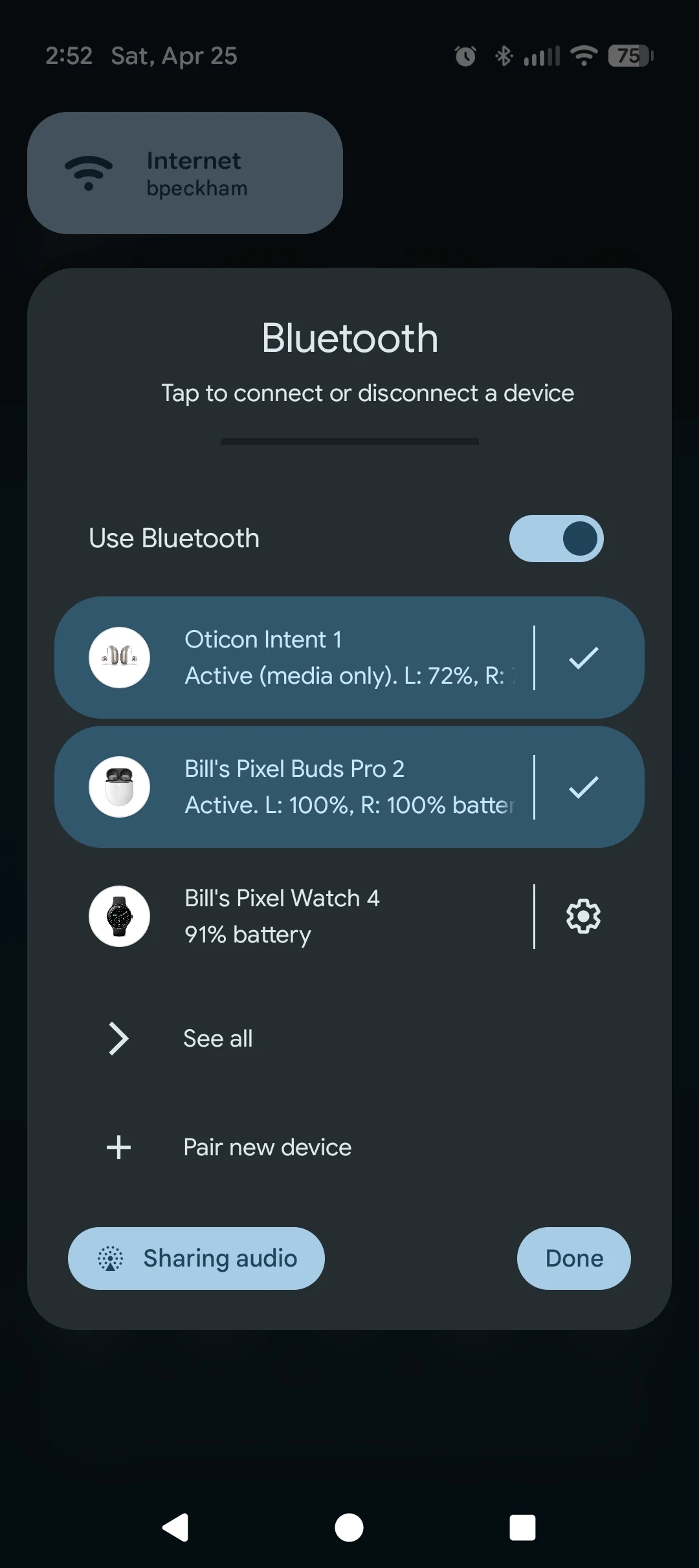
Android App: My hearing aids are Resound Nexia (Costco Jabra 30), so I use the GN Resound SmartFit app. Once I enabled Auracast in that app, it shows me an option to search for Auracast streams. After I connect to Auracast, there is a separate volume slider for Auracast audio in the app. The various programs in the hearing do affect the tone of the Auracast feed. Thus, I usually select the Music program when using Auracast. Unfortunately, once I am connected to Auracast, the option for advanced noise reduction disappears and often won’t come back until I restart the app. I can also select and connect to an Auracast stream in the Bluetooth setting on my phone (Samsung), but there is no volume control for it when I use that connection method.
I hope this helps others getting started with Auracast. I also welcome suggestions from others as to how to enhance the Auracast experience.
You’re ignoring this member’s posts.


 Reading