What and how can members use this perceived loudness test, looks interesting.
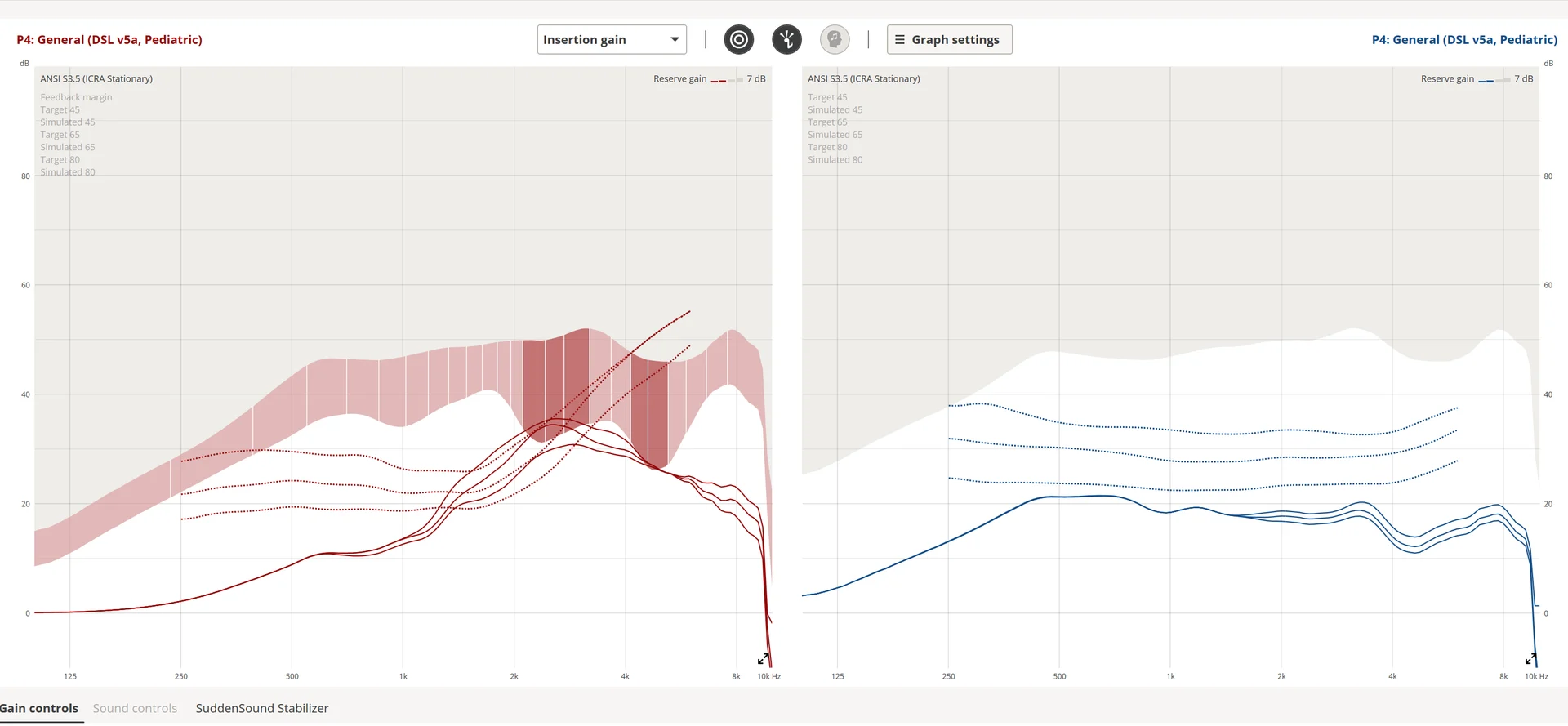
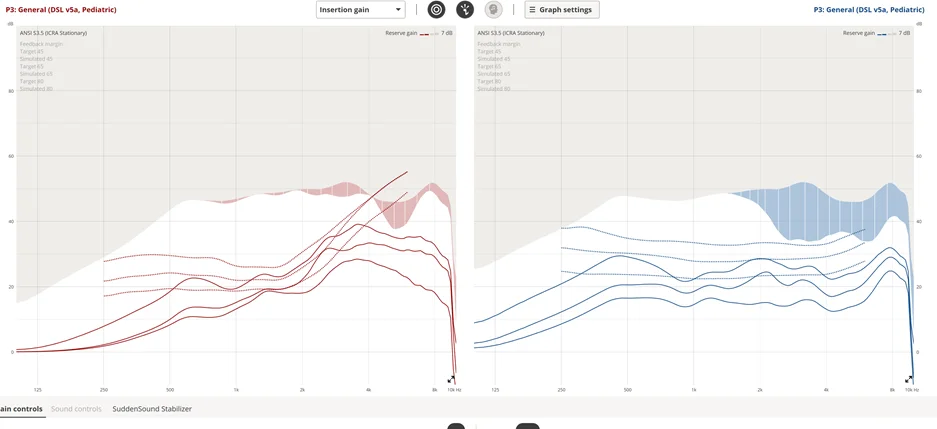
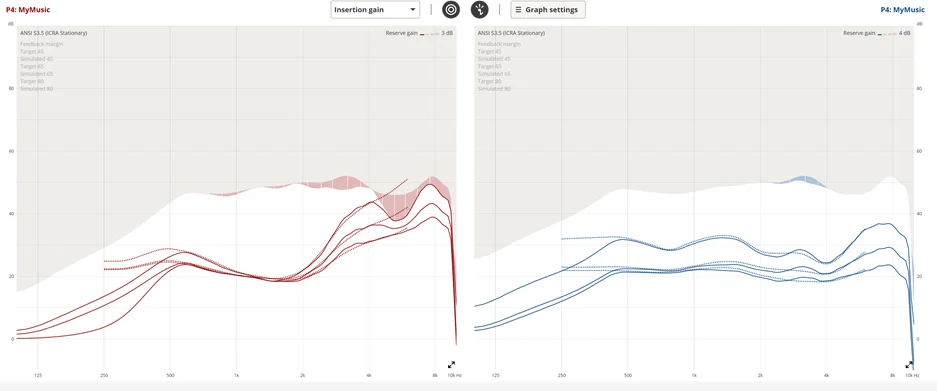
It all started with me feeling at a loss whenever I played my acoustic or classical guitar. They never sounded quite right, and I had lost any real reference for how they should sound in the first place. I needed a truly flat music program.
So I created two audio files, each playing the 24 frequency bands of my hearing aids (Intent now, More back then) at levels perceived by a normal ear as equally loud.
If you want to try them yourself, you’ll need:
-
A good pair of headphones or studio monitors (I use my Beyerdynamic DT 900 Pro X).
-
A decibel meter app on your phone (I use Decibel X on my iPhone).
Here’s how to do it:
-
Switch to your music program.
-
Calibrate the audio playback by adjusting the 1 kHz tone to 65 (for the 65-phon file) or 80 dB (for the 80-phon file). Use the decibel meter app here — it helps identify the tone’s frequency and intensity.
-
Listen to the calibrated audio and check whether the frequencies sound equally loud. Take notes of any that seem higher or lower than the rest so you can fine-tune your music program accordingly.
Not perfect, but a very good approximation and you can do it at home.
You’re ignoring this member’s posts.

 Poland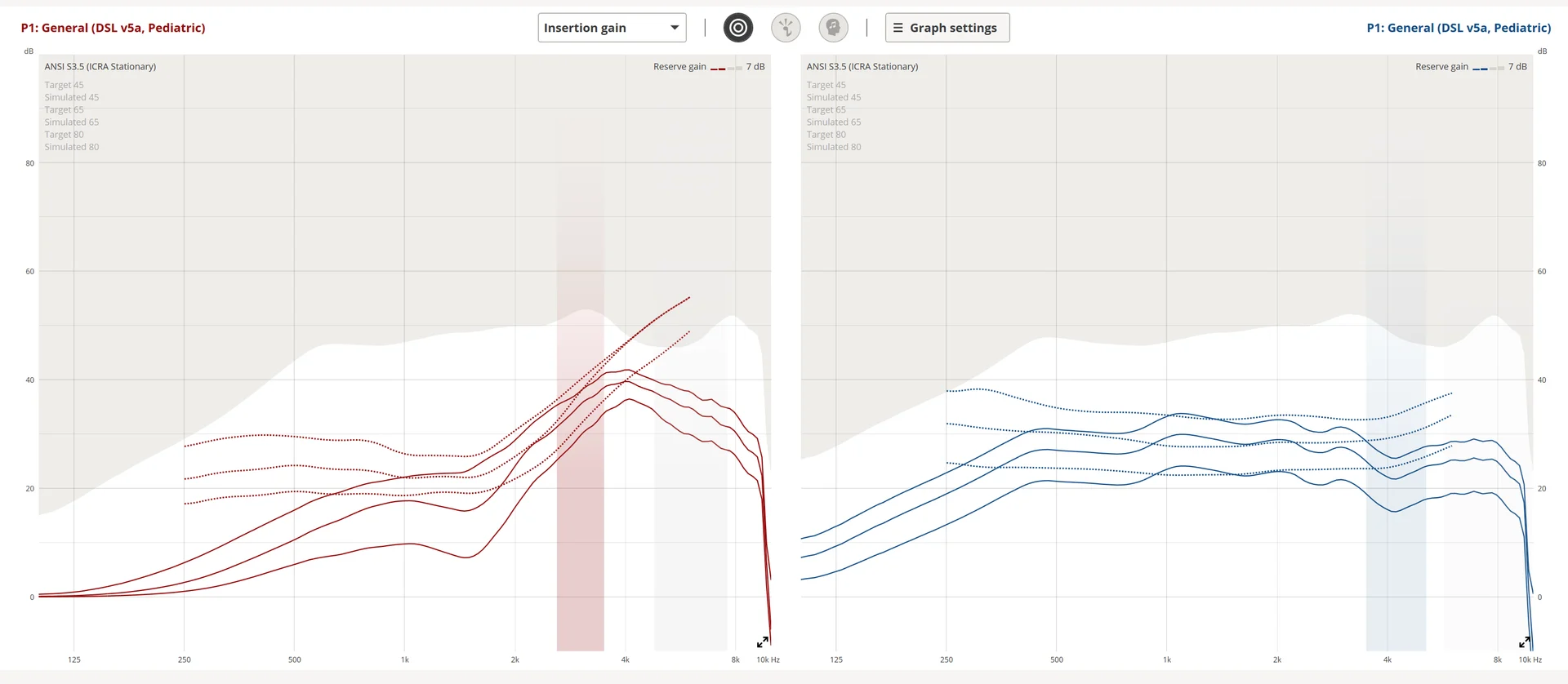

 SoCal
SoCal . At least mine turned out very similar to what ChatGPT came up with.

 North West UK