
PhilCreighton Reading
Reading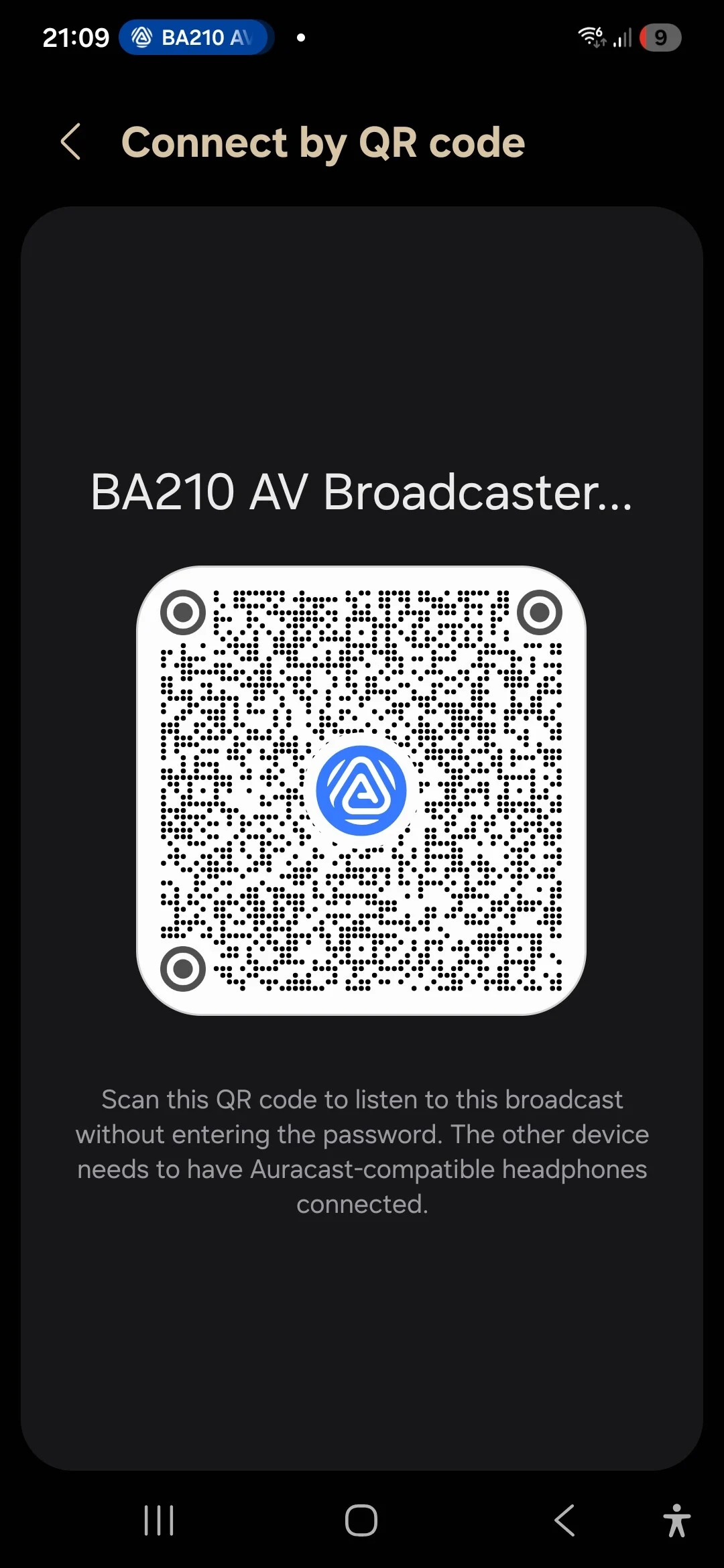
In theory this QR code generated by the Assistant on my S25 may work to pair your aids to the Auracasting device. I need to get some enabled headphones to test it!
You’re ignoring this member’s posts.
31 replies2.3k viewsLast reply
Reading
In theory this QR code generated by the Assistant on my S25 may work to pair your aids to the Auracasting device. I need to get some enabled headphones to test it!
You’re ignoring this member’s posts.

@PhilCreighton Thanks. These are the Andriod feture, not from Starkey APP itself. I believe Starkey APP support that also so users with iPhone also can enjoy ? Bluetooth SIG people told me Starkey support Auracast Assistant now. Is your Starkey APP the latest?
You’re ignoring this member’s posts.
Mine is.
I have no way to connect to an broadcast using the app.
My phone is a Pixel 6a.
Bluetooth LE started I believe with Pixel 7.
Maybe that’s it.
@PhilCreighton also says it’s not in his app.
You’re ignoring this member’s posts.
The Starkey Edge hardware and firmware supports since its launch. However, as of today, Starkey has not yet updated their app to include the Broadcast Assistant (i.e. BA) function. So you need a third party BA to help scan Auracast sources and connect to them. You can use Android phones with built in BA function such as Samsung S23/S24/S25, ZFold 4/5/6, Z Flip 5/6, Pixel 8/9 (8a won’t do) etc. If you have HomeSpot BA210 as the broadcast source, you can also use the QK Assistant iOS app to act as the BA for the Starkey Edge AI - QK Assistant on the App Store57
You’re ignoring this member’s posts.
Cool! This function is not yet available on my S24 OneUI 7.0 Android 15.
This QR Code is in Bluetooth standard format UUID 184F. With this QR Code, you can use QK Assistant iOS app to connect Starkey Edge to broadcasters other than HomeSpot BA210. I have yet to try transmitters from Avantree. But it works for hearing aid friendly broadcasters like GN’s TV Streamer+ and Floogoo FMA120.
You’re ignoring this member’s posts.
As far as we can tell, even the latest Starkey App as of today, whether Android or iOS, doesn’t have BA function built in. We had talked to the SIG people a few times and told them the lack of BA function in the manufacturer apps was an important issue in the roll out. Well, this is the reason we developed QK Assistant, which is an iOS BA app, for BASS-compliant hearing aids and Auracast Rx products lacking BA function in their own manufacturing app. An attempt to facilitate the Auracast deployment.
As far as we know, hearing aid manufacturers were expecting mobile OSes to take up the BA function in the early days of Auracast development. So they didn’t implement the self-scanning function in their hearing aids in the original product planning. It will take them some time to upgrade their firmware and app. Anyhow, we are positive that 2025/2H would be a turning point and we would see more real Auracast support from those manufacturers.
You’re ignoring this member’s posts.
You’re ignoring this member’s posts.
I tried the Avantree broadcaster today and had no success. I tried it on two different Samsung TV’s and it produced no sound. I have an S23ultra phone. The Soundgear website says my Soundamp Edge hearing aids (Starkey made) have the software.
You’re ignoring this member’s posts.
I tried your Audicast 4 today and could not connect to my Soundamp Edge hearing aids which have the software. I tried several different times on 2 samsung smart tv’s to no avail. Would the 4ha be diffent software?
You’re ignoring this member’s posts.
I have the edge .
FWIW, my audio said it a program that has to be added.
I’m not convinced she knows.
Check with COSTCO.
You’re ignoring this member’s posts.
HI Did you follow this guy? https://iug.avantree.com/Audikast-4/EN/33 If still no luck, our support can call you to help with the setup.
You’re ignoring this member’s posts.
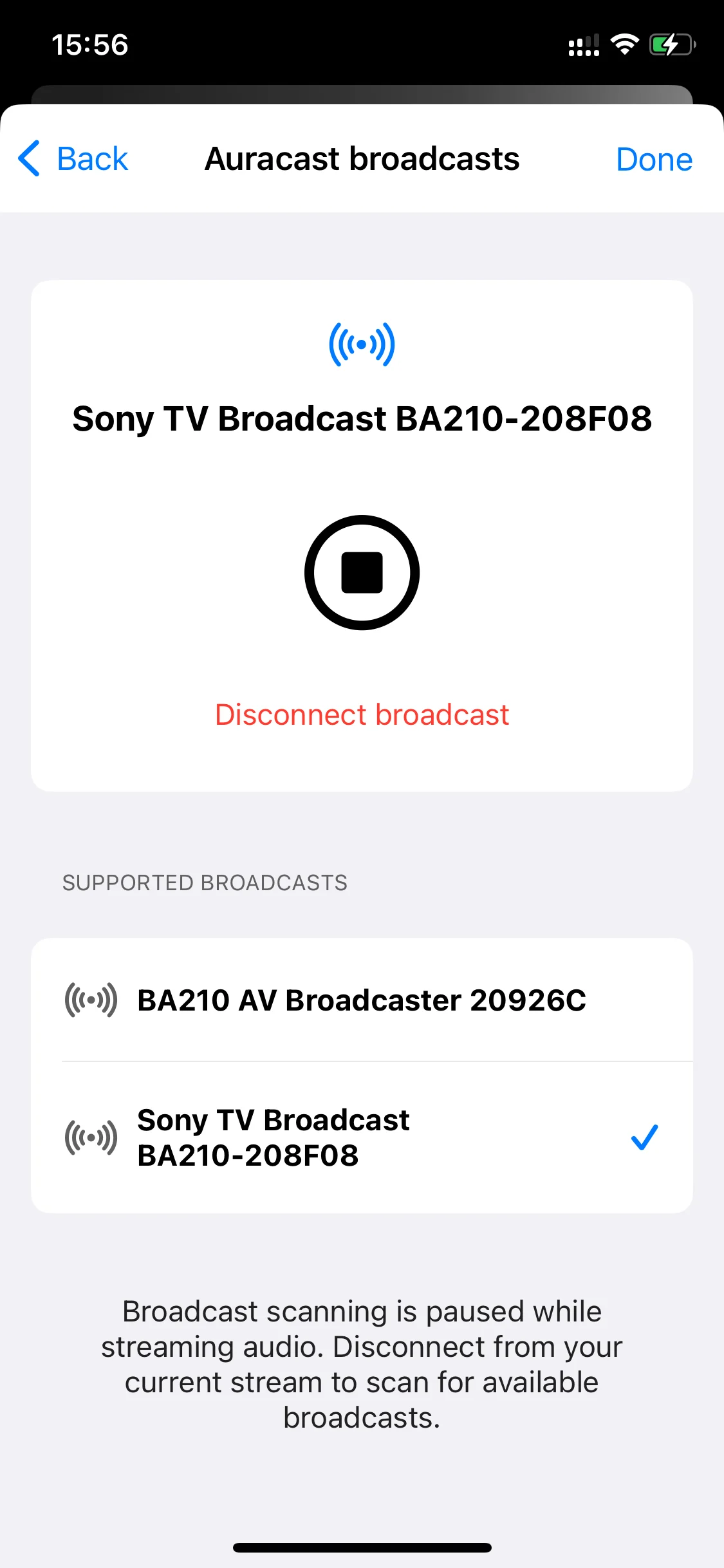
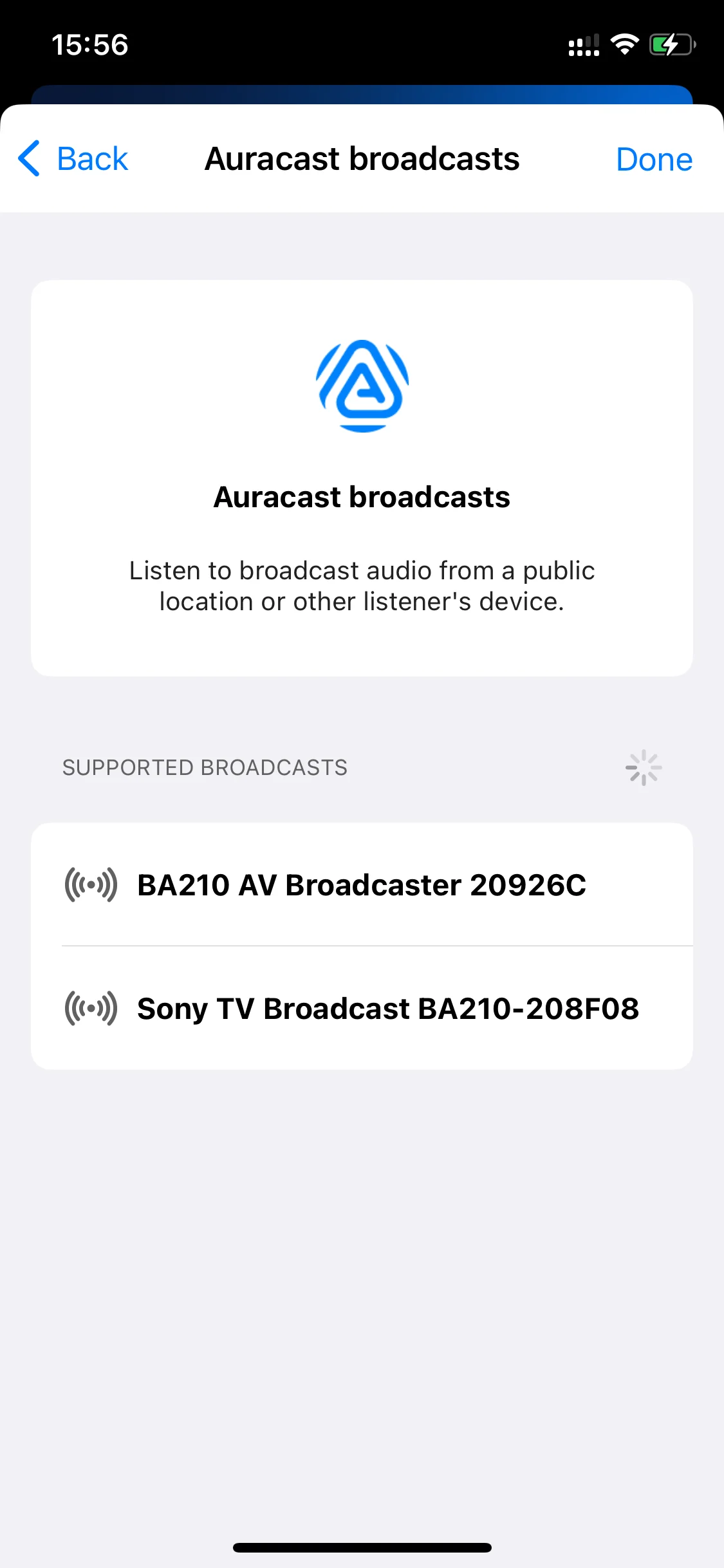
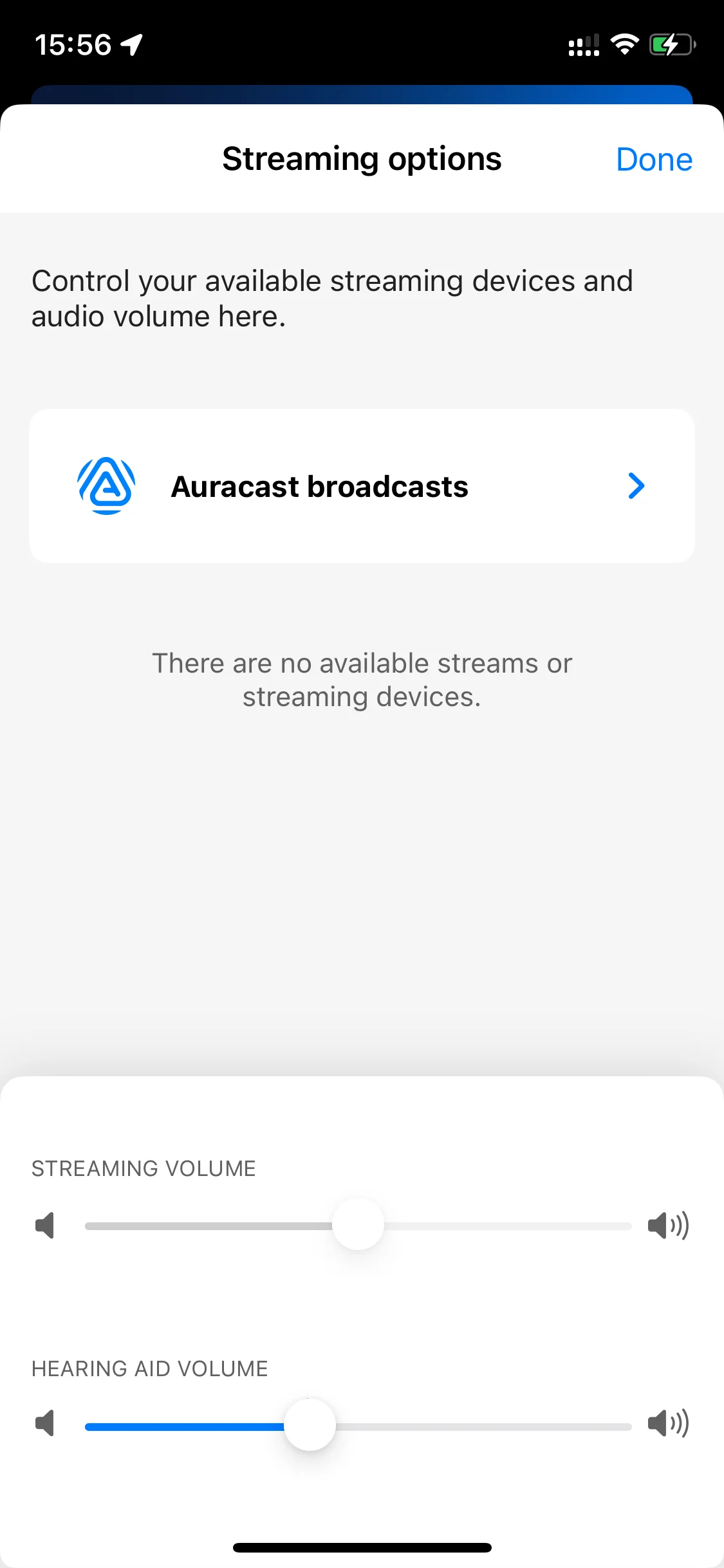
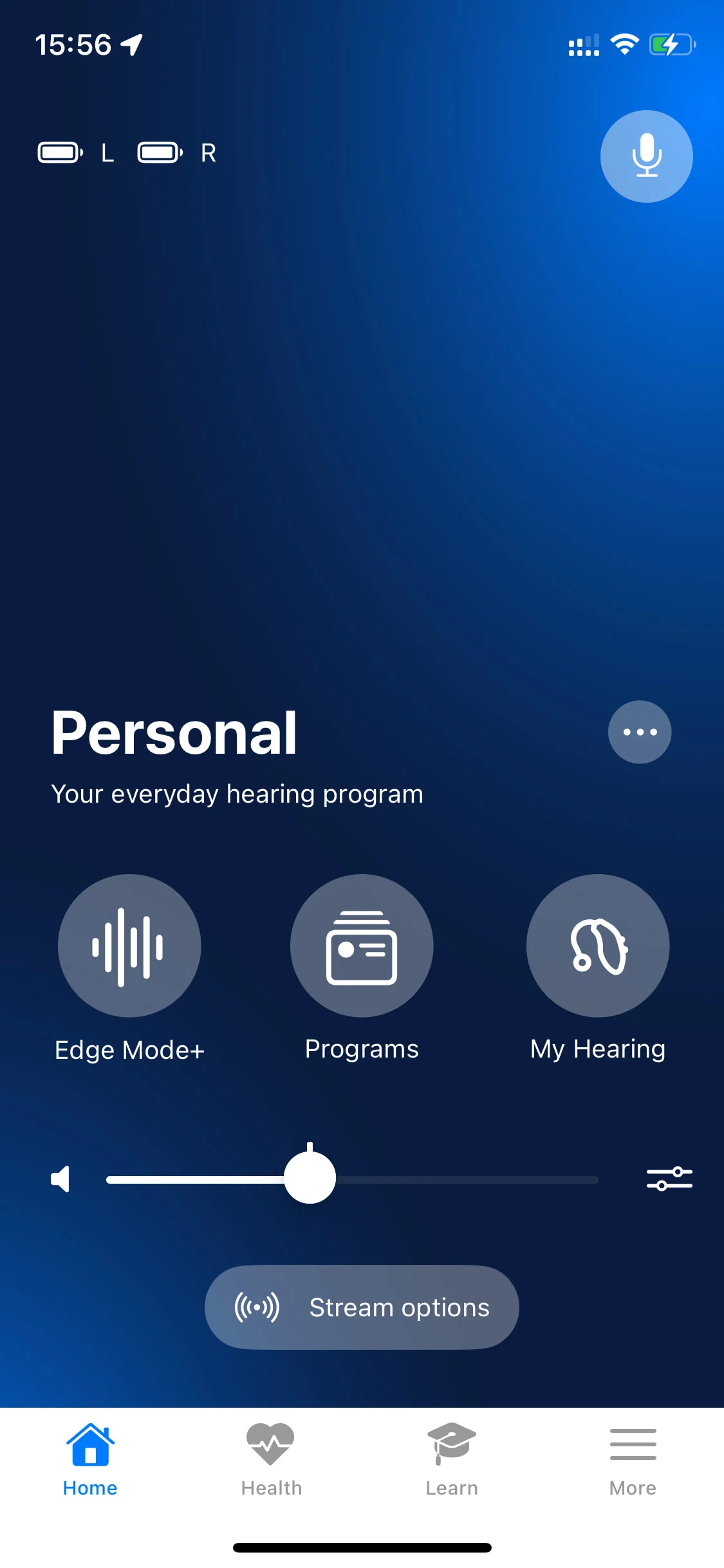
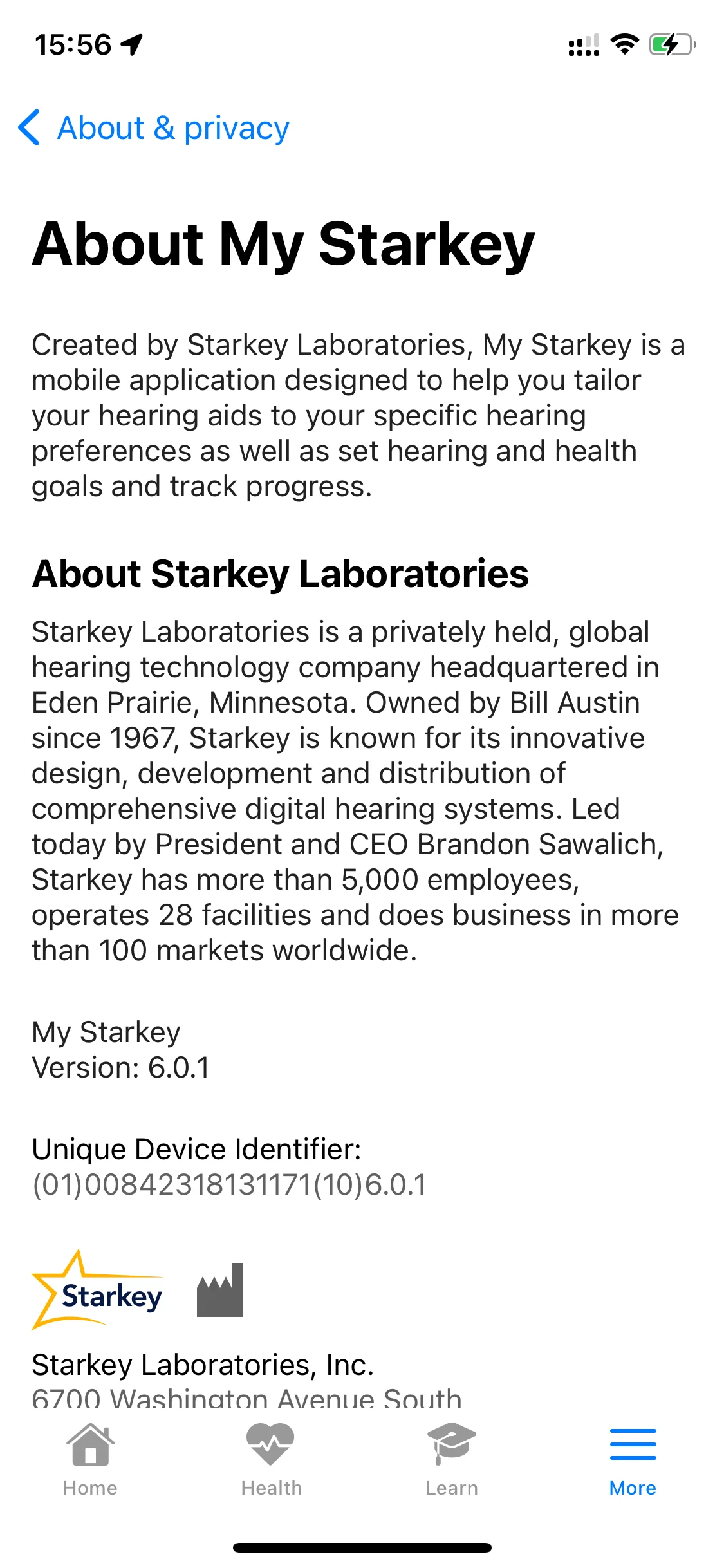
Finally I got my Omega updated and now have a clearer picture. Basically you need to ask your audi to update your Edge AI’s firmware to 10.3.0, and update the My Starkey app to 6.0.1. Then you will be able to use the My Starkey app’s Broadcast Assistant function to search and join streams.
10.30.0 firmware will also work better with QK Assistant (only available on iOS). Some users prefer QK Assistant over the manufacturer’s apps because of its one-tap connect function, although we advise users to use the manufacturer’s apps in general.
You’re ignoring this member’s posts.
Log in to reply to this topic.
Hearing Aids7 replies
Uncategorized1 reply
Hearing Aids1 reply
Hearing Aids174 replies
Hearing Aids52 replies