UPDATE:
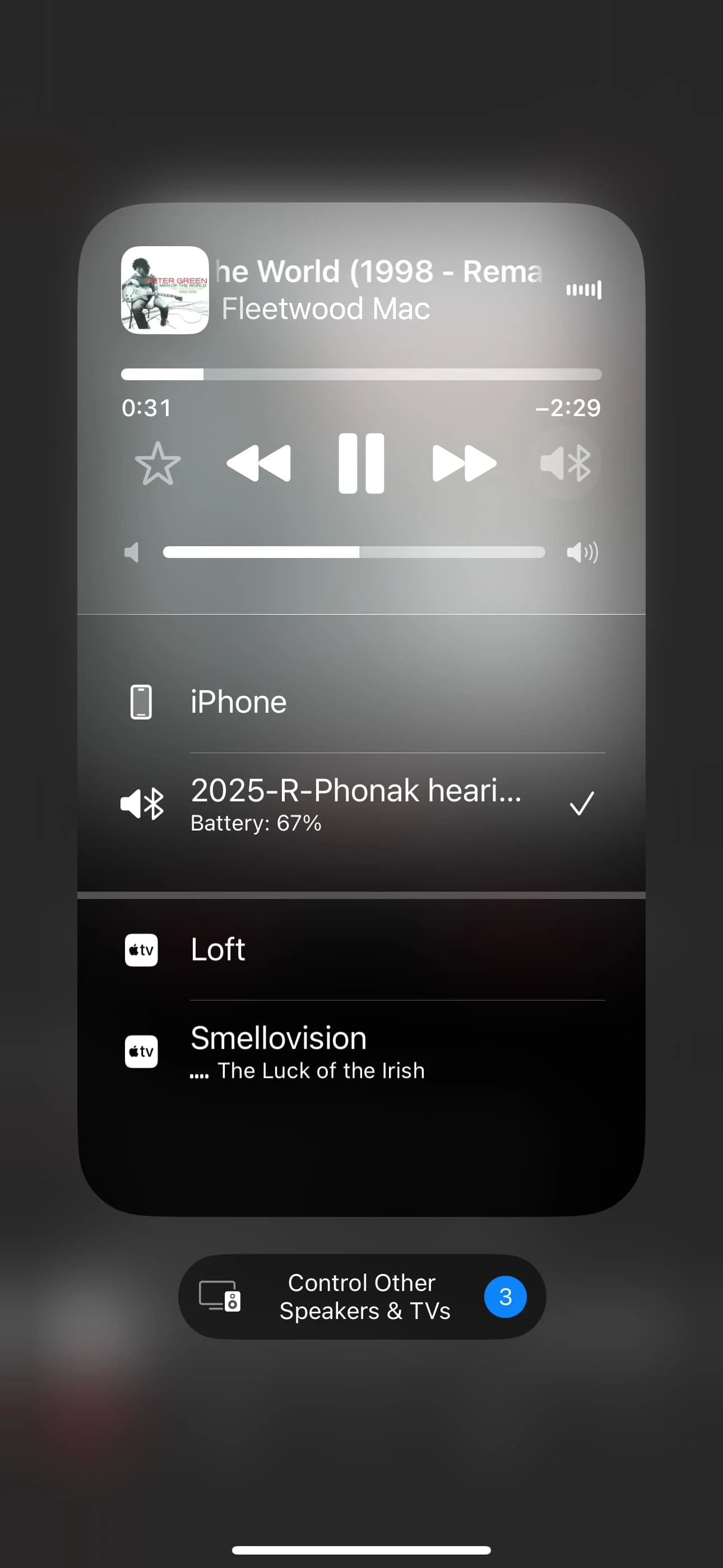
Thanks for all your suggestions! I think the best solution for me is to follow WhiteHat’s suggestion to disable temporarily via the Control Center. That seems the simplest and quickest way. I appreciate all your comments!
I recently began using Phonak Audeo Sphere I90s. They have classic Bluetooth, not , which means that every sound that comes from an iPhone– phone calls, notifications, audio from video clips on the Internet, etc. go directly to the . There is no way to switch them to Speaker. This has created a few issues for me:
- Without HAs or with my older Signia 7AX devices, if I misplaced my iPhone, I simply called it from my landline and tracked down the ringing. Now this is impossible, because the ringing is in my Phonak HAs, regardless of the location of the phone. Also, the various dings and tweets of notifications throughout the day are extremely distracting.
Tech support gave me two options: turn off notifications (nope, I need them) or turn off Bluetooth (giant nope, because without Bluetooth connected, the app won’t function).
I am learning to live with the annoyances, and shut off my devices when I can’t find my phone. I am unhappy that choices for audio don’t exist. - Occasionally I’ll be with another person and want to share with them music or a video with sound on my iPhone. Impossible, because the sound is going to my ears only, and I can’t inconspicuously shut off my devices or disconnect from Bluetooth.
Has anyone come up with a way around these issues– especially the second one, which highlights to everyone that I am hearing impaired? When I try to share something from YouTube or social media with a companion and am told, “There’s no sound,” it’s mortifying! Recently, without thinking, I asked someone to identify a bird from a recording I had made of its song. I felt like a fool, when I selected the recording, and they heard nothing.
You’re ignoring this member’s posts.



 San Francisco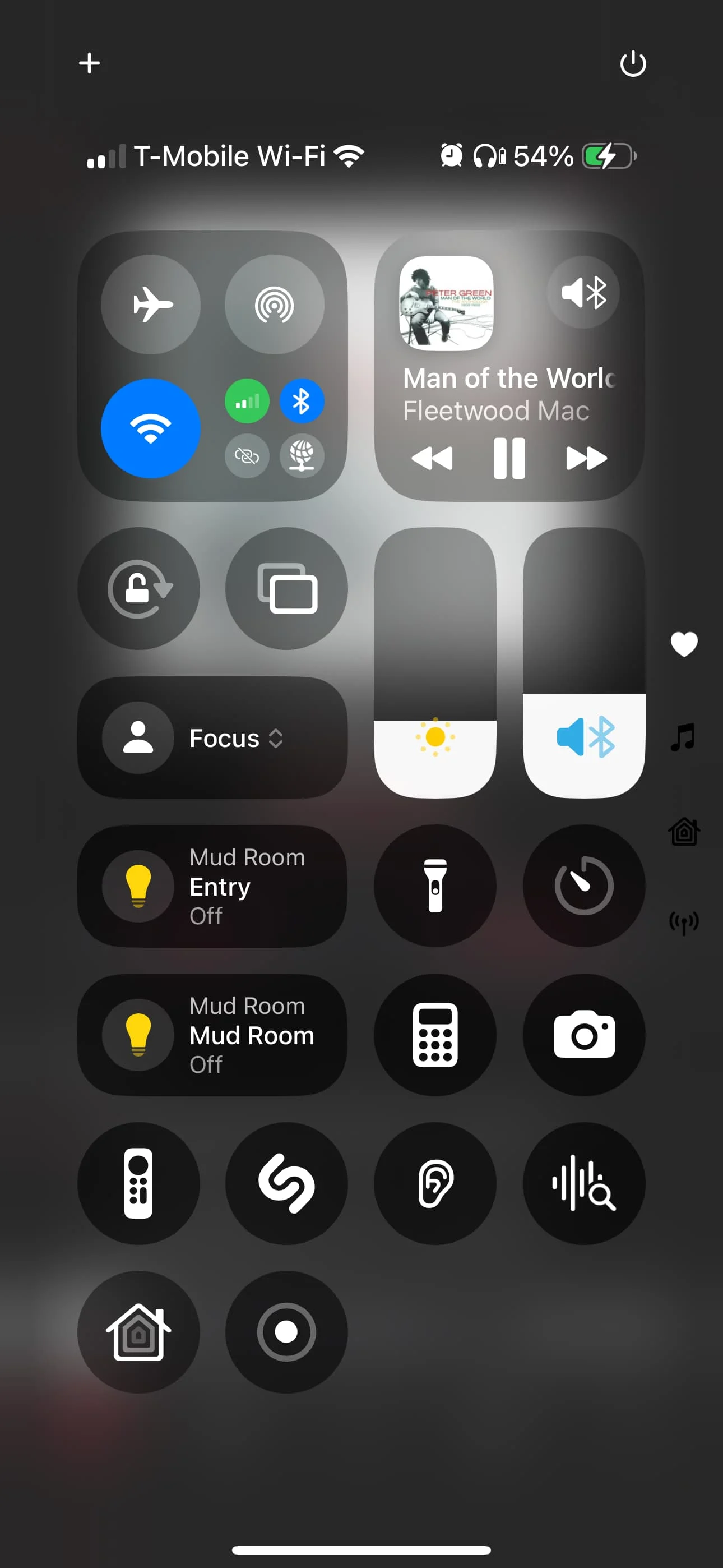


 Geneva, Switzerland