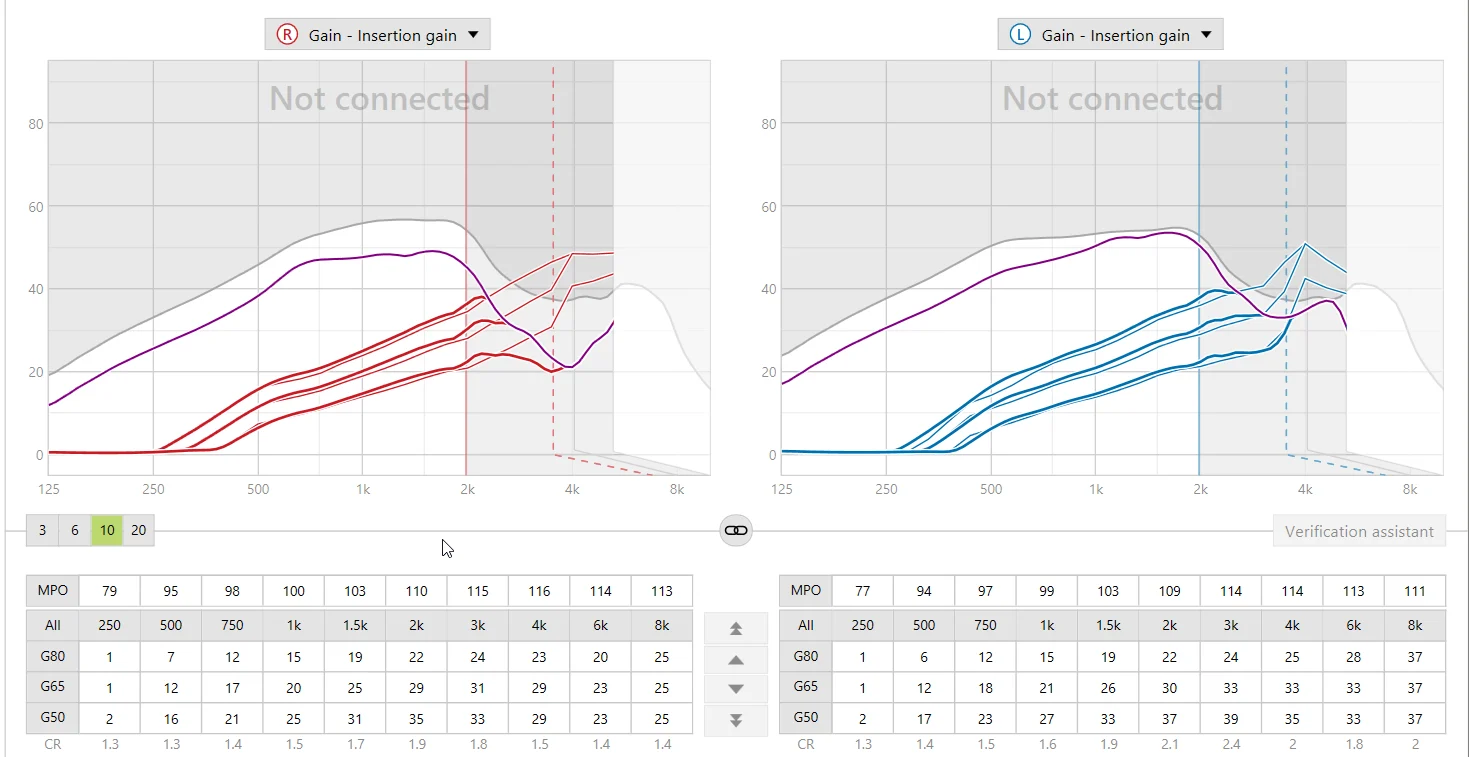
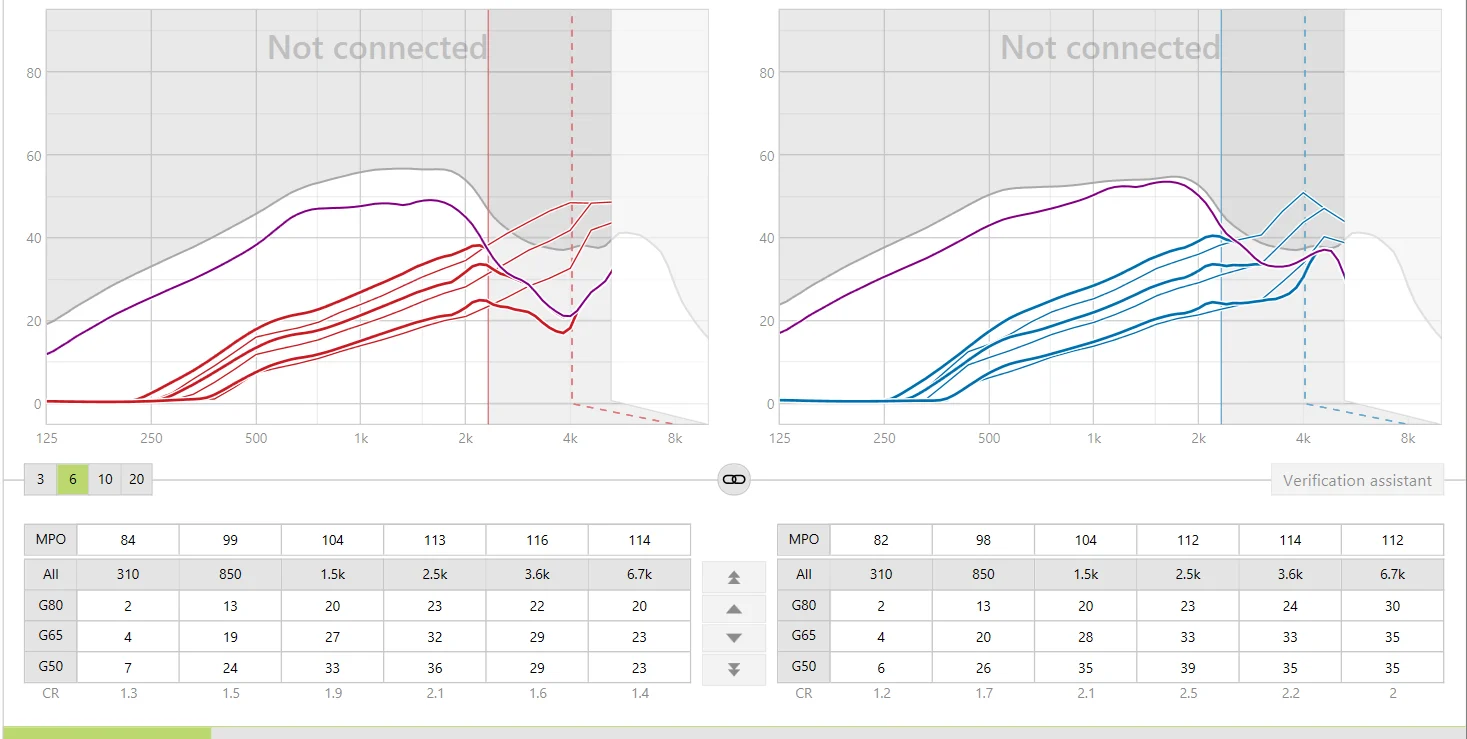
This is a difficult one. I would recommend that you either use Audibility Fine Tuning or (easier to do) use Automatic Fine Tuning. If you go to Automatic Fine Tuning, you can select the type of problem, and then hit the “Fix Issue” button:
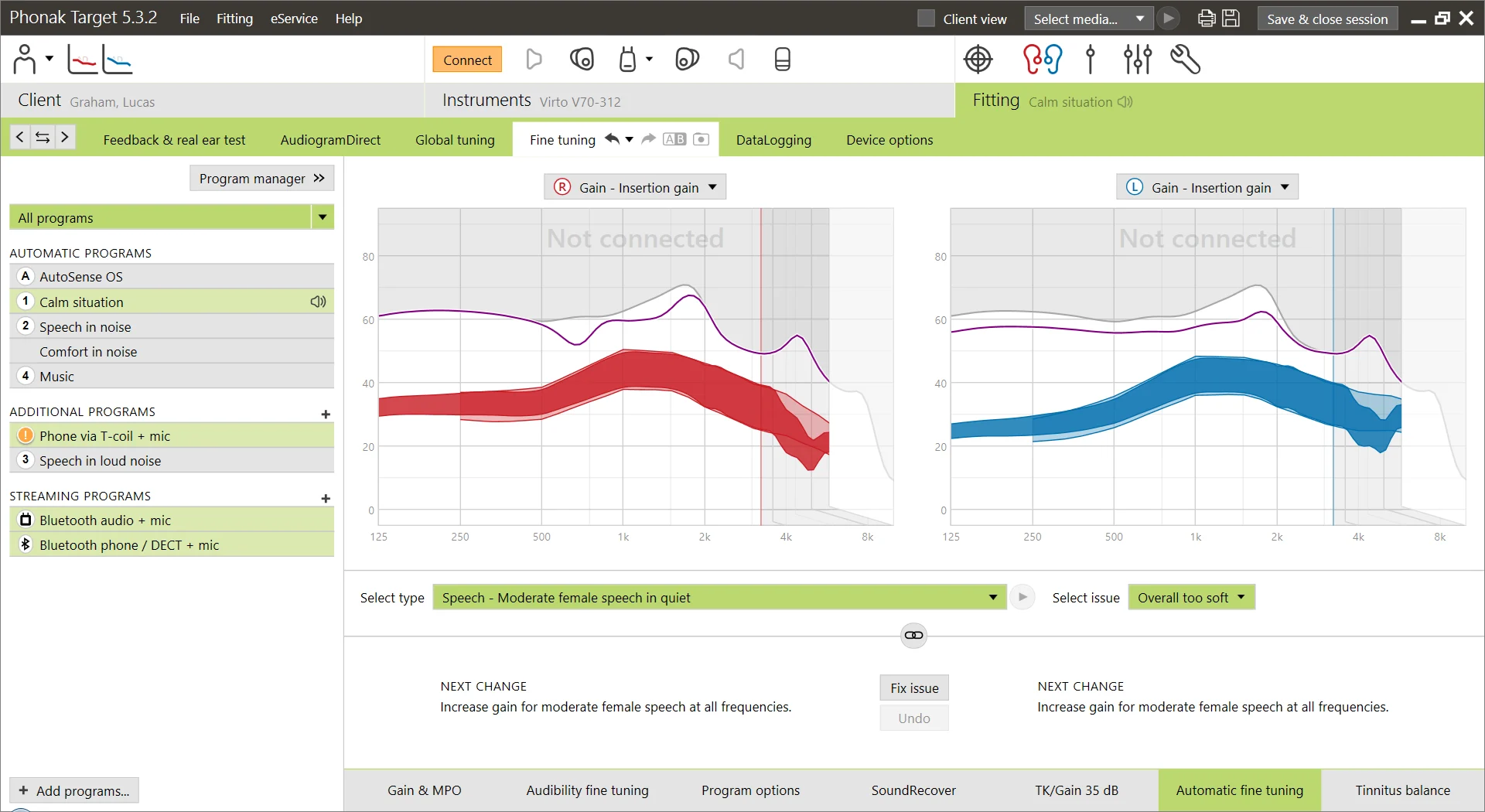
You can see here that I have selected “Speech - Moderate Female Speech in quiet” and then Select Issue - “Overall too soft”. Once you click Fix issue, you should find that it will increase the db across all frequencies that it thinks are affected.
So - if you do it this way, it does it for you - and I think it might be better as it may set other variables - like kneepoints - but I am not sure.
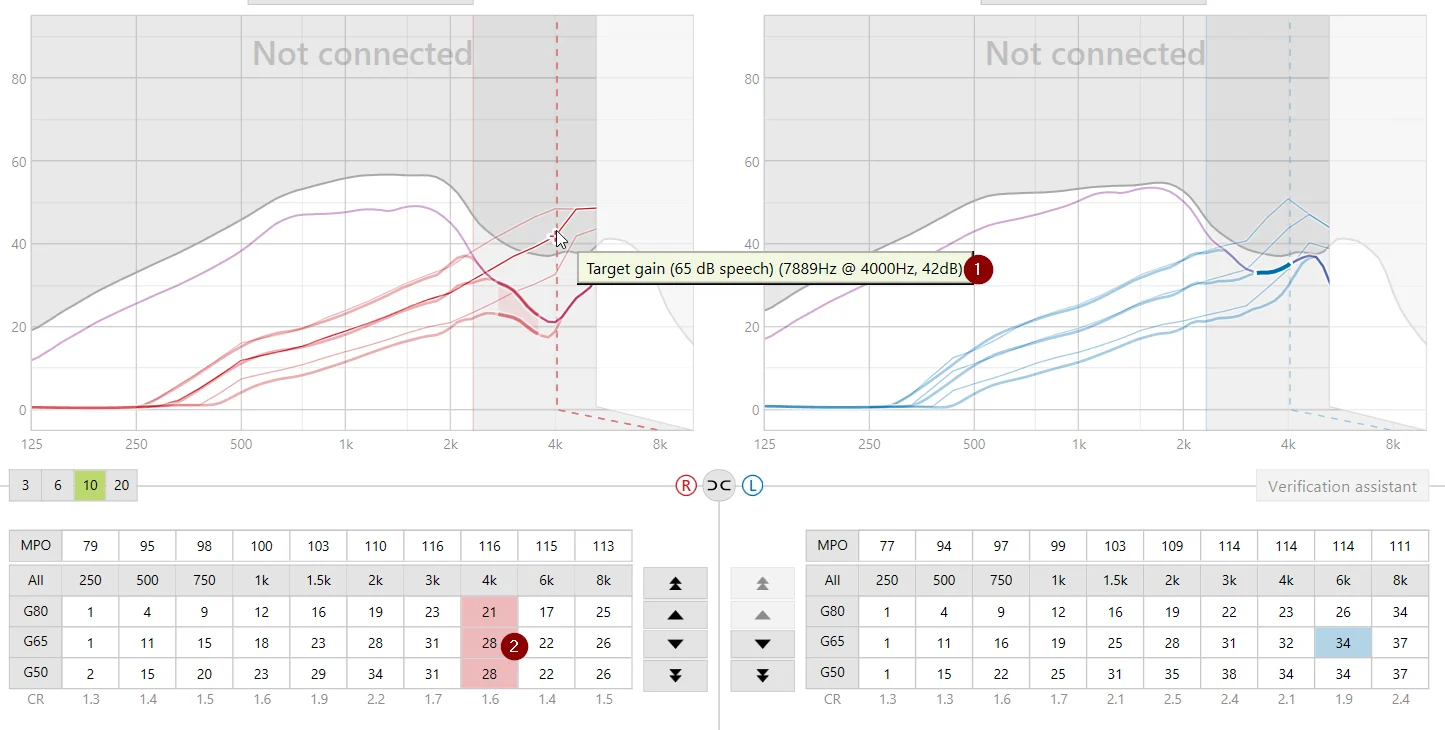
If you do Audibilty Fine Tuning - you have to make the adjustments - but it shows you the regions you need to adjust:
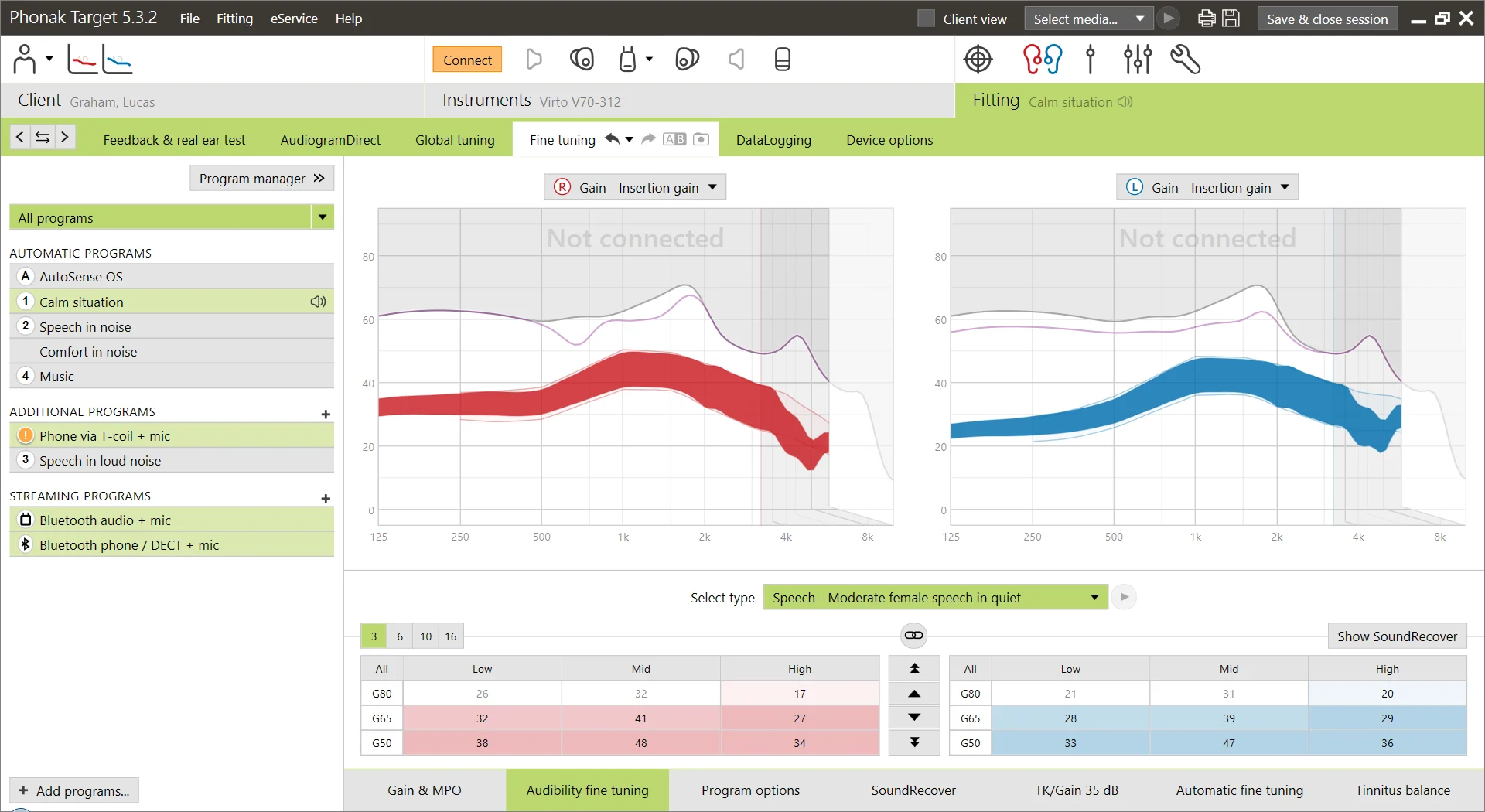
So it has not shaded G80, which I think means that if somebody is already talking at 80db, it’s not likely you will need any more gain!
So you can do it either way. Either way, I would be careful you keep track of your sessions!
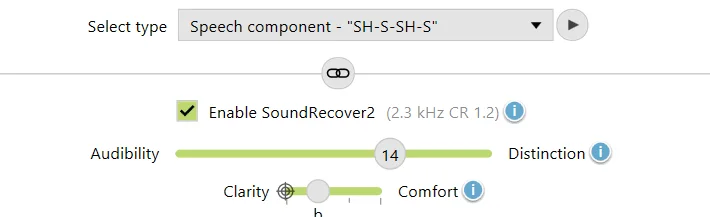
I would also experiment (personally) with switching off SoundRecover2. Yes, SoundRecover2 is supposed to be helpful - but some audiologists I have spoken to, call it the “clarity killer”!!




 . However, I am working in middle East - United Arab Emirates.